AI Try-On Video Generator

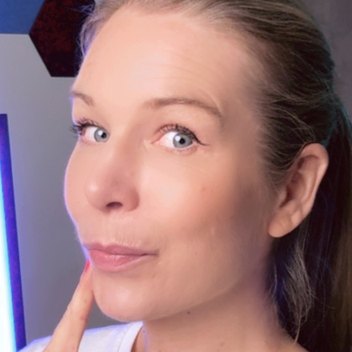
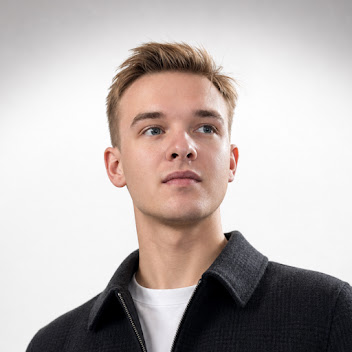
Create a video of a presenter trying on an outfit or shoes, using clothing descriptions or the template's requested photos.
0:00
0:00

On-Foot Try-OnPro

What happens next

  1. ChatCut opens with your files and choices
  2. Sign in and check the credit estimate
  3. The result lands in your project to edit

The result is a generated try-on video. Generation needs a paid plan and credits, with an estimate before the run. Try-on inputs and steps


Trusted by 400,000+ creators

Three scenes for outfits and shoes

Choose a mirror outfit sequence, an on-foot shoe preview or a package-to-outfit reveal.

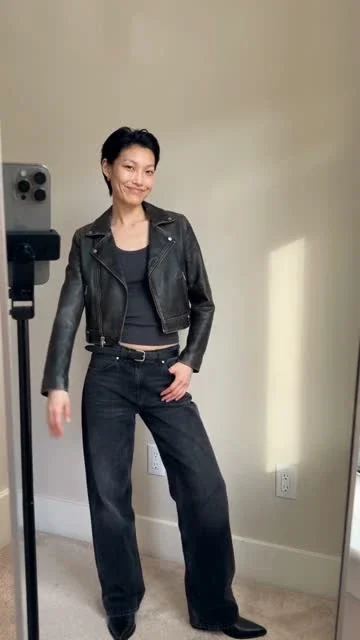
  1. Mirror outfit try-onPro

    For everyday outfit ideas and styling demonstrations.

    Use this style
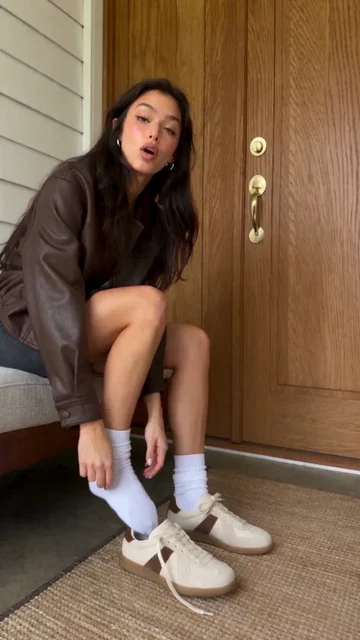
  2. On-Foot Try-OnPro

    For footwear recommendations and on-foot previews.

    Use this style
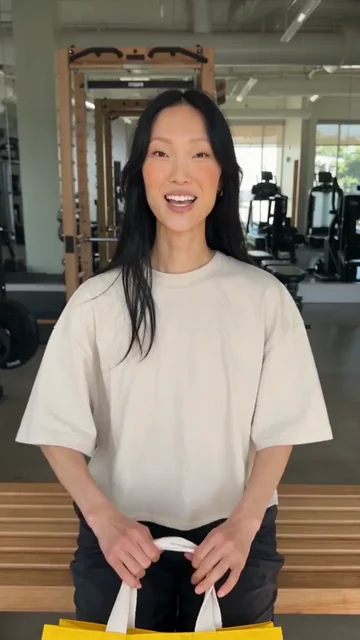
  3. Unbox and try onPro

    For clothing launches and try-on recommendations.

    Use this style

Show the outfit in motion

Give shoppers a short visual introduction to a look, a pair of shoes or a new clothing drop.

  • Build a look at the mirror

    Describe the garments, colors and materials for a step-by-step mirror try-on with your selected presenter.

  • Put your shoes on camera

    On-Foot Try-On uses shoe photos and a presenter to create a video showing footwear details and the shoes being worn.

  • Connect the package to the outfit

    Supply garment and packaging images for a short sequence that starts with unboxing and ends with the clothes on.

  • Finish the fashion clip

    Bring the video into a ChatCut project to trim it, add captions and arrange it with other product footage.

How to make a try-on video

Choose the scene first, because each template asks for different clothing inputs.

  1. 01

    Choose the scene and presenter

    Pick Mirror outfit try-on, On-Foot Try-On or Unbox and try on, then select the presenter the form asks for.

  2. 02

    Describe or show the clothing

    Describe the mirror outfit, add shoe photos for On-Foot, or provide garment and packaging images for Unbox and try on.

  3. 03

    Create and check the result

    Continue to ChatCut, sign in and review the estimate before generating, then compare the clothing details and edit your clip.

Try it above

Try-on scenes for fashion content

Choose the scene that matches the part of your collection you want viewers to notice.

  • Styling ideas

    Describe a layered outfit, including colors and materials, and show the look coming together in a mirror sequence.

  • Footwear launches

    Use your shoe photos for an on-foot preview, with direction about the visible details you want to highlight.

  • New clothing arrivals

    Turn garment and packaging photos into a short arrival story, from opening the bag to showing the outfit on.

Brief the look in your agent

Connect ChatCut in Codex or Claude Code and describe the clothing, scene and output you want.

In Codex

Use ChatCut to create a 15-second, 9:16 mirror outfit try-on with this presenter photo. Build a look with a cream cotton shirt, navy wide-leg jeans and a tan jacket. Show the credit estimate before generating.

Get the Codex plugin

In Claude Code

Use ChatCut to make a 10-second, 9:16 On-Foot Try-On from these shoe and presenter photos. Show the laces, side profile and sole. Do not claim comfort or performance benefits. Show the credit estimate before generating.

Also on Grok and Antigravity. See all plugins.

Keep editing in ChatCut

Your result lands in a ChatCut project. Trim it, add captions, a voiceover or music, then export. Manual editing and export do not use credits.

New on YouTube Seedream 5.5 Is Now in ChatCut Seedream 5.5 in ChatCut
More from our channel All videos

Hundreds of skills for any video

100+ Skills. No experience needed. Start in one click.

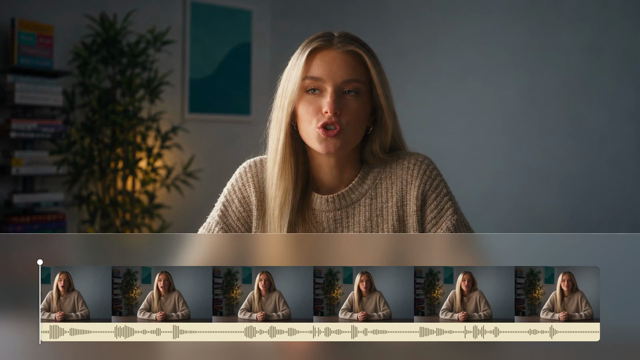
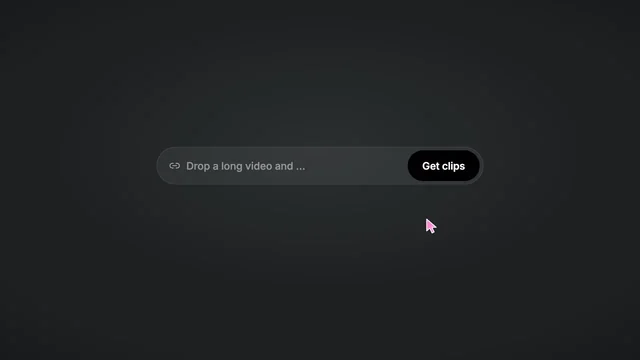
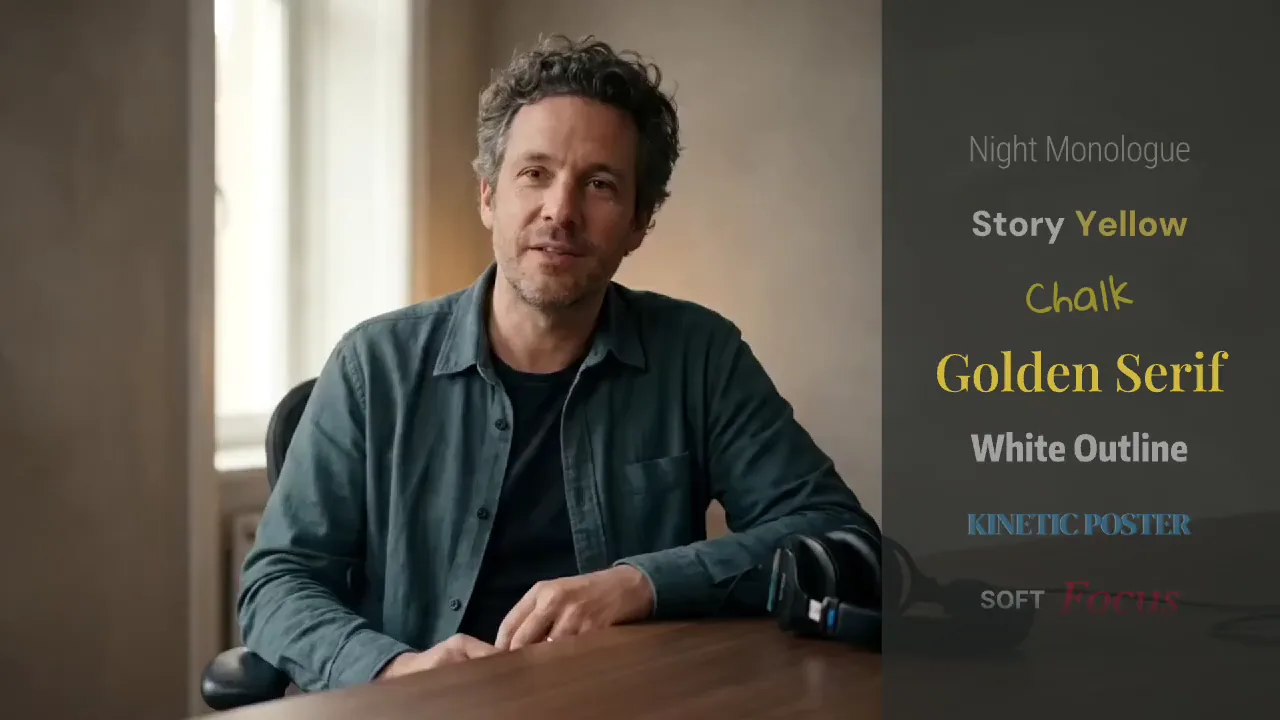
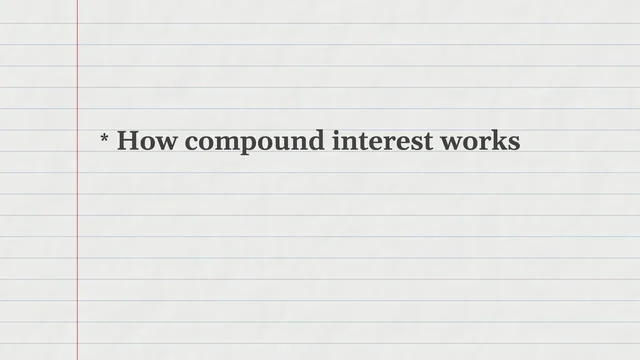
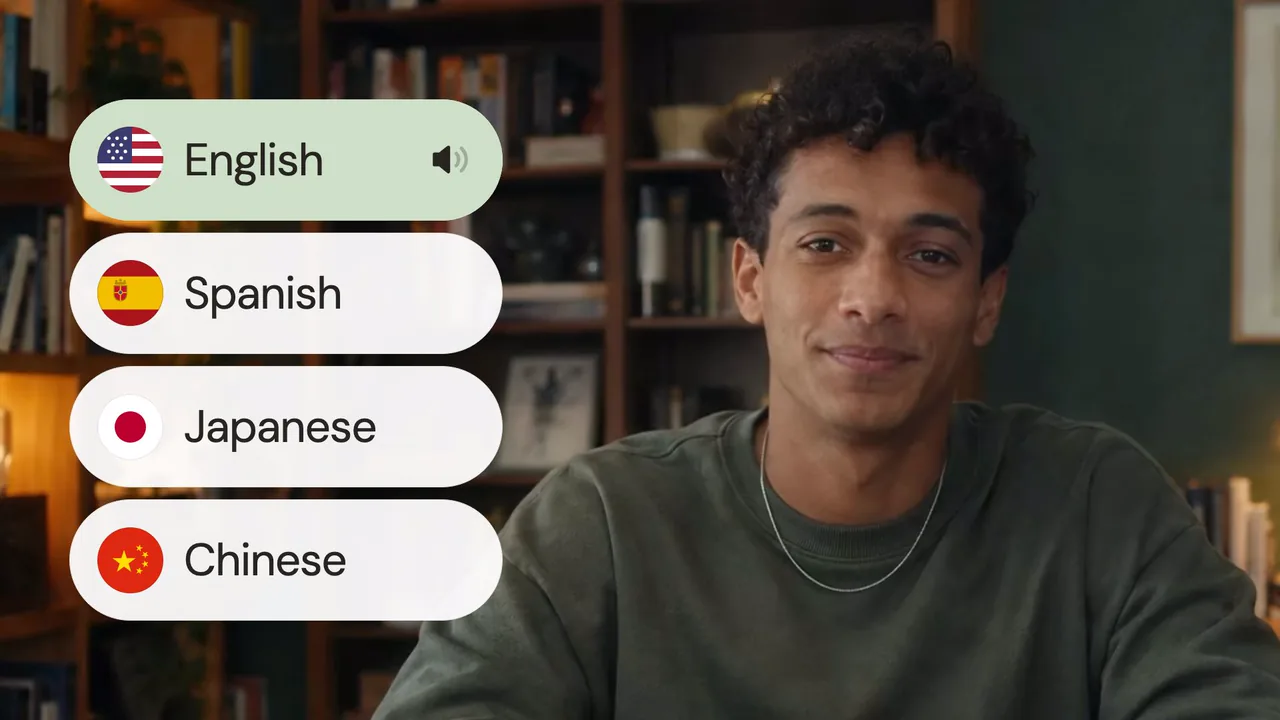
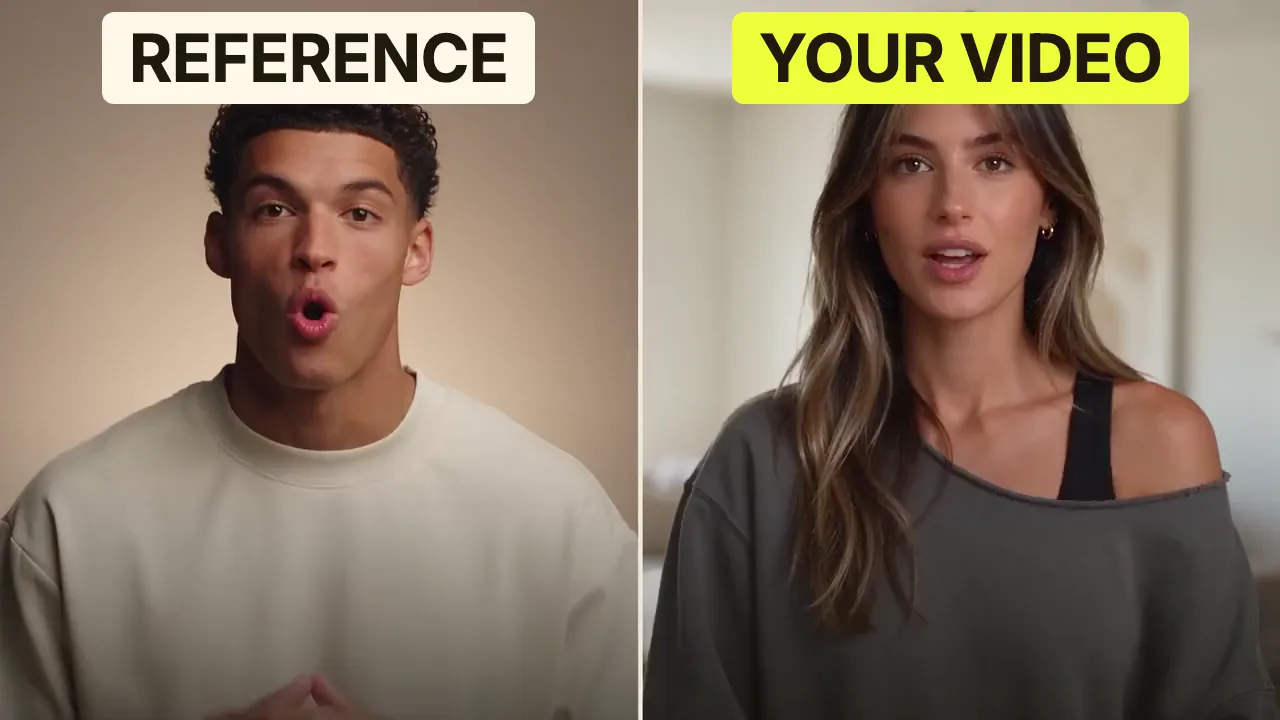
Speech CleanupUpload your talking-head footage. ChatCut automatically cuts out verbal slips, repetition and awkward pauses, keeping your delivery natural and seamless.Long video to shortsPaste a video link or upload a file. ChatCut plans the edits and polishes each clip, turning your long video into multiple short videos ready to publish on their own.Add captionsUpload your talking-head video. ChatCut automatically recognizes the speech, generates captions and applies your selected caption style.Motion Graphics StylesUpload a talking-head video and get motion graphics in the Editorial Explainer style added automatically: notebook chapter pages, grey-paper data charts and yellow highlighter marks, alternating with your on-camera shots like a news explainer. Good for news explainers, current affairs and data stories. If the footage has obvious flubs, repeats or long pauses, it cleans them up first, then packages it. You get a packaged, editable timeline ready to tweak and export. Works best with clear audio and one presenter.Editorial ExplainerVideo TranslationUpload a video and choose a target language. ChatCut automatically translates and dubs the speech, syncs lip movements, preserves the original voice and adds captions as needed.Talking-Head Edit RecreationEdit your talking-head footage with the cuts and styling of a reference video. Share a talking-head video you like (upload it or paste a link), then add your own recording. AI breaks down the reference's pacing, captions and on-screen text, motion graphics, B-roll, framing and sound, and applies them to what you say. You get a finished video and an editable project. It uses your own footage throughout, with no face swaps or generated shots.

Subscribe to get your AI video editor

Unlock member features, models, and export allowances. Get more credits every month

Starter

$21 /month $25

Billed annually · $252

16% off
Get started
  • 100 credits / month
  • 41 Seedance 2.5 videosIllustrative new-user estimates, not guaranteed amounts or your quote. Each example spends all credits on one model. Video and image examples use the prompt “A red circle on a plain white background.” with no reference media; images use PNG. Actual costs vary with settings and generated tokens.
  • 588 Nano Banana 2.1 imagesIllustrative new-user estimates, not guaranteed amounts or your quote. Each example spends all credits on one model. Video and image examples use the prompt “A red circle on a plain white background.” with no reference media; images use PNG. Actual costs vary with settings and generated tokens.
  • AI editing for ~5 projectsEstimated from typical use. Projects aren't limited, and credits vary with project complexity. Editing through external agents like Claude Code or Codex uses no credits, but generating content still does
  • Parallel: 2 videos, 4 images
  • Create 1 voice clone, 1 avatar
  • Extra credit discount
  • Access to all AI modelsIncludes the most advanced models: Seedance 2.5, Kling 4.0, GPT Image 2.6, Nano Banana 2.1, music and voice generation
  • Full AI editing and video editor
  • 4K video export
  • Transparent MG export

Plus

$38 /month $50

Billed annually · $456

24% off
Get started
  • 200 credits / month
  • 82 Seedance 2.5 videosIllustrative new-user estimates, not guaranteed amounts or your quote. Each example spends all credits on one model. Video and image examples use the prompt “A red circle on a plain white background.” with no reference media; images use PNG. Actual costs vary with settings and generated tokens.
  • 1,176 Nano Banana 2.1 imagesIllustrative new-user estimates, not guaranteed amounts or your quote. Each example spends all credits on one model. Video and image examples use the prompt “A red circle on a plain white background.” with no reference media; images use PNG. Actual costs vary with settings and generated tokens.
  • AI editing for ~10 projectsEstimated from typical use. Projects aren't limited, and credits vary with project complexity. Editing through external agents like Claude Code or Codex uses no credits, but generating content still does
  • Unlimited parallel generations
  • Unlimited voice clones, avatars
  • Extra credits 10% off
  • Access to all AI modelsIncludes the most advanced models: Seedance 2.5, Kling 4.0, GPT Image 2.6, Nano Banana 2.1, music and voice generation
  • Full AI editing and video editor
  • 4K video export
  • Transparent MG export
Most popular

Pro

$72 /month $100

Billed annually · $864

28% off
Get started
  • 400 credits / month
  • 164 Seedance 2.5 videosIllustrative new-user estimates, not guaranteed amounts or your quote. Each example spends all credits on one model. Video and image examples use the prompt “A red circle on a plain white background.” with no reference media; images use PNG. Actual costs vary with settings and generated tokens.
  • 2,352 Nano Banana 2.1 imagesIllustrative new-user estimates, not guaranteed amounts or your quote. Each example spends all credits on one model. Video and image examples use the prompt “A red circle on a plain white background.” with no reference media; images use PNG. Actual costs vary with settings and generated tokens.
  • AI editing for ~20 projectsEstimated from typical use. Projects aren't limited, and credits vary with project complexity. Editing through external agents like Claude Code or Codex uses no credits, but generating content still does
  • Unlimited parallel generations
  • Unlimited voice clones, avatars
  • Extra credits 15% off
  • Access to all AI modelsIncludes the most advanced models: Seedance 2.5, Kling 4.0, GPT Image 2.6, Nano Banana 2.1, music and voice generation
  • Full AI editing and video editor
  • 4K video export
  • Transparent MG export
Lowest credit price

Max

$141 /month $200

Billed annually · $1692

30% off
Get started
  • 800 credits / month
  • 329 Seedance 2.5 videosIllustrative new-user estimates, not guaranteed amounts or your quote. Each example spends all credits on one model. Video and image examples use the prompt “A red circle on a plain white background.” with no reference media; images use PNG. Actual costs vary with settings and generated tokens.
  • 4,705 Nano Banana 2.1 imagesIllustrative new-user estimates, not guaranteed amounts or your quote. Each example spends all credits on one model. Video and image examples use the prompt “A red circle on a plain white background.” with no reference media; images use PNG. Actual costs vary with settings and generated tokens.
  • AI editing for ~40 projectsEstimated from typical use. Projects aren't limited, and credits vary with project complexity. Editing through external agents like Claude Code or Codex uses no credits, but generating content still does
  • Unlimited parallel generations
  • Unlimited voice clones, avatars
  • Extra credits 20% off
  • Access to all AI modelsIncludes the most advanced models: Seedance 2.5, Kling 4.0, GPT Image 2.6, Nano Banana 2.1, music and voice generation
  • Full AI editing and video editor
  • 4K video export
  • Transparent MG export

Free

$0No credit card required

  • Free credits at signup
  • Full video editor
  • Unlimited local export
  • AI captions and transcription
  • Motion graphics
  • 1 voice clone with preview
Try for free

Some features are completely free in Codex, Claude, and WorkBuddy. Learn More

AI clothes changer video FAQ

Does this AI clothes changer return a photo or a video?

These templates generate short videos of a presenter trying on clothing or shoes. Choose a mirror outfit sequence, an on-foot shoe preview or an unboxing that ends with the outfit on. This page does not offer a still-photo outfit replacement tool.

How do I make a mirror outfit sequence?

Choose Mirror outfit try-on, select or upload a presenter photo, and describe the garments, colors and materials. Continue to ChatCut to sign in, check the estimate and start the run. This page prepares your choices without uploading files or charging your account.

Which template accepts clothing photos?

Unbox and try on accepts garment and packaging or shopping-bag images alongside the presenter. On-Foot Try-On uses shoe photos and a selected presenter. Mirror outfit try-on uses a presenter image and written outfit details, rather than garment-photo uploads.

Can I make an AI outfit swap for shoes?

Choose On-Foot Try-On to generate a footwear video from your shoe photos and selected presenter. It shows the shoes being worn and highlights their details. It creates a new video rather than swapping shoes in an existing photograph.

Can I start with a bag and finish with the outfit on?

Yes, Unbox and try on is designed for that sequence. Provide clothing and packaging images, choose a presenter and describe the details to emphasize. Review the garment and packaging in the generated result before exporting.

What are the output limits for each try-on scene?

Mirror outfit try-on and Unbox and try on offer 5, 10 or 15 seconds at 720p in 16:9, 9:16, 3:4, 1:1 or 4:3. On-Foot Try-On also generates at 720p, with whole-second durations from 4 to 15 seconds and the additional 21:9 shape. Use the selected form's settings for the scene you want.

Is AI try-on video generation free?

No, video generation requires a paid ChatCut plan and consumes credits. Review the estimate in ChatCut before you run it; every redo is a new paid task. Manual editing, adding captions and exporting do not consume credits.

Can I trim the outfit sequence or add captions?

Yes, bring the result into a ChatCut project to shorten it, add captions or arrange it with other clips. Manual timeline edits do not require generating the video again. Asking for a new generated take is a separate paid job.

Can I request the try-on through Claude Code or Codex?

Follow the Codex setup guide, or connect ChatCut in Claude Code, then share the outfit brief and required photos. The plugin does not install into the ChatGPT or Claude websites. Hosted generation uses your ChatCut plan and credits, alongside the host agent's separate allowance.

Will the video tell me which clothing size fits?

No, these templates make promotional try-on videos rather than measuring a person's body or calculating clothing size. Use them to show a look or product detail. Check colors, materials, logos and garment shape against your real product before publishing.

Guides: Product ads and try-on guide · All Skills