AI Video Editor
The conversational AI video editor. Describe your edit in plain English, ChatCut handles the timeline. Free to start, browser-based, no download.
You shouldn’t have to learn a video editor to edit a video. ChatCut is the AI video editor where you describe what you want, and the timeline updates while you watch. No menus to dig through. No tutorials to memorize. No download.
Don’t click menus. Just tell ChatCut what you want.
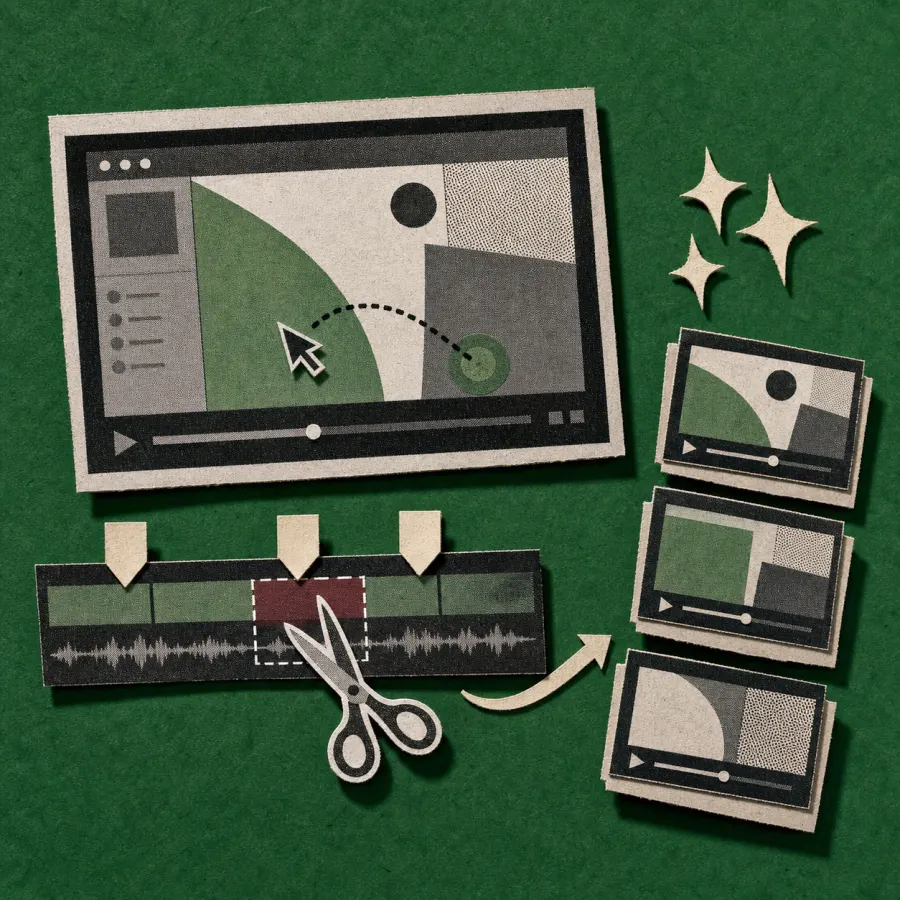
Type “Cut every silence longer than two seconds” and the gaps disappear. Type “Make a 30-second highlight reel from this interview” and you’ll see one. Manual control is always there if you want it, but most edits never leave the chat.

What is an AI video editor?
An AI video editor is a video editor where the cuts, captions, transitions, and motion graphics are generated by AI from natural-language requests, instead of being placed by hand on a timeline. The AI reads your footage (visuals, audio, transcript) and produces an edited result that you can refine.
There are three flavors of AI video editing on the market today:
- Template-driven: pick a template, drop in your clips, AI swaps text and music. CapCut, Canva, InVideo work this way.
- Button-driven: a panel of AI features (auto captions, B-roll, filler removal). Descript, VEED, Kapwing work this way.
- Conversational: you describe the edit, the AI executes it across the timeline. ChatCut works this way.
The conversational model is newer and rarer. It’s also the one that holds up when your edit doesn’t fit a template and your idea won’t fit on a button.
Why use ChatCut as your AI video editor
Five things make ChatCut different from the AI video editors you’ve already tried:
- Conversational, not button-shaped. You don’t hunt through menus for an “auto-cut silence” toggle. You ask for it. The AI figures out which feature to use.
- Real multi-track timeline. Most browser-based AI video editing tools give you a single track and call it a day. ChatCut runs nine timeline element types (video, audio, image, GIF, text, captions, solid color, motion graphics, SVG) across unlimited tracks, with ripple edits, roll edits, and frame-level shortcuts.
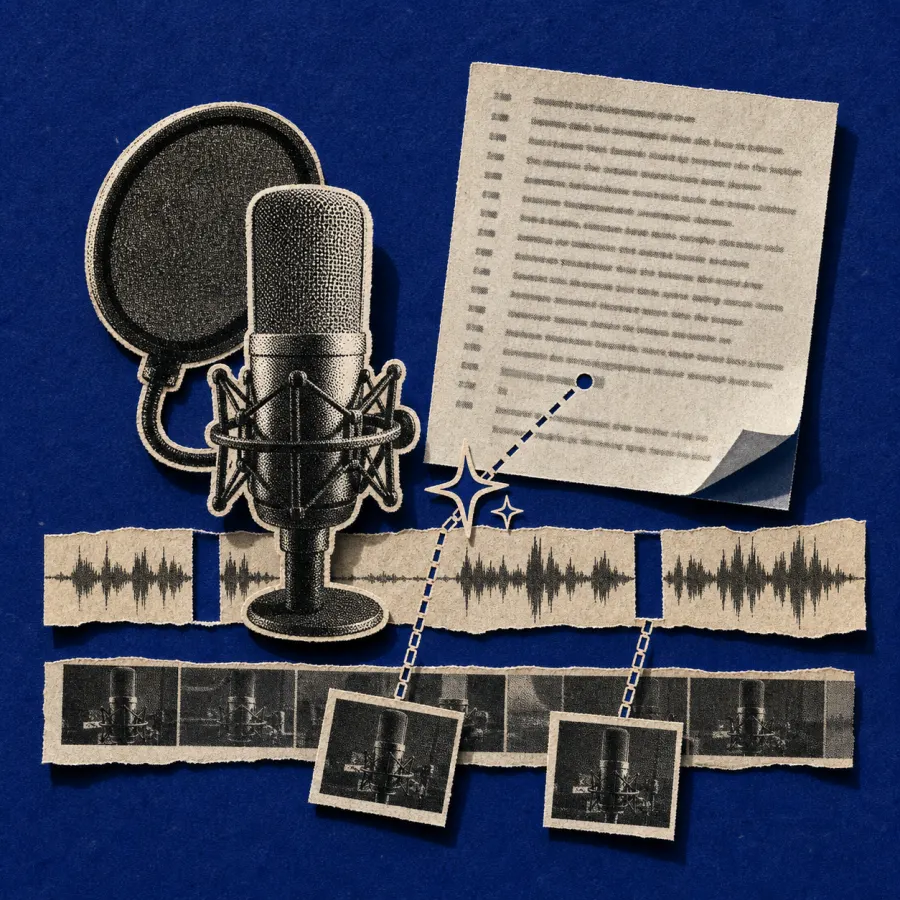
- Text-based editing. Every video gets transcribed with word-level timestamps. Delete a word in the transcript, the audio and video disappear from the timeline. It’s the fastest way to clean up interviews, podcasts, and talking-head clips.
- Real-time collaboration. Multiple editors on one project, syncing in milliseconds via the Zero engine. Like a Google Doc for video.
- Browser-based, cloud-rendered. No download, no install, no fan noise. Long renders happen on AWS, not your laptop.
If you want a deeper read on what changes when AI joins the editor, our roundup of the best AI video editors lays out the three camps in detail.
How to edit videos with AI in 4 steps
Upload your footage
Drop in any video format (MP4, MOV, M4V, WebM). ChatCut transcodes it to H.264, generates a transcript, and indexes the audio in the background.
Describe your edit
Open the AI chat panel and type what you want. 'Cut all silences longer than 2 seconds.' 'Find the three best moments and make a highlight reel.' 'Add captions in the style of Mr Beast.'
Review and adjust
Watch the result on the timeline. Tweak it the same way: 'Make the captions bigger.' 'Move the conclusion to the start.' Or jump on the timeline and edit by hand.
Export
Render in 480p, 720p, or 1080p. Cloud rendering means you can close the tab and come back to your finished file.
What you can do with AI video editing
ChatCut handles the editing tasks creators actually do, not just the demo-friendly ones:
- Auto-cut silences and filler words. “Remove every um, uh, and pause longer than 1.5 seconds.”
- Generate captions in your style. AI captions with word-level timing, six preset styles, full color and stroke control.
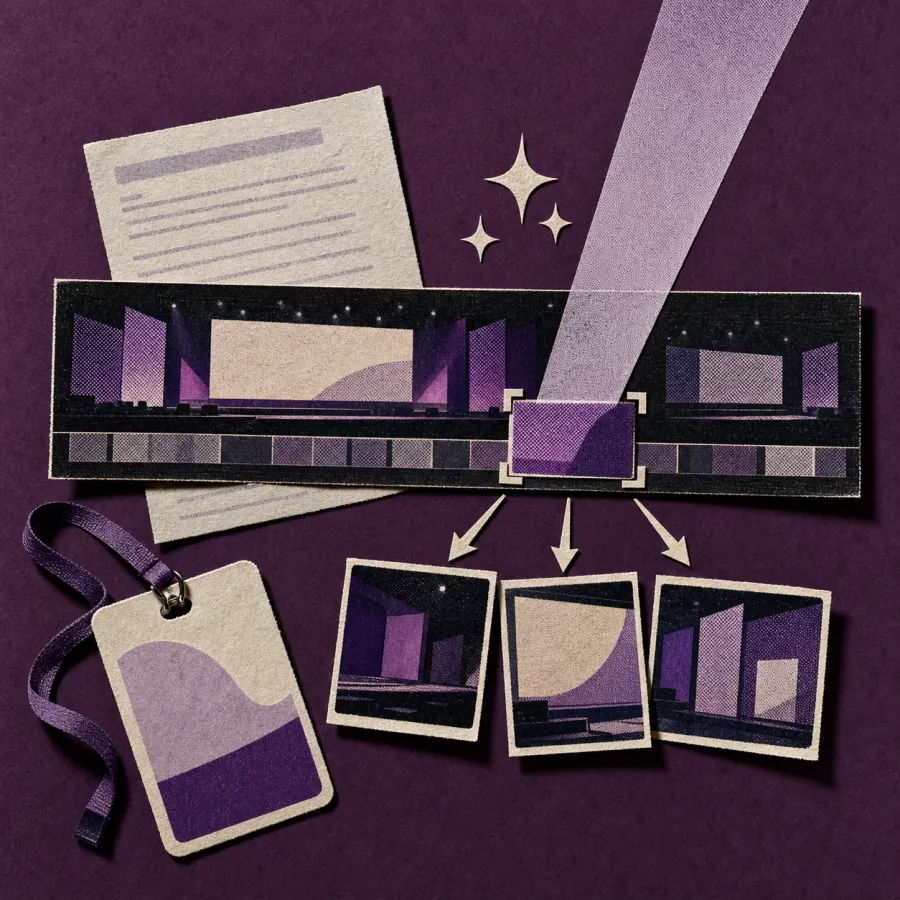
- Make a highlight reel. “Find the most quotable 30 seconds from this 40-minute interview.”
- Edit by transcript. Delete words, reorder paragraphs, drop entire sections. The timeline follows. See text-based editing.
- Add motion graphics from a prompt. “Add a lower third with my name and title, blue gradient.” Generated in seconds, exported with ProRes 4444 alpha on Pro.
- Generate B-roll and product shots. AI video generation with Seedance 2.0 directly in the editor.
- Voiceover in 20+ languages. TTS narration with multi-language support.
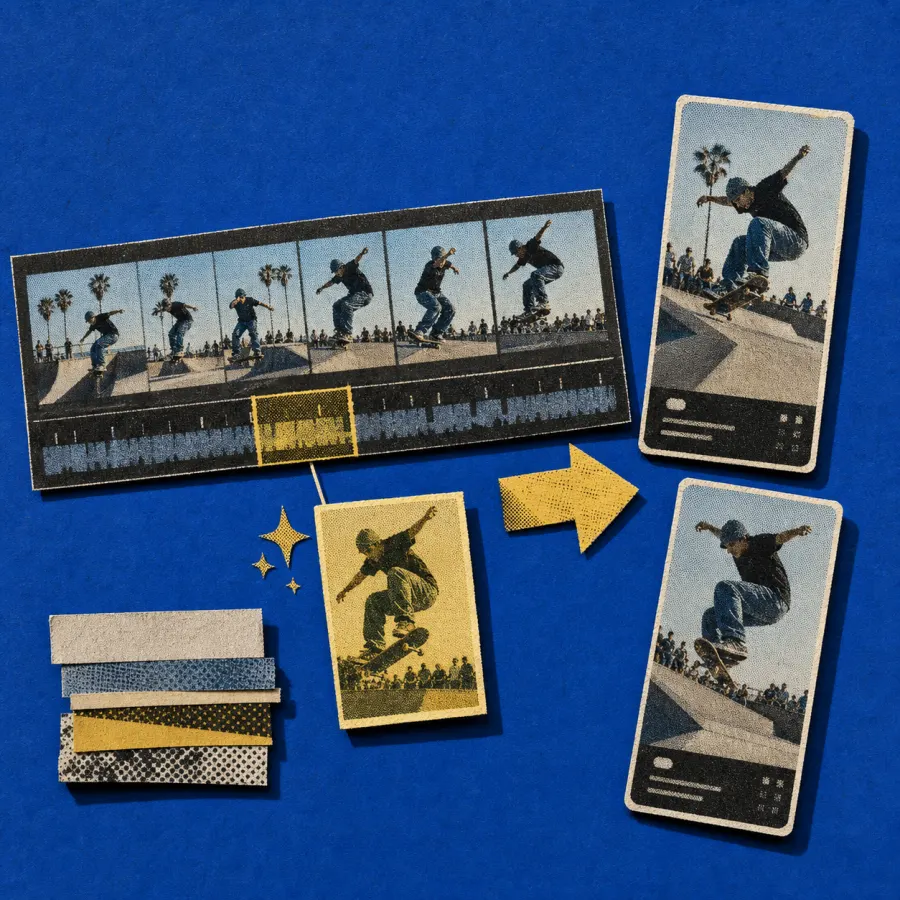
- Reframe for any aspect ratio. 16:9, 9:16, 1:1, 4:3, 3:4. Switch in one click.
- Real-time collaboration. Two editors on one timeline, syncing through the Zero engine.
You’re not picking from a menu of “AI features.” You’re describing the edit, and ChatCut routes it to the right tools.
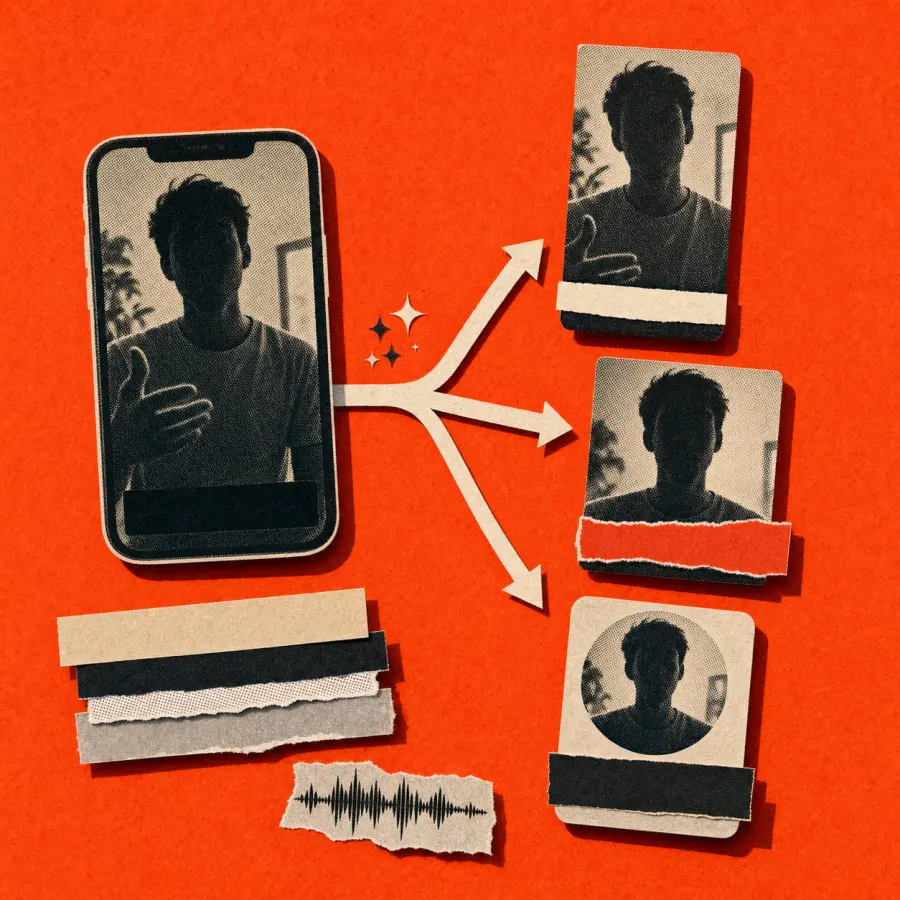
ChatCut tightened the cut by 1:42, removed 38 filler words, generated captions in the default style, and produced a 9:16 reframe alongside the 16:9 master.
Free AI video editor for everyone
ChatCut starts free. No credit card. No watermark on edits below the credit cap. You can try the AI chat agent, text-based editing, captions, and basic motion graphics on the free tier and ship a finished video without paying.
The free tier is enough for short YouTube cuts, podcast clips, and social posts. When you’re scaling (long renders, ProRes 4444 alpha export, larger projects, more credits), Pro picks up where free leaves off. Most free users never need to upgrade for the kinds of edits they came to do.
AI video editor for YouTube, TikTok, podcasts, and social
Different surfaces want different cuts. ChatCut handles the platform-specific work without forcing you into a template:
- YouTube creators. Long-form to short-form. Auto-captions sized for mobile. Vertical reframes for Shorts. We wrote a guide on AI video editor workflows for YouTube.
- TikTok and Reels editors. 9:16 native, captions in trending styles, fast filler removal, B-roll generation when you don’t have stock.
- Podcast hosts. Text-based editing so you cut by reading, not by scrubbing. Multi-speaker labels. Filler removal across the entire episode.
- Course creators. Chapter splits, on-screen titles, lower thirds for guests, multi-language voiceover for international launches.
- Marketing teams. Promo videos from a product URL, variant testing, real-time collaboration on shared projects.
AI video editing online — no download required
ChatCut runs in the browser. Chrome, Safari, Firefox, Edge, on Mac, Windows, Linux, and Chromebooks. Your project lives in the cloud, your renders happen in the cloud, and your collaborators can jump in from a link.
This matters more than it sounds. Desktop video editors like Premiere or Final Cut are tied to one machine and one license. If you switch laptops mid-project or hand off to a teammate, you reinstall, re-license, and re-import. With a browser-based AI video editor, the project is wherever you are.
If you want the long version of why this changes how teams work, our piece on cloud video editing in the browser walks through it.
How ChatCut compares
| Feature | ChatCut | Descript |
|---|---|---|
| Editing model | Conversational AI agent + multi-track timeline + transcript | Transcript-primary with 30+ feature buttons |
| Bulk operations | One sentence executes across the whole transcript | Section-by-section manual edits |
| Long-video performance | Cloud rendering, no local strain | Known to slow on hour-plus footage |
| Real-time collaboration | Millisecond sync via Zero engine | Sync after processing |
| Starting price | Free to start | $16/mo |
| Feature | ChatCut | CapCut |
|---|---|---|
| Editing model | Describe the edit, AI executes | Templates and AI feature buttons |
| Motion graphics | Generated from prompts, fully editable after | Preset effects only |
| Browser-based | Yes, no download | Desktop and mobile apps |
| Real-time collaboration | Native, multi-user | Not supported |
| Regulatory exposure | None | Subject to PAFACA in the US |
| Feature | ChatCut | VEED |
|---|---|---|
| Timeline depth | Full multi-track, 9 element types | Single-track focused |
| AI control surface | Conversational agent | Per-feature buttons |
| Text-based editing | Full transcript editing with 7 operations | Not supported |
| Motion graphics | AI-generated, ProRes alpha export | Not supported |
| Starting price | Free to start | $12/user/mo |
Don’t click menus. Just tell ChatCut what you want.
This is the line we keep coming back to, because it’s the actual product. Every other AI video editor ends up being a tour of features behind buttons. ChatCut keeps the buttons (timeline, shortcuts, Inspector, manual ripple edits) but moves the entry point to the chat.
If you can describe the edit, you can ship it. If you can’t describe it, the manual timeline is one click away.
ChatCut located the climate-policy segment (32:14 to 33:18), tightened it to 60 seconds, generated captions, added an editable lower third with the guest's name, and exported a vertical version alongside the 16:9 master.
Frequently asked questions
Can AI edit videos for me?
Yes. ChatCut’s AI agent reads your footage (transcript, scenes, audio) and executes editing tasks you describe in plain English. That includes cutting, captioning, reordering, generating motion graphics, and reframing for different aspect ratios. You stay in control: every change is reversible, and the manual timeline is always available.
Is there a free AI video editor?
ChatCut starts free with no credit card. Free covers the AI chat agent, text-based editing, captions, and basic motion graphics. Pro adds higher render quality, ProRes 4444 alpha export, more credits, and longer projects.
Can I use ChatCut as an online AI video editor?
ChatCut is an online AI video editor: it runs in any modern browser without a download. Your projects, media, and renders all live in the cloud, so you can pick up on a different machine without reinstalling anything.
What types of videos work best?
Talking-head video (interviews, podcasts, vlogs, courses, webinars) gets the most out of ChatCut, because text-based editing turns a 40-minute conversation into a document you can read and trim. Promo videos, product ads, motion-graphics-heavy explainers, and short-form social cuts also work well. For pure cinematic VFX, you’ll still want a dedicated tool.
Can I still edit manually?
Always. ChatCut is a full multi-track video editor underneath the AI layer. You can ignore the chat entirely and edit on the timeline with frame-level shortcuts, ripple edits, roll edits, and the Inspector property panel. Most users mix the two: AI for bulk work, manual for the last 10%.
How does ChatCut compare to ChatGPT or Sora for video?
ChatGPT can describe an edit but can’t perform one on your timeline. Sora generates new video from a text prompt but doesn’t edit existing footage. ChatCut is the editor that connects an AI agent to a real timeline: it understands your specific clips, runs the cut, and produces an exportable result. The closest thing in spirit is “ChatGPT for video editing,” and that’s where the name comes from.
What languages are supported?
Transcription works on English, European languages (via AssemblyAI), and Chinese (via Huoshan with proper character segmentation). TTS voiceover supports 20+ languages including German, Spanish, French, Portuguese, Hebrew, Arabic, and more.
Is the free plan enough for serious work?
For short-form content (under 5 minutes, 1080p, occasional motion graphics), yes. For long-form weekly podcasts, multi-language campaigns, or ProRes 4444 alpha export workflows, Pro is the right fit.
When to use the AI video editor
- Talking-head content: interviews, podcasts, courses, video essays. Text-based editing changes the math.
- Promo videos and product ads: paste a product URL, get a finished spot.
- Social shorts: TikTok, Reels, Shorts. AI captioning + 9:16 reframe + filler removal.
- YouTube long-form: auto-cut silences, generate chapter cards with motion graphics.
- Multi-language launches: same visual edit, different TTS voices for each market.
- Team projects: real-time collaboration across editors, voice talent, and reviewers.
If you’ve been bouncing between three different AI tools to get one video done, that’s the workflow ChatCut replaces. Describe the edit. The AI handles the routing. You stay in control of the result.