Claude Skills, which Anthropic calls Agent Skills, are folders of instructions, scripts and reference files that Claude loads only when a task needs them. Each one is built around a SKILL.md file, and they work in the Claude apps, Claude Code and the Claude API. In Claude Code you install one by dropping its folder into a skills directory, installing a plugin that bundles it, or running the open-source npx skills add command from skills.sh. This guide covers all three, using Anthropic’s documentation as of November 20, 2026, and then shows one real skill at work: a ChatCut video skill in Claude Code that cut an 8-second clip and added an animated title.
ChatCut makes the video skills in our walkthrough and publishes this guide. Everything we say about Anthropic’s Skills and skills.sh comes from their own documentation, linked where we use it. The hands-on run used the ChatCut skills that ChatCut’s installer set up for Claude Code; we did not install anything from skills.sh for this article.
What are Claude Skills?
A skill is a folder whose main file is SKILL.md. The file opens with a short block of YAML that gives the skill a name and a description, followed by plain Markdown instructions. The folder can also hold extra reference files and scripts. Anthropic’s Agent Skills overview describes skills as reusable, filesystem-based resources that turn a general-purpose agent into a specialist, and its example looks like this:
---
name: pdf-processing
description: Extract text and tables from PDF files, fill forms, merge documents. Use when working with PDF files or when the user mentions PDFs, forms, or document extraction.
---
The description does most of the work. Claude matches your request against it to decide whether to load the skill, so a good description says both what the skill does and when to use it. The docs limit name to 64 lowercase letters, numbers and hyphens, without the words “anthropic” or “claude”, and description to 1,024 characters.
How does a skill load without filling the context window?
Skills load in stages, which Anthropic calls progressive disclosure. Only the first stage costs anything until the skill is actually used:
| Stage | When it loads | What it is | Context cost (Anthropic’s figures) |
|---|---|---|---|
| Metadata | Every session, at startup | name and description | About 100 tokens per skill |
| Instructions | When the skill is triggered | The body of SKILL.md | Under 5,000 tokens recommended |
| Resources and scripts | Only when needed | Extra files Claude reads, scripts it runs | Nothing until read; a script’s output only |
That is why you can keep many skills installed: until one is triggered, Claude only sees its one-line description. When it is triggered, Claude reads the SKILL.md body, and it opens the other files only if the instructions point to them and the task needs them (Anthropic engineering post).
Where do Claude Skills work?
The same folder format works across Claude apps, Claude Code and the API, but how a skill becomes available depends on the surface and sign-in method. Anthropic’s API overview says API uploads are managed separately. The newer Claude Code sync documentation also describes an account-based route from claude.ai to Claude Code:
- Claude apps. Anthropic’s built-in document skills for Word, Excel, PowerPoint and PDF run when you create files. To add your own, turn on code execution and file creation, then upload a skill folder as a ZIP under Customize > Skills (help center). The help center lists skills on every plan from Free to Enterprise, while the developer docs list custom uploads for Pro, Max, Ultra, Team and Enterprise, so check what your settings show.
- Claude Code. You can keep skills as plain folders on your computer:
~/.claude/skills/<name>/SKILL.mdfor every project, or.claude/skills/<name>/SKILL.mdinside one repository (Claude Code skills docs). Local skill scripts run with your session’s permissions. In terminal sessions signed in with a claude.ai account, Claude Code v2.1.273 or later can also download enabled account skills, including document skills such aspdfandxlsx, into~/.claude/skills/synced/. API-key sessions do not use this account sync, and settings can disable it. Changes to those downloaded files do not upload back to claude.ai. - Claude API. Skills run inside the code execution tool’s container, which has no network access, and you upload custom ones through the Skills API.
Claude Code is the place where a skill can drive desktop software on your computer, which is why our video walkthrough runs there.
Where did Agent Skills come from?
Anthropic introduced Agent Skills on October 16, 2025, first as the mechanism behind Claude’s file creation features and then as something anyone could build across Claude apps, Claude Code and the API. On December 18, 2025, it added organization-wide skill management and a directory of partner-built skills, and published Agent Skills as an open standard at agentskills.io. Claude Code’s documentation says its skills follow that standard and add Claude Code-only features such as controlling who can invoke a skill.
Anthropic also keeps example skills in its public anthropics/skills repository, including the document skills behind Claude’s file features. The repository’s README says these examples are for demonstration and education and should be tested before you rely on them.
How are skills different from plugins, MCP servers and slash commands?
These four things show up together in Claude Code, and they do different jobs. A skill teaches Claude a procedure. An MCP server gives Claude new tools to call. A plugin is a package that can carry both.
| What it is | What it gives Claude | How you get one | |
|---|---|---|---|
| Skill | A folder with SKILL.md | Instructions, reference files and scripts, loaded when relevant | Copy a folder, install a plugin, or npx skills add |
| MCP server | A program that speaks the Model Context Protocol | Tools that read and act on another app or service | claude mcp add, or a plugin that includes one |
| Plugin | A bundle with a manifest | Any mix of skills, subagents, hooks and MCP servers, installed as one unit | /plugin install <name>@<marketplace> |
| Slash command | Older single-file format in .claude/commands/ | A prompt you trigger by typing /name | Now merged into skills |
Two details from Anthropic’s docs clear up most confusion. First, custom slash commands have been merged into skills: old command files still work, and any skill can also be run as /skill-name. Second, Anthropic’s plugin overview describes a plugin as “a directory of skills, agents, hooks, MCP servers, or other components” installed as one unit, and says you only need one when you want several of those pieces packaged together.
Skills and MCP servers also work well together. Anthropic’s engineering post says it is exploring how skills can complement MCP servers by teaching agents more complex workflows that involve external tools. Our walkthrough below is that pattern: ChatCut’s MCP server gives Claude the editing tools, and a ChatCut skill tells Claude how to use them well. For a wider list of plugins worth installing, see our roundup of the best Claude Code plugins.
How do you install Claude Skills in Claude Code?
Pick the route that matches where the skill lives. All of these run on your own computer, so read the skill before you install it (more on that below).
Install Anthropic’s official skills
The anthropics/skills repository doubles as a Claude Code plugin marketplace. Its README gives these commands, run inside a Claude Code session:
/plugin marketplace add anthropics/skills
/plugin install document-skills@anthropic-agent-skills
/plugin install example-skills@anthropic-agent-skills
After that you can ask for a skill by name, for example “Use the PDF skill to extract the form fields from this file.”
Install skills that come inside a plugin
Some vendors ship their skills inside a plugin. Claude Code adds Anthropic’s official marketplace, claude-plugins-official, the first time you start an interactive terminal session, so you can run /plugin and browse the Discover tab, or install directly with /plugin install <name>@claude-plugins-official (install guide). For a plugin in someone else’s marketplace, add it first with /plugin marketplace add <owner>/<repo>. Skills from a plugin are namespaced, so you run them as /plugin-name:skill-name.
Keep the list short. Anthropic notes that an enabled plugin is part of every session, and the name and description of each skill it adds sit in Claude’s context on every turn.
Install from skills.sh with npx skills add
skills.sh is an open directory and leaderboard of agent skills made by Vercel. It ranks skills by anonymous install counts from its command-line tool, and its docs give this as the starting command:
npx skills add vercel-labs/agent-skillsThe tool works with many coding agents, not only Claude Code. According to its CLI README, which skills.sh links as the tool’s source, it needs Node.js 22.20 or later, installs into the current project by default, and takes -g for all projects. To pick one skill and target Claude Code only:
npx skills add vercel-labs/agent-skills --skill web-design-guidelines -a claude-codeFor Claude Code, that places the skill in .claude/skills/ (or ~/.claude/skills/ with -g), the same folders Claude Code already reads. Anthropic’s own repository is listed too: on November 20, 2026, skills.sh showed 21 skills from anthropics/skills, installable with npx skills add anthropics/skills. The CLI sends anonymous telemetry by default; set DISABLE_TELEMETRY=1 to turn it off.
Write your own skill
You do not need a tool to make one. Create ~/.claude/skills/summarize-changes/, add a SKILL.md with a description and your instructions, and Claude Code picks it up. In Claude Code the folder name becomes the command (/summarize-changes), and Claude can also load it on its own when your request matches the description. If you want a skill that only runs when you type its command, such as one that deploys or sends messages, add disable-model-invocation: true to its frontmatter.
Are Claude Skills safe to install?
Treat a skill like software. Anthropic’s docs recommend using skills only from sources you trust, because a skill’s instructions and scripts can direct Claude to call tools or run code that does not match its stated purpose. Read every file in the folder first, and watch for network calls to unknown addresses. skills.sh runs routine security audits but says it cannot guarantee the quality or security of every skill it lists.
How does a Claude skill edit video? A ChatCut walkthrough
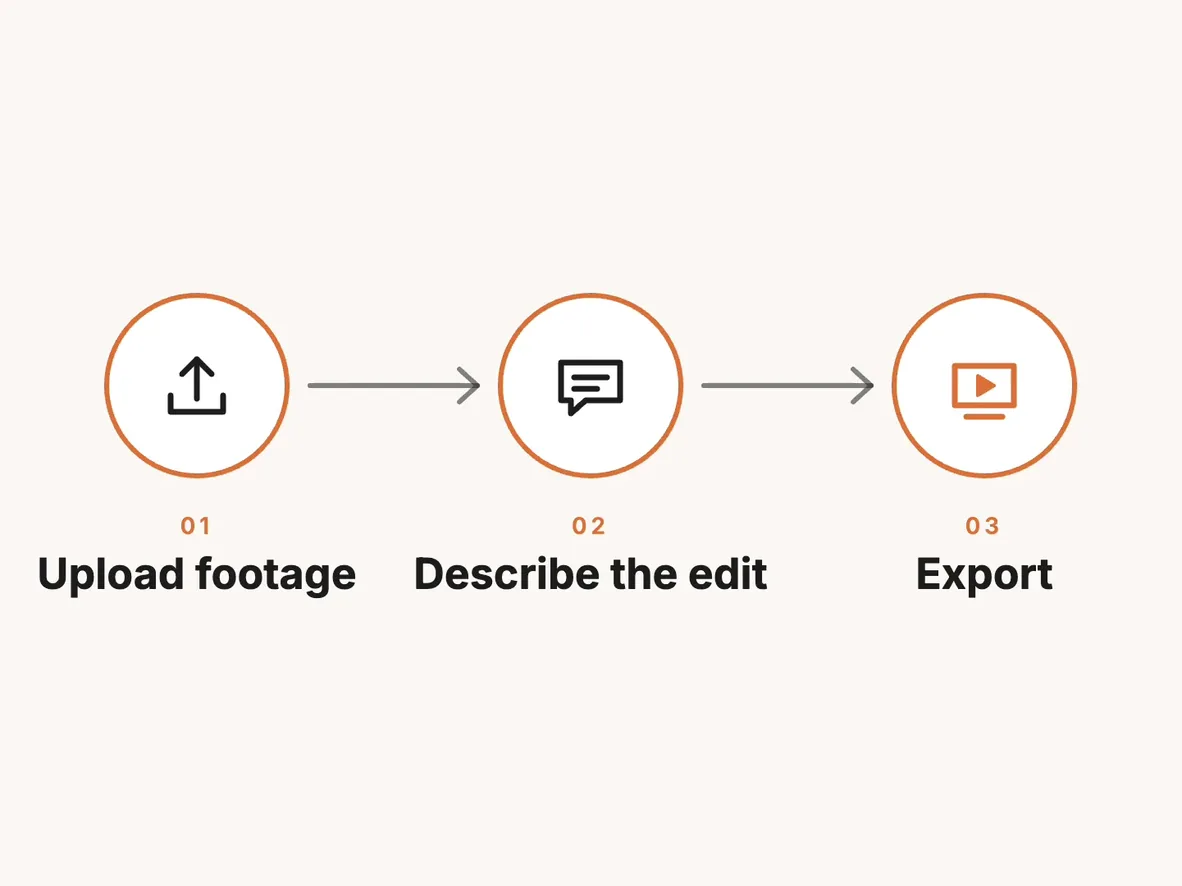
To see a skill do real work, we used one of ChatCut’s video skills, chatcut-create-motion-graphics, in Claude Code. ChatCut is a video editor with a desktop app for macOS 13+ and Windows 10+ (x64). Its installer connects ChatCut Desktop to Claude Code over MCP and adds ChatCut’s skills to Claude Code; on our Mac they appeared as chatcut-* folders in ~/.claude/skills. You can set it up by sending Read ChatCut.io/desktop to install ChatCut in a new Claude Code conversation (install guide).
The footage: a 15-second, 1080p stock clip of a photographer on a seawall above a beach (by Coverr-Free-Footage via Pixabay, under the Pixabay Content License), with no sound.
The job: on a new timeline, cut it to 8 seconds and add an animated title card that sits in the empty sky, built as an editable ChatCut Motion Graphic rather than burned into the video. No paid AI generation.
Here is a version of the request you can try on your own clip:
In Claude Code, put /chatcut-create-motion-graphics at the start of the message to run the skill directly, or just describe the job and let Claude match it to the skill’s description.
What the skill made Claude do
The skill’s SKILL.md is a checklist, and it changed how Claude approached a small job. Instead of writing a title straight away, Claude followed the skill’s order:
- Look at the footage first. It sampled eight frames and saw that the photographer walks in around the 3-second mark and raises her camera from about 4 seconds, with clean sky in the upper right. It also noticed the light was midday sun, so it dropped our working title “Golden Hour” for “Coastline Notes.”
- Check the project’s design style. The project had none, so it searched ChatCut’s library of motion graphic designs and picked an editorial chapter-title layout: a big italic number, a serif title, a small spaced subtitle and drawn corner brackets.
- Write the graphic as code. It wrote the title as a small React component with a transparent background, Playfair Display and Inter fonts, and seven editable fields (number, title, subtitle, two colors, two fonts). The reference design timed its animation in frames; the skill requires timing in seconds so the graphic plays the same at any frame rate, so Claude rewrote it.
- Build the timeline. It created a new 16:9 timeline, used seconds 2.5 to 10.5 of the clip, and placed the 6-second title on a track above it in the upper right.
- Check the result frame by frame. The skill says a successful tool call is not proof, so Claude rendered seven frames from the timeline.
That last step caught a real problem. In the first placement, the title’s bottom-left corner bracket overlapped the photographer’s hands and camera in three of the seven frames. Claude tightened the graphic’s inner padding, made the subtitle a little larger, and scaled and moved the title further right. A second set of six frames showed the title clear of her in the entry, the hold and the exit.


The finished clip
Claude exported the timeline at 1080p. The first export, at the default bitrate, came out at 12.3 MB, so it exported again at the lower bitrate setting for this page:
From the first ChatCut call to the exported file took about two minutes, including the fix and the second export. The title stays editable: open the timeline in ChatCut Desktop, click it, and change the text, colors or fonts in its properties.
Tools Claude called during the run: list_projects, browse_assets, inspect_asset, manage_design_style, browse_library, push_asset, manage_timelines, edit_item, preview_timeline, export, track_progress and read_billing.
If you want to see how Claude handles a longer, messier edit with the same setup, read our test of whether Claude can edit videos, where it cut a 41-second podcast clip into a vertical short. For more animations like this one, see the 16 Claude motion graphics prompts we ran, and for every other video tool that works with Claude Code, our comparison of 15 Claude Code video skills and tools.


-
 Codex
-
 Claude Code
-
 Antigravity
-
 Hermes Agent
- + any MCP client
What do Claude Skills cost?
Skills themselves are just files. The cost comes from what runs them and what they call:
- Claude’s work counts against your Claude plan or API usage, as any other Claude Code session does. Each installed skill adds its description to every session, and a triggered skill adds its instructions.
- The tools a skill drives have their own pricing. With ChatCut, editing, Motion Graphics that Claude writes, previews and local exports use no ChatCut credits; credits apply to ChatCut-hosted generation such as AI video, images, music and voiceover (ChatCut Product Facts). AI video and image generation need a paid plan.
- Our run used 0 ChatCut credits. We checked the project’s billing before and after: no generation, no charge.
Which Claude skill should you try first?
Start with one skill you will actually use this week. If you work with documents, Anthropic’s official document skills are the easiest first install. If you work with video, install ChatCut, open a clip in Claude Code, and ask for one small change, such as an 8-second cut with a title, before you try a full edit. Check the frames before you trust the export.