
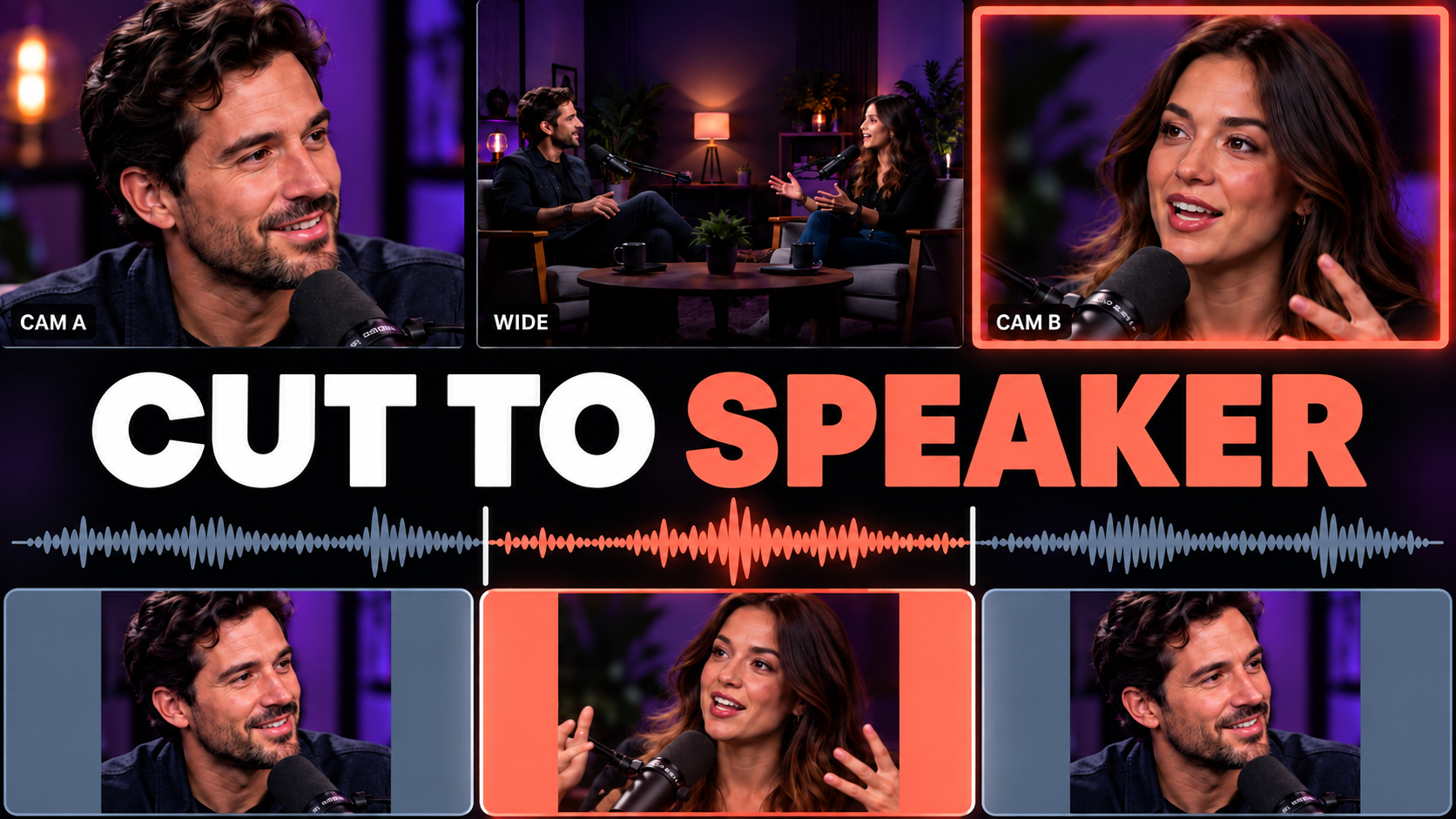
Synced from the ChatCut Skill catalog · Updated October 1, 2026
Sync multicam cameras and audio. Cut to the speaker; show reactions when they matter. 1. Add clips from a multi-camera recording. 2. ChatCut identifies the angles, and builds a synced master timeline. 3. ChatCut makes an edit with speaker shots, useful reactions, and wide shots. Audio stays aligned.
What this Skill does
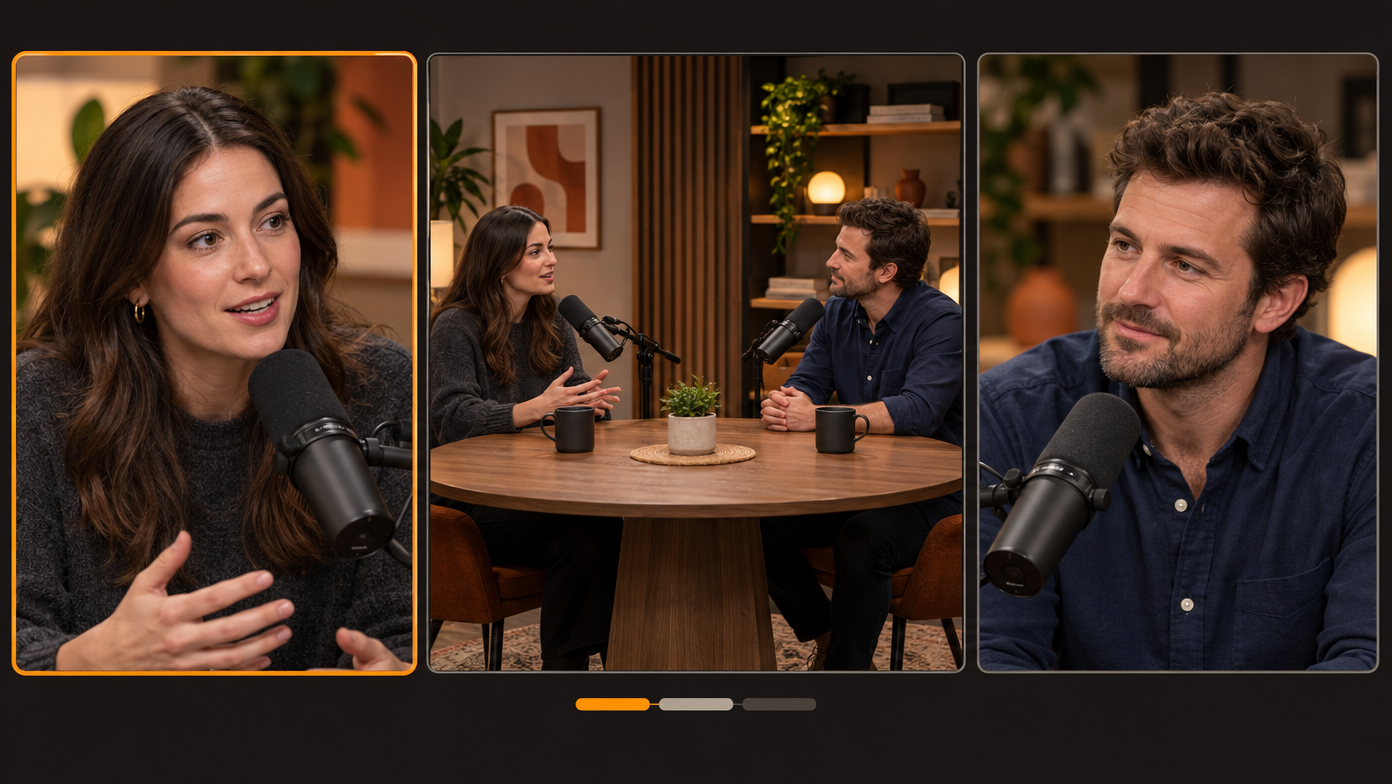
Synchronize footage from a multi-camera / multi-recorder shoot — several cameras plus separate audio recorders covering one session, imported as loose clips — and make a speaker-follow draft by default unless the user explicitly asks for sync only. Use when a user drops in multiple clips from the same recording and wants them aligned, asks for multicam / 多机位 / multi-angle sync, wants a "cut to whoever is talking" edit, or refers to camera A/B, angles, or separate lav or field recordings that need to line up with picture.
Use this Skill when
Align footage and audio from a multi-camera conversation, or create an editable cut from the synced sources.
What the package contains
- 5 workflow steps
- The ordered procedure the agent works through, from the material you hand it to the finished timeline.
- 4 operating rules
- Constraints it holds to along the way, so the result stays predictable instead of drifting mid-edit.
- 5 quality checks
- What it verifies before calling the work done — the pass you would otherwise run yourself.
- 3 defined inputs
- The footage, references, and decisions this workflow expects from you up front.
How to run it
Open this Skill in ChatCut and it loads into the project you are working in. From there you describe the job in your own words — the Skill supplies the procedure, so you do not have to spell out each step, and you can redirect it at any point without starting over.
Changelog
Updated October 1, 2026 — synced from the ChatCut Skill catalog. No revisions recorded before this one.
Preview
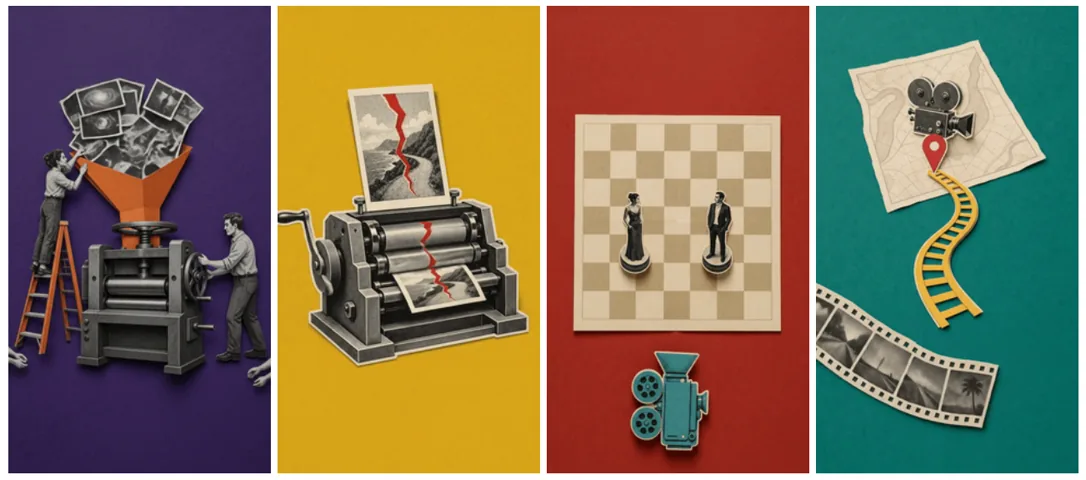
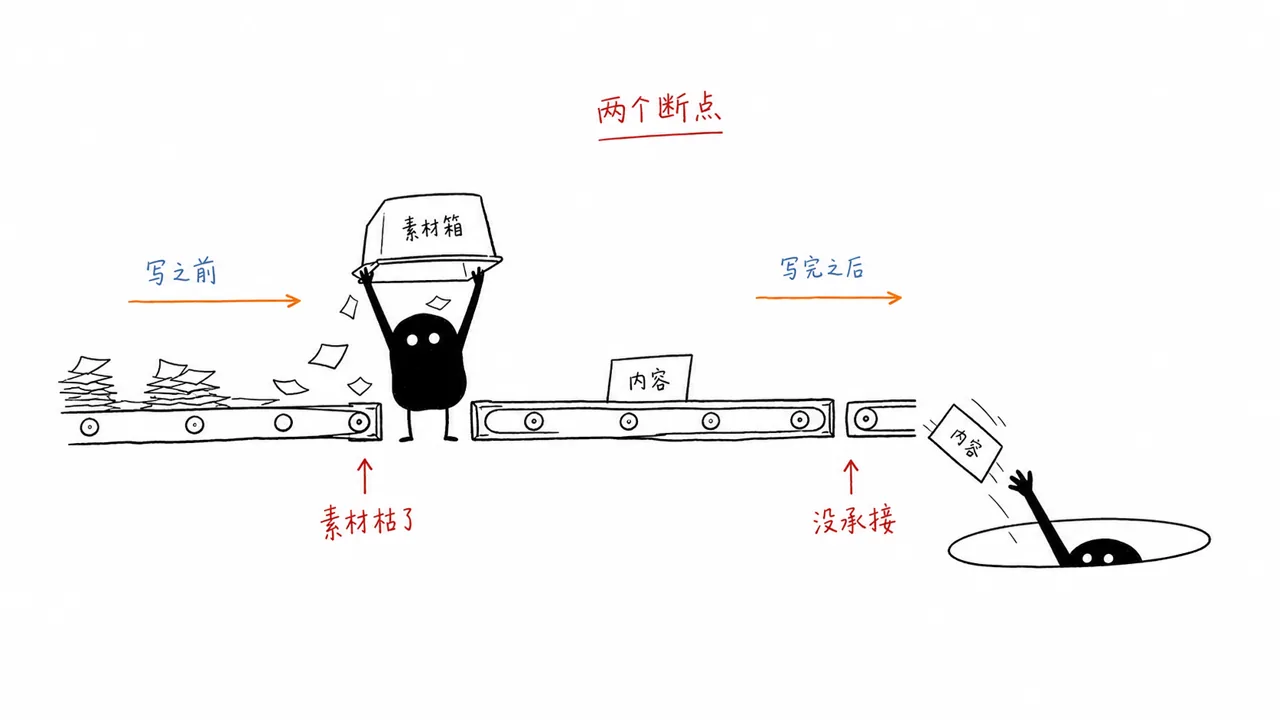
2 catalog media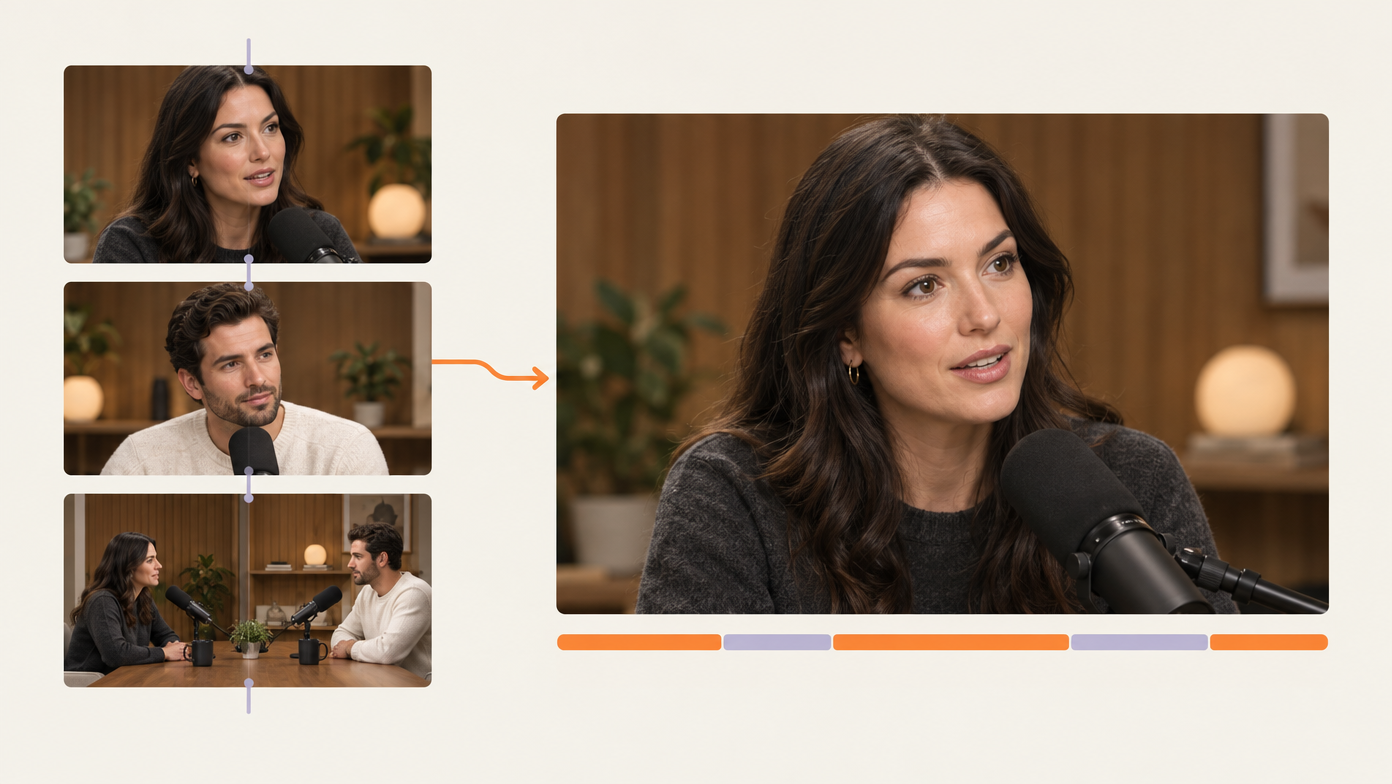

Commenting is not open yet. Until it is, tell us how you use this Skill in Discord.