A Seedance 2.0 prompt earns the word production-grade if it passes three checks. It specifies one shot with one camera move, not a four-shot mini-film the model has to interpret. It pins texture, lighting, and material in named cinematography nouns the model has training data for. The output runs as-is on a paid surface, with no manual frame-by-frame correction.
Most of the “best Seedance 2.0 prompts” lists on the first Google page for this query pass none of those three. They paste 15 or 47 or 70 prompts the writer hasn’t generated, describe in prose what the output “should look like,” and ask the reader to take it on faith.
The fourteen below pass all three. They’re the prompts ChatCut ships to its public Prompt Library, each one paired with the verbatim video it produced. Don’t click through menus. Just tell ChatCut what you want. Pick the prompts that look right, copy the structure, swap the reference image for your own.
What “production-grade” means for a Seedance 2.0 prompt
The three checks again, with more teeth.
One shot, one camera move. Seedance 2.0 generates 4 to 15 seconds of continuous video at up to 1080p, in 16:9, 9:16, 4:3, 3:4, 21:9, and 1:1 aspect ratios. That’s a single-shot model. Prompts that ask for “a wide opening, then close-up on the product, then pull back to reveal the logo” force the model to interpret cuts the engine wasn’t built to produce. Either it invents cuts that read wrong, or it averages them into a long messy pan. The prompts that ship pick one shot.
Named nouns over vibes adjectives. “Cinematic,” “ethereal,” “premium,” these words anchor on the model’s average training data. “Volumetric overhead beam lighting,” “ray-traced reflections on polished floor,” “razor sharp edge with grazing rim light,” these anchor on specific images in the dataset. The first style of prompt produces a Seedance 2.0 video that looks the way every other Seedance 2.0 video looks. The second style produces a specific one.
Reusable as-is. If the output needs frame-by-frame retouching, fingers fixed, identity stitched, the prompt didn’t work. It might be a beautiful clip; it isn’t a production asset. The fourteen below were generated, watched in full, and approved before being slotted into the live Prompt Library. The bar to ship was that the clip could be the final asset on a paid surface: a landing page, an email, an ad.
If you want the formula side of this, the structural breakdown of multimodal slots, timeline syntax, and audio direction, read our Seedance 2.0 prompt formula guide afterward. This article is the gallery side: the prompts and the videos they produced.
14 Seedance 2.0 prompts that shipped (with the video each one produced)
The order is curatorial, not chronological. Logo work first because it’s the safest starting point. Product and commercial second because that’s where most readers arrive from. Character-driven third, where the model’s documented weaknesses bite hardest and the prompts have to defend against them. Structural and effects work last, where Seedance 2.0 does things earlier video models couldn’t.
Every prompt below shows the verbatim text from the live preset. Where you see @image:Name, that’s a reference image slot. You upload an image and the model uses it as a visual anchor for that subject. Where you see {{field:hint}}, that’s a text field the system asks you to fill in.
1. Cinematic Logo Animation
The visible prompt is short on purpose. What earns the result is everything you don’t see: the system-level instructions the preset wraps around the user’s logo, which specify the lighting language. Volumetric overhead beam, ray-traced floor reflection, grazing rim light, razor-sharp edge clarity. The trick to read in this one is that nothing in the prompt describes the logo. Logos animate themselves when you give them light. Describing the shape adds noise to a model that already knows what a logo looks like.
This is the safest first prompt to ship because there’s no character drift risk. A logo has no eyes, no hands, no spatial continuity to break. If a Seedance 2.0 generation is going to disappoint you, it’ll disappoint you on a character, not on a logo. Start here, learn the system, then climb.
2. Liquid Logo Animation
The change from prompt #1 to this one is a single word: liquid-particle. That’s the entire difference. Same logo input, same duration, same aspect ratio, and Seedance 2.0 lands a different result because the material name is a different region of its training data.
“Liquid” works specifically. Seedance 2.0 has a well-documented strength in fluid simulation; water, mercury, oil, and gel-like substrates produce clean physics. “Magical” or “ethereal” wouldn’t produce this. They map to a much fuzzier training cluster. The lesson generalizes. When you want a stylized reveal, pick a substrate name first, a noun that has physics, and let the model handle motion from there.
3. Glitch Logo Animation
Glitch is the camera move you don’t write. The user prompt names the effect, RGB-glitch reveal, and the system instructions name the artifact vocabulary: chromatic aberration, RGB channel split, horizontal scanline displacement, datamosh frame interpolation. What’s missing from the prompt is any camera direction at all. That’s deliberate. When the effect is the subject, you let the model invent the camera; if you tell it to dolly and orbit while it’s also trying to glitch, it splits attention and lands neither.
Read this one as a counterweight to prompts 1 and 2. Cinematic uses cinematography vocabulary because the effect is light; this one uses artifact vocabulary because the effect is data corruption. Use the noun family the effect lives inside. Don’t borrow vocabulary from the wrong domain.
4. Product Launch Ad
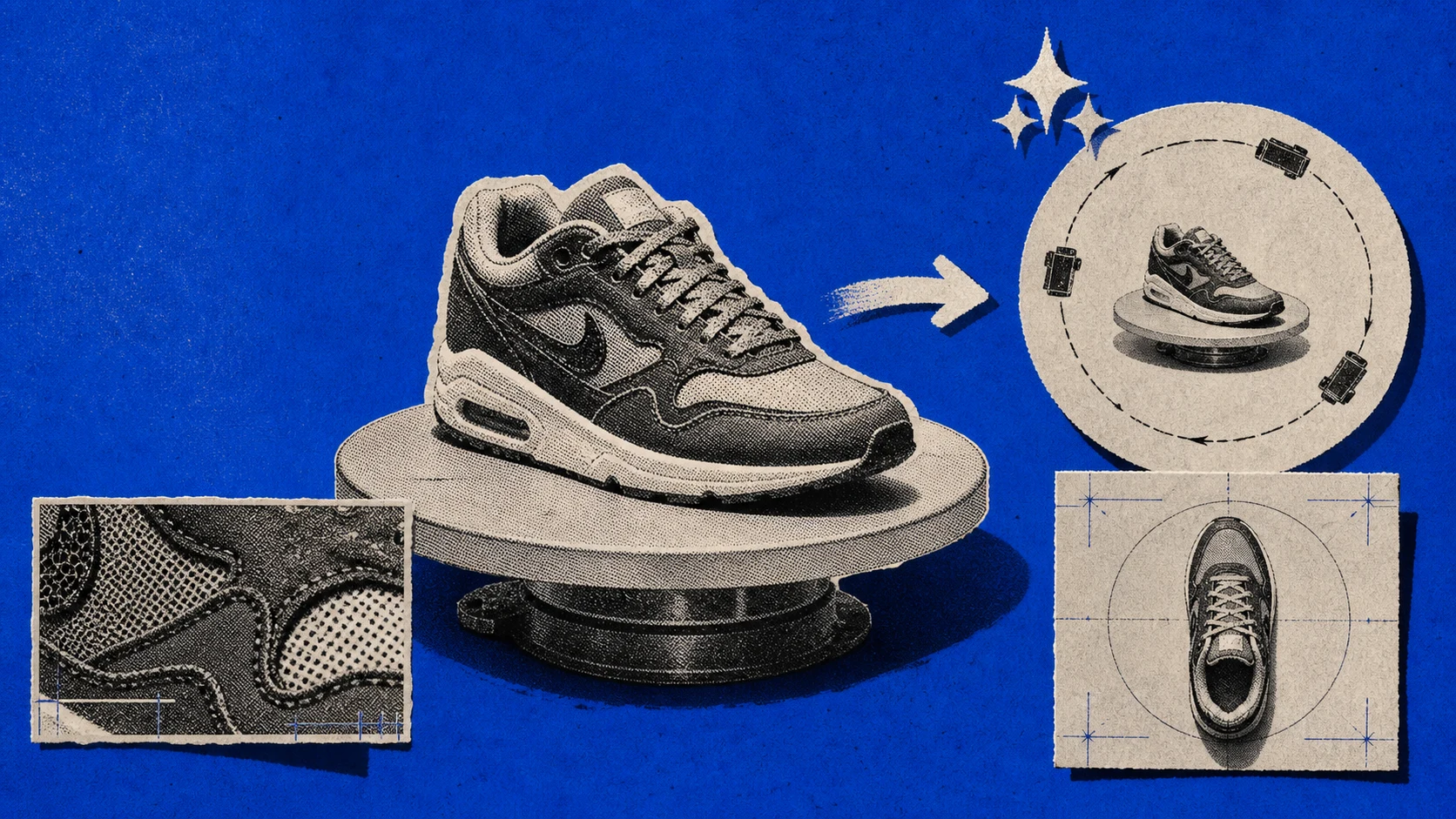
This is the longest prompt in the Prompt Library, and it works because every camera position is a named cinematographic noun. The system instructions choreograph six positions: extreme macro with grazing light, ultra-smooth dolly push from mid-shot to three-quarter, high-speed 360-degree orbital around the product, low-angle power shot from floor level, lateral tracking sweep across the full profile, top-down overhead descent into a bird’s-eye frame, and a final pullback to a wide centered hero.
Seedance 2.0 honors that sequence because each move has a name. “Macro,” “dolly push,” “orbital,” “low-angle power shot,” “lateral tracking sweep,” “bird’s-eye.” These aren’t vibes adjectives. They’re camera-department vocabulary from physical cinematography, and the model has training data for each one. If you replaced any of them with “a really cool angle” you’d lose that move.
If you’re working on product ads, this is the template to copy first. The visible user prompt is one line; the heavy lifting sits in the system layer the preset ships around your one-line input.
5. Premium Hair Care Ad
This is the inverse of the Product Launch Ad camera grammar. When the product itself moves, a shampoo pour, a fragrance mist, a serum drip, you lock the camera and give the verbs to the product. The system prompt here calls for a slow tilt and a held wide; that’s intentional restraint, not laziness.
The lesson reads cleanly. Not every product prompt needs six camera positions. If the substance is doing the visual work, the camera should be the audience watching the substance. Sneakers don’t move; the camera must. Shampoo moves; the camera must not. Pick a side per product.
6. ASMR Product Video
This is the prompt where Seedance 2.0’s audio generation pulls its weight. The model produces synchronized SFX with the video: peel, snap, crinkle, the precise consonants of a wrap being opened. ByteDance’s launch notes describe this as unified multimodal audio-video generation, and it’s the cleanest single-prompt example of why that phrase is more than marketing. The audio doesn’t come from a separate stem you composite in. It arrives baked into the file.
The vocabulary that earns the result is foley vocabulary, not cinematography vocabulary. Peel, snap, crinkle, micro-tap, soft impact, paper friction, plastic wrinkle. If you write a Seedance 2.0 audio-led prompt in cinematography nouns, you’ll get a quiet handsome video. If you write it in foley nouns, you’ll get a sound-design clip with picture attached. That’s the right way around for ASMR.
7. My Product is in Times Square!
The composite-prompt pattern lives or dies on venue specificity. “On a screen” produces a Seedance 2.0 video of a screen with nothing behind it. “On a Times Square billboard” produces Times Square, with screens. The model has the venue in its training data. The screens come for free when the venue is named precisely.
Other venues that work the same way: a side-of-building projection in Tokyo, a baseball stadium jumbotron, a Las Vegas Sphere wrap, a subway-platform digital ad screen. Generic locations underperform; brand-name venues outperform their generic counterparts by a clear margin. This is one of the few cases where naming a real-world place is a feature, not a content-filter risk.
8. Transformer is Here!
Structural morphing works when start and end states are both nouns the model has training data for. A car turning into a generic mechanical creature works. A car turning into Optimus Prime would have worked in early February. After the mid-February IP crackdown, with Disney’s cease-and-desist on Spider-Man, Darth Vader, and Grogu, Paramount’s response, and the MPA statement, ByteDance shipped content filters that catch named characters by trademark. Use the structural noun (mechanical creature, kaiju, mech, exoskeleton) and the model will invent something specific without the legal heat.
The other thing to read here: 15 seconds is the upper bound for structural change. The model needs the runtime to morph plausibly; 4 seconds wouldn’t be enough for a car-to-mech beat. Save the short durations for logo reveals and effects; spend the runtime budget on morphing.
9. My Character in a Hero Scene
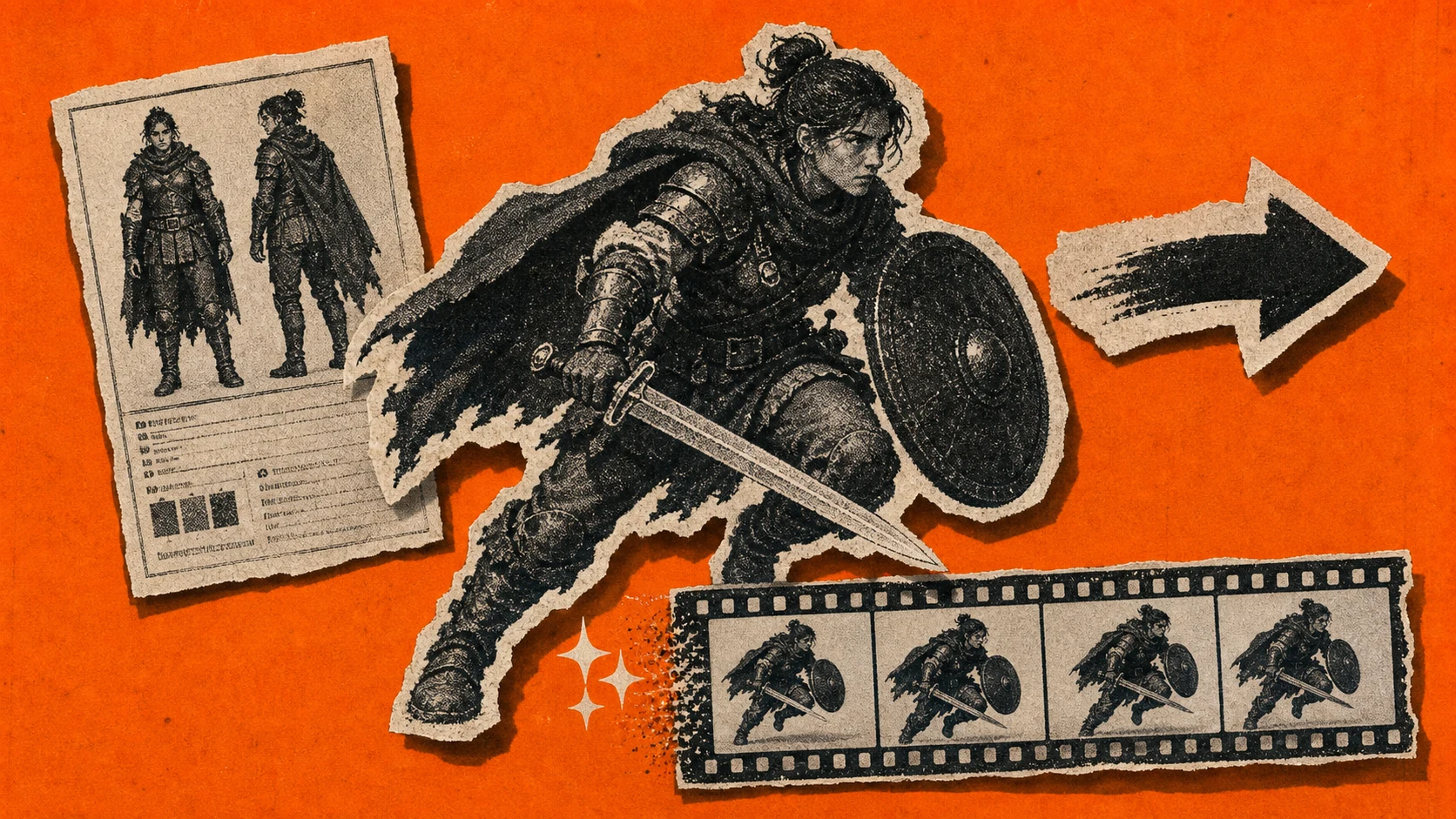
Character consistency is Seedance 2.0’s documented weakness. WaveSpeed’s review of the model’s five major issues lists identity drift as one of the top complaints. The same character walks across a room twice, with the jawline softening, hair losing curls, eyes changing tilt between cuts. The protective move in this prompt is the scope constraint: one character, one shot, one action. The runtime is single-take. There’s no opportunity for the model to drift between cuts because there are no cuts.
The two {{field:...}} placeholders matter. The first asks you to describe the character. The second is the system telling you not to upload a photo of a real person, because the post-February filter blocks realistic human faces as reference images. The right input here is an AI-generated character, produced with a tool like GPT Image 2, or a stylized non-photoreal design. The model handles non-photoreal characters with markedly less drift than photoreal ones.
10. Comic to Live-Action Film
Style transfer prompts work when the source style is uploaded, not described. Words like “cel-shaded,” “noir comic-book,” “Sin City contrast” anchor on rough averages in the training data. A single uploaded comic panel anchors on itself. The model reads the line weight, color palette, contrast curve, and panel composition directly off the pixels.
This generalizes to any aesthetic you can’t name precisely. If you can describe it in one word and the word is widely-used (cinematic, watercolor, anime), prose works. If the aesthetic has a particular author or a particular subgenre, Mike Mignola’s blacks, ’70s giallo color, ’90s anime grain, give up on prose and upload a frame.
If you’re building AI filmmaking workflows, this preset is a load-bearing one. The single biggest cost saver in narrative AI video isn’t generation cost; it’s not having to re-describe a style every time you need to extend a scene.
11. Cat & Dog Podcast Skit
Anthropomorphic animals are the underrated cheat code for Seedance 2.0 dialogue scenes. Photoreal humans hit the identity-drift problem hardest because viewers know what a continuous face looks like. Cartoon-styled or stylized animals don’t have that calibration burden. The model can vary fur direction, paw position, and ear tilt between frames and the viewer reads it as motion, not as character drift.
The two-line dialogue slot is also doing structural work. By naming Luna and Buddy and giving each a single sentence, the prompt tells the model where the dialogue beats sit in the 15 seconds. The lip-sync stand-in (mouth motion matched to audio onset) lands cleaner on non-photoreal subjects than on photoreal ones; the prompt knows this and routes the dialogue through pets, not people.
12. Storyboard to Film
This is the prompt that gets closest to multi-shot generation in a single output, and it works because the multi-shot structure is hand-fed as pixels rather than asked for in prose. The 9-panel storyboard sheet is uploaded as a single reference image; the system instructions tell Seedance 2.0 to read each panel as a shot and film them in order with smooth transitions between.
It honors the order when the panels are visually distinct. If panels 4 and 5 are too similar (same room, same character pose, same lighting), the model averages them and you lose one beat. The fix is on the storyboard side. Make each panel a different shot: wide, then medium, then close, then reaction, then cut to environment, then return. The model has a clear delta to follow.
This is the prompt to use if you’re evaluating Seedance 2.0 for narrative work. It exposes the model’s real capability ceiling for multi-beat sequencing.
13. 3 Frames → One-Shot

This is the prompt that competes directly with Runway’s Keyframe Control feature. Upload three frames (start, middle, end) and Seedance 2.0 interpolates a continuous single-shot path between them. The “no cuts, no crossfades” constraint at the end of the prompt is load-bearing. Without it, the model occasionally inserts a soft transition between frames and breaks the one-shot illusion.
The three frames work best when they imply a single physical action. Person walking toward a doorway, opening the door, stepping through, all from the same camera angle. The interpolation has somewhere to go. Three frames that imply separate actions, like person at desk, then person in car, then person on beach, produce surreal teleport sequences; that can be intentional, but it isn’t what this preset is tuned for.
14. Time Freeze Effect
Time freeze is a recognized cinematography term, and the model has training data for it. The prompts that work say “time freeze”; the prompts that fail describe the result (“subjects pause while the camera continues to move”). The model treats the named term as a single concept and inherits the bullet-time grammar that comes with it: frozen environment, orbital camera, zero motion blur on background subjects, light interaction held in place.
The system instructions for this preset get specific: absolute stasis (not slow motion), zero motion blur on the environment, environmental physics paused (water droplets held in mid-air, debris suspended). These constraints matter because “time freeze” without them slides into “slow motion,” a different shot that doesn’t produce the same visceral effect. If your output looks like slow-mo instead of bullet-time, your prompt is missing the zero motion blur constraint.
What the 14 prompts share (and what every random Seedance prompt list misses)
The SEO listicles that rank for this query, Atlas Cloud’s 15, NoteGPT’s 10, Imagine.art’s 70, SeaArt’s 20+, Dreamina’s 18, are built by the publisher for the publisher. The prompts in them haven’t been generated; the outputs haven’t been verified; the writers haven’t had to ship anything to a paid surface using their own prompt. That’s the gap.
The fourteen above share five patterns the volume listicles consistently miss.
Single-shot scope. Not one of the fourteen tries to be a four-shot mini-film. Even Storyboard to Film, which gets closest to multi-shot, is technically a single continuous take that the model interpolates between handed-in keyframes. The volume listicles routinely show prompts asking for four to six edits inside a single generation. They don’t work on Seedance 2.0 the way they work on a multi-shot model.
Camera language sits early in the prompt. “Cinematic 3D reveal.” “Time-lapse.” “Time-freeze.” “One-shot continuous.” The shot type is named in the first half of the user-facing prompt or in the first paragraph of the system instructions. Models read prompts from start to end with declining attention; saying cinematic in word 47 does less than saying it in word 4.
Named cinematography nouns over vibes adjectives. Macro, dolly, orbital, tracking, low-angle, top-down. Volumetric beam, ray-traced reflection, grazing rim light. Bullet-time, motion blur, depth of field. These are department vocabulary from physical cinematography. A vibes-adjective prompt like “cinematic and breathtaking and modern” anchors on the average of every cinematic-and-breathtaking-and-modern video in the training set, which is the visual equivalent of generic.
Reference image via slot syntax, not character-in-prose. Where a character or product is needed, every shipping prompt uses a reference image slot. The model gets the visual identity from pixels; it doesn’t have to infer it from prose. This is the single biggest defense against character drift, and it’s the layer the listicles can’t show because they don’t have the slot-mention syntax built into their wrapper.
Closing constraint to defend against drift. “No people.” “No text overlay.” “Product stays solid in every frame.” “No cuts, no crossfades.” Almost every shipping prompt ends with one of these. The constraint at the end of a prompt does disproportionate work. It’s the last thing the model reads before generating, and it carries more weight than the same constraint placed earlier.
This is the layer the SEO listicles skip because they don’t have backend access to working prompts. Constraint engineering is invisible from outside the editor that ran the prompts.
Seedance 2.0 facts that change how you write prompts in 2026
A short Seedance 2.0 fact sheet, since the constraints above come directly from what the model can and can’t do.
ByteDance officially launched Seedance 2.0 on February 12, 2026. The headline jump from version 1.5 is what the launch notes call unified multimodal audio-video generation: text, image, audio, and video as input modalities, with synchronized audio baked into the output rather than composited in after. The API became available on fal.ai on April 9, opening developer access outside ByteDance’s first-party surfaces.
The hard specs: 4 to 15 seconds per generation, up to 1080p, six supported aspect ratios (16:9, 9:16, 4:3, 3:4, 21:9, 1:1), and reference inputs of up to 9 images, 3 video clips, or 3 audio clips per prompt. Sixty seconds in, the runtime budget is gone; if you need more, you extend a previous generation rather than starting over.
The Hollywood reaction shaped what you can and can’t prompt. On February 14, viral X posts of AI-generated Tom Cruise and Brad Pitt scenes surfaced; the Motion Picture Association issued a statement the next day calling out ByteDance for “operating without meaningful safeguards against infringement.” Disney followed with a cease-and-desist citing Spider-Man, Darth Vader, and Grogu. Paramount and SAG-AFTRA piled on. Within two weeks, ByteDance shipped aggressive content filters that catch named IP characters, named celebrities, realistic human faces as reference inputs, and (more recently) trademarked product names by exact match. If your prompt is rejecting silently and you’re sure the structure is correct, look at the proper nouns.
Two more constraints worth knowing. First, the global availability list published in April 2026 covers over 100 countries and notably excludes the United States; US-based readers reach Seedance 2.0 through either CapCut’s wrapper, fal, or a third-party editor that integrates the model. Second, the documented model weaknesses are character consistency drift, occasional hand artifacts, slow inference on standard generation (60 to 120 seconds for a 5-second clip), and the content filters above. Every constraint in the fourteen prompts above is shaped by one of these realities.
How to actually run these prompts in 2026
Seedance 2.0 isn’t consumer-direct in the US, and even where it is, the prompts above assume a system layer that wraps your one-line input with the camera, lighting, and constraint instructions that earn the output. Three paths get you there.
The first is the official surface: Seedance through ByteDance’s CapCut wrapper or through the fal.ai API for developer access. You bring the system instructions yourself: the camera vocabulary, the constraint clauses, the reference-slot structure. The fourteen prompts above are the user-facing line; the heavy lifting sits in the system layer you’d need to author and maintain.
The second is a third-party editor that integrates Seedance 2.0 and ships preset wrappers around it. ChatCut is the path we know best. The fourteen prompts above are ChatCut presets, and the full system layer (camera language, lighting vocabulary, constraint clauses, reference-slot routing) is built into the editor. You describe the edit. ChatCut executes it. You drop your product image or character reference into the slot and the preset generates the wrapping. The output lands directly in the timeline alongside any other footage you’re cutting.
The chained workflow is what makes this practical. Every prompt above takes a reference image, which is where GPT Image 2 does its work. Generate the reference frame inside the same editor (a stylized character, a product mockup, a specific environment), pass it into the AI video generator as the slot fill, and the Seedance 2.0 output drops into your timeline. There’s no export-and-reimport between tabs; the reference and the generation share a session.
Pricing notes for anyone running the math. Pro plan starts at $25 a month for sustained video-generation access, with annual billing saving 16%. A 5-second generation costs about 3 credits, so a Pro subscription gets you well into iteration territory before the budget tightens.
The Free Plan ships with 15 one-time credits that cover the editor’s other AI tools: motion graphics, captions, voiceover. Video generation isn’t part of the Free Plan; for that you’ll need Pro.
The third path is to wait. Seedance 2.0 will reach more surfaces over the next few months as ByteDance opens distribution; if your project isn’t urgent, more wrappers will exist by Q3 2026. For everything that needs to ship before then, paths one and two are it.