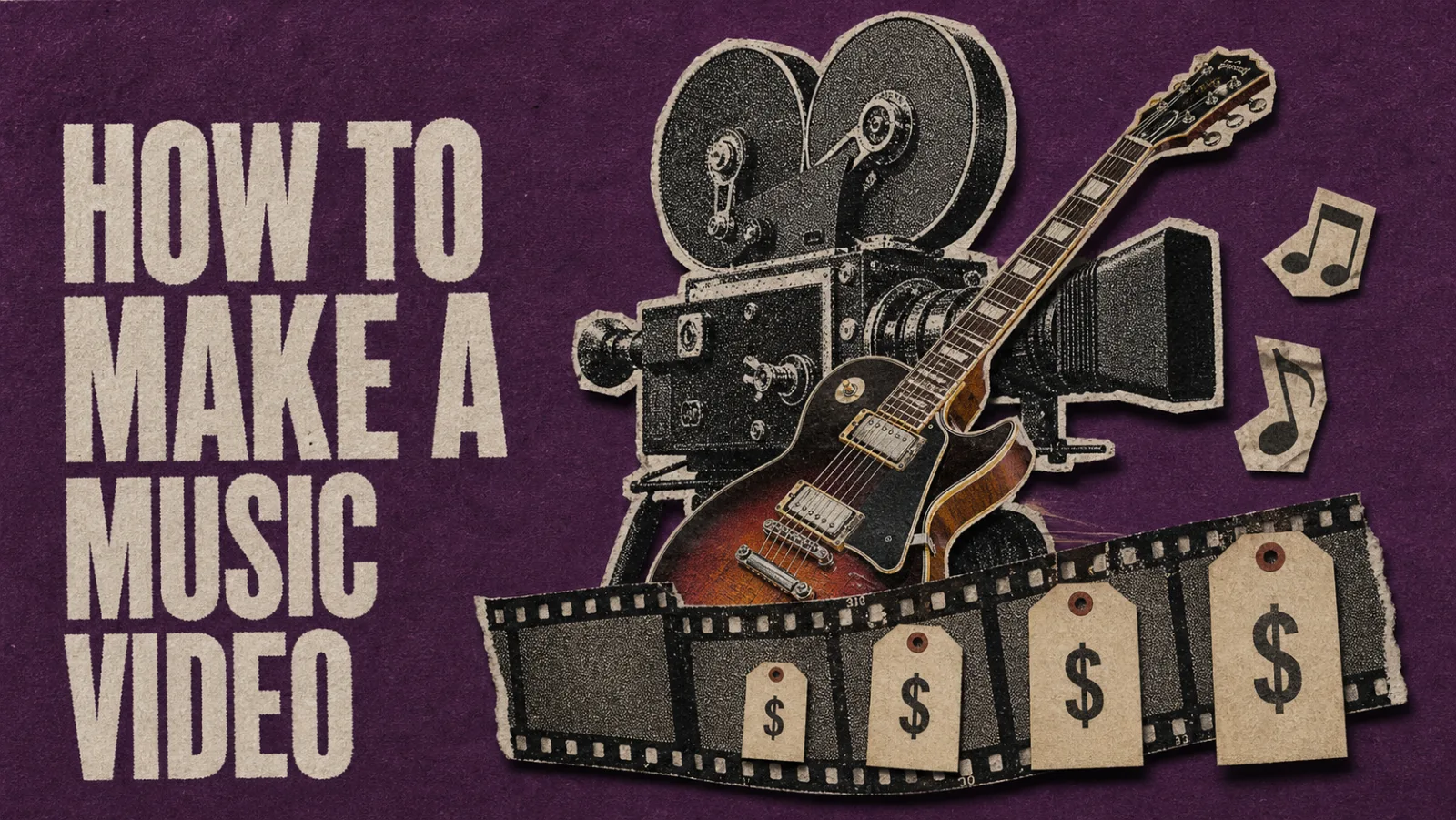
“Make a music video” describes three different productions in 2026, and the first page of search collapses them into one.
The first is a single-take performance pass, shot in a day, costing under two hundred dollars. The artist needs it for streaming-distribution proof: a video on the song’s official platform page, a thumbnail that loads on Spotify Canvas and Apple Music’s video field, evidence to a label or distributor that the artist is working. The second is a multi-angle source shoot, costing a thousand dollars over two days, that feeds a thirty-day promotional clip factory. The cuts go to TikTok and Reels and Shorts as part of a structured release calendar, one performance shoot generating fifteen-plus vertical clips. The third is an evergreen brand piece: a directed mini-narrative, costing five thousand dollars or more, that sits on the artist’s homepage for two years.
These three productions don’t share a budget, a shot list, a director, or a deliverable. They share a phrase (“music video”), and that’s where the confusion starts. The articles ranking for “how to make a music video” mostly recommend the wrong production for the budget. This piece sorts that out, with the lighting, location, and editing decisions for each tier, and the four tactical tricks that work no matter which production the artist is making.
What’s actually changed for music video production in 2026
Two shifts matter. The first is the AI-assist layer in modern editors. Color matching that took a colorist a day now runs in seconds. Beat-sync editing that took an editor an hour aligns to the waveform automatically. Transcript-style clip selection lets an artist pull the best performance take by editing text rather than scrubbing the timeline. Production output that looked five thousand dollars in 2020 now ships at a few hundred, mostly because the editing labor compresses an order of magnitude.
The second shift is the audience trust line. YouTube’s January 2026 enforcement wave demonetized sixteen channels, totaling around 35 million subscribers, for generating full videos with AI voiceovers and stock footage (ScaleLab on YouTube’s 2026 enforcement). The line is sharper than 2024 readers might assume: AI as an editing assistant is fine and increasingly expected. AI generating fake performance footage of a person who isn’t the actual artist crosses a line audiences read instantly and platforms now actively penalize.
Both shifts run through every tier below. The 2026 indie music video isn’t a cheaper version of the 2020 music video. It’s a different production discipline.
Tier 0: under two hundred dollars
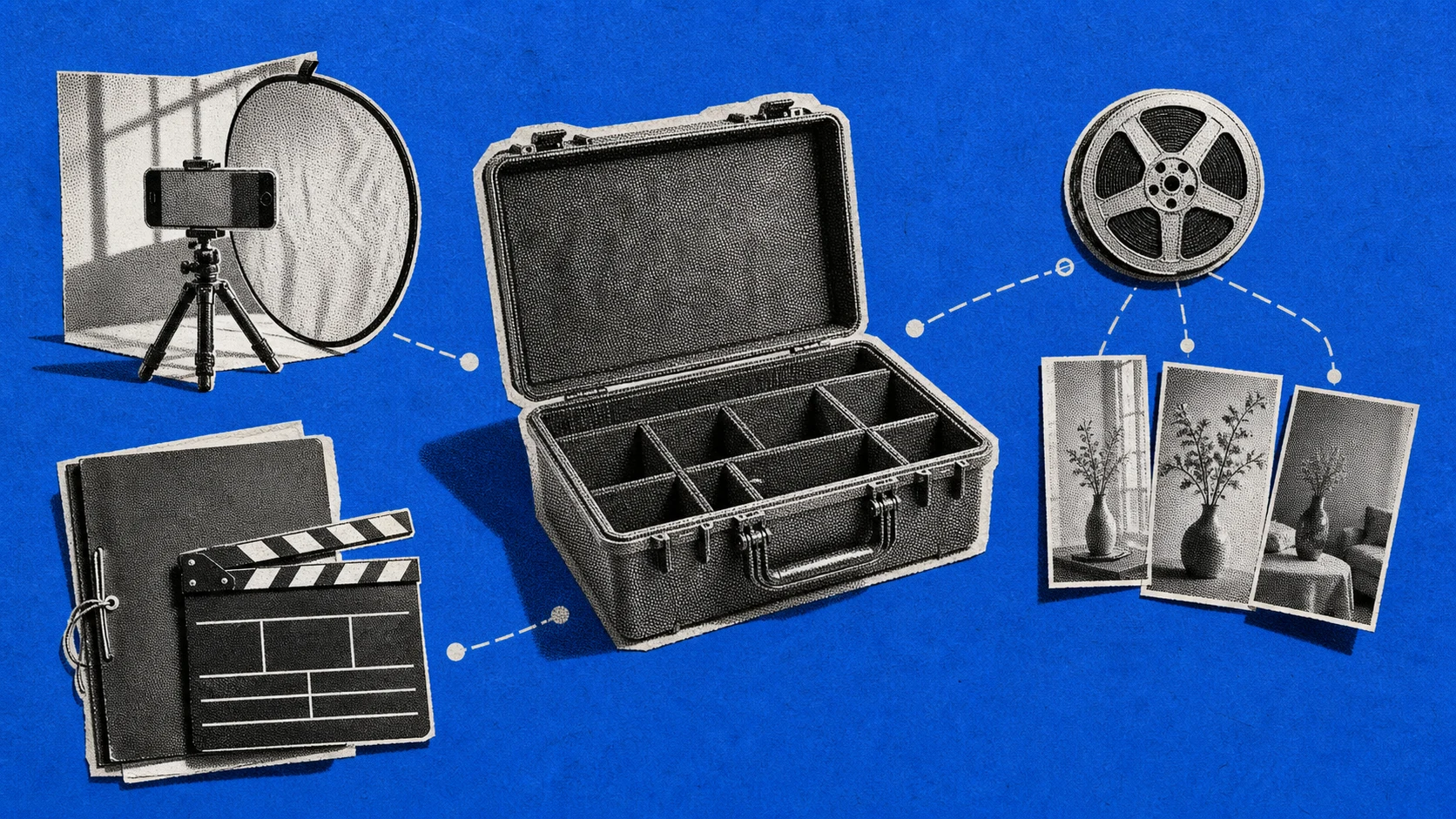
The phone is the camera. The light is the window or the late-afternoon sun. The editor is DaVinci Resolve Free, downloaded once, runs offline. The location is whatever room or street can shoot quietly for three hours without anyone walking through frame.
Tier 0 produces one deliverable: a single-take performance pass that’s good enough for streaming-distribution proof and the artist’s release-day social posts. It is not a video the artist will use to pitch a label. It is a thing the platforms can attach to the song so the artist’s release page doesn’t look empty.
The non-obvious tactic at this tier is the Substream observation about lighting (Substream Magazine May 2026 beginners guide): a smartphone with a well-lit subject reads like a cinema camera. A four-thousand-dollar camera with bad lighting reads like a basement webcam. At zero budget, the lighting is whatever window faces north or south. Shoot between three and five in the afternoon for soft directional light without harshness. Stand-in cardboard reflector on the shadow side. The phone does the rest.
The stop-motion alternative deserves a mention because it costs nothing and produces a distinctive aesthetic (Orpheus Audio Academy on no-budget music video ideas). Free apps like Stop Motion Studio capture frame-by-frame on the phone. The time investment is steep (a 90-second song needs roughly 1,200 frames at 13 fps), but the aesthetic differentiates an indie release from the wall of performance videos that dominate the genre.
Tier 1: two hundred dollars
The single most-repeated piece of indie music-video advice across Substream, Ari’s Take (Ari’s Take on tiny-budget music videos), and IndieFlow is the same: spend the marginal dollar on lighting before anything else.
At the two-hundred-dollar tier, the kit is a single LED panel (the entry-level Aputure or Godox at around $130, used a notch lower), a five-in-one reflector ($25), and a tripod with a phone mount ($40). The camera is still the phone. The location is still free. The lighting is the upgrade.
What changes in the output isn’t resolution or color grade. It’s perceived production credibility. A lit subject reads professional whether the camera body cost forty dollars or four thousand. The same single-take performance pass now passes for a label-pitchable video rather than a homemade one.
The tactical lift is a 2-stage trick that surfaces in almost every indie filmmaking thread: play the song at 2× speed while filming yourself singing along, then slow the footage 50% in the editor. Lip-sync stays perfect because the audio is unchanged. Body movement reads dreamy and ethereal because everything’s at half speed. Ari Herstand has documented this approach for years and it still produces the most “expensive-looking” indie performance footage in the category.
Tier 2: one thousand dollars
This is the sweet spot for the artist running a 30-day music video promo calendar. A thousand-dollar tier funds two days of shooting, two or three locations, a basic DSLR or used Sony A6400 ($500 to $700 on the used market), the Tier 1 lighting kit, and enough hard drive space for the source files.
The output stops being one video and becomes a source library. Twelve to fifteen vertical clips for the promo calendar plus the master horizontal performance video plus a handful of B-roll moments (the artist tuning a guitar, the producer adjusting a fader, the songwriter at the piano) usable as Instagram stories and YouTube Shorts B-roll over the next twelve months.
The shoot day discipline that matters at this tier is multi-angle coverage. Each performance pass shot from three angles (wide, medium, tight) generates nine usable cuts from one performance. Two angles plus a different lighting setup generates twice that. The math of the clip factory: one shoot day produces thirty to sixty edit-ready moments, not one finished video. That’s the asset; everything from there is editing labor.
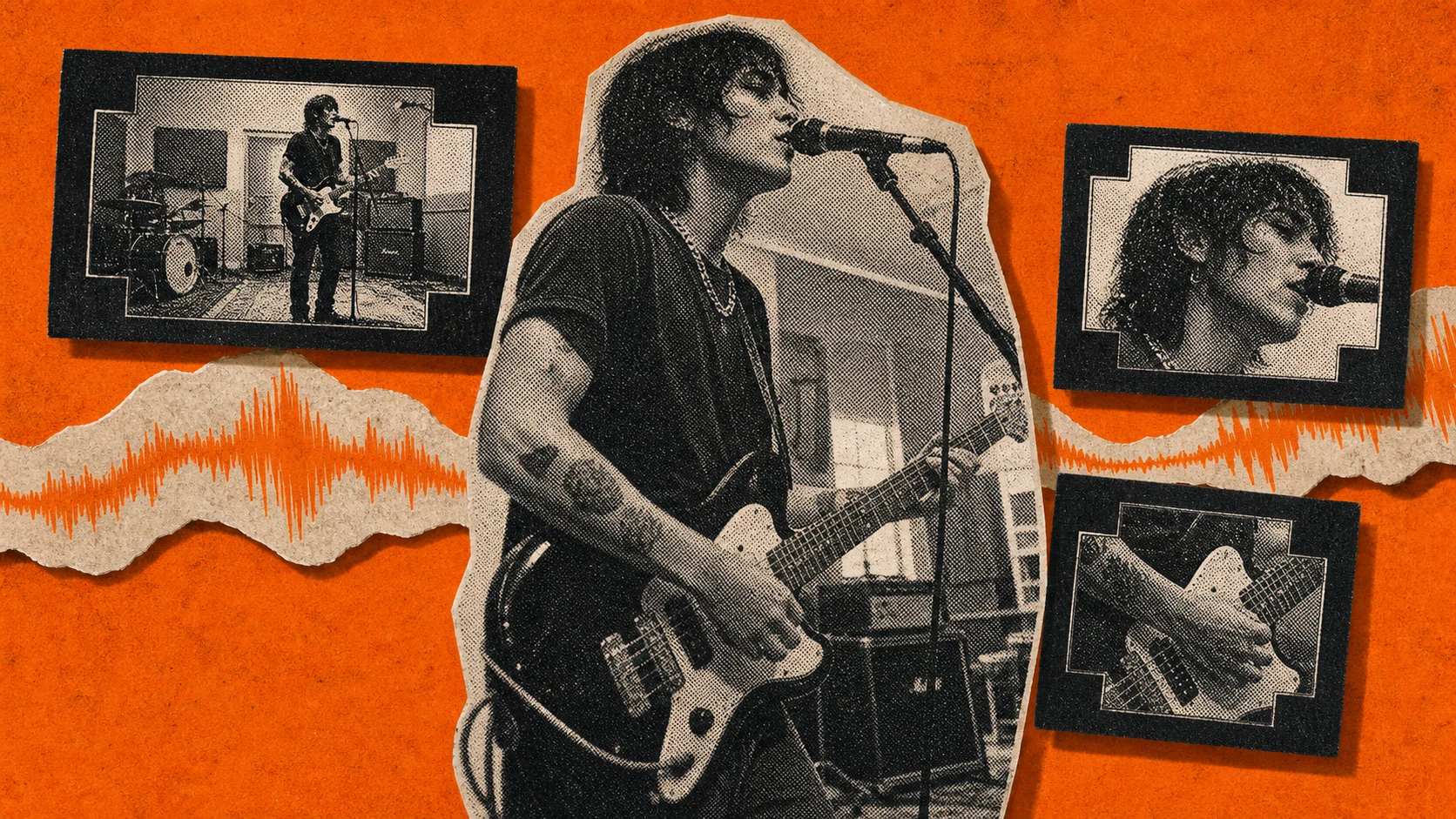
What kills Tier 2 productions is over-investment in the camera body and under-investment in the second day of shooting. A four-thousand-dollar Sony FX30 with one shoot day produces less promo-ready material than a seven-hundred-dollar A6400 with two shoot days. The variable that moves the result is coverage volume, not pixel count.
Tier 3: five thousand dollars and up
This is where craft starts replacing what AI tools were doing for free at lower tiers. A director writes a treatment. A small crew shoots over multiple days with real cinema lights and an actual lens kit. The deliverable is one cohesive narrative video, not a clip factory, and the goal is the evergreen artist-brand piece on the homepage rather than the promo-calendar fodder.
The decision to spend at this tier should follow a specific condition: the artist is already shipping streaming-distribution-tier and clip-factory-tier productions consistently, the catalog has stabilized, and the next investment is brand storytelling rather than additional volume. Most indie artists never reach this tier, and most of the ones who do reach it too early.
The honest scope at Tier 3: AI editing tools become supporting infrastructure rather than the central production economy. Color grading by a real colorist beats AI color matching for a flagship piece. Sound design by an audio engineer beats AI noise reduction. The premium that justifies five thousand dollars and up is human craft, not automation.
Four tactical tricks that work at every tier
The decisions above split by budget. Four production tricks don’t, because they cost nothing additional regardless of tier.
The 2×-speed trick from Tier 1 generalizes. Filming any performance-style footage at 2× and slowing it 50% in post produces the dream-like rhythm that distinguishes indie aesthetics from karaoke video. It works on a phone and it works on an FX30; the camera doesn’t matter.
The transcript-edit trick from the AI-assist layer scales across tiers too. Whether the source is a 90-second single-take phone clip or a six-hour multi-day shoot, modern editors that show the transcript alongside the timeline let the editor pull the best take by selecting text. Use the prompt below to pull those selects without scrubbing the full timeline.
Faster than scrubbing thumbnails frame by frame.
The “free location” pattern from Robin Piree’s 36 tips article (RobinPiree on low-budget music videos) is permanent: diners, rehearsal rooms, rooftops, basketball courts, stairwells, studio corners, night streets. The location is the production design at lower tiers, and the right location for the song matters more than a built set at any tier.
The honest scope on AI tools is the fourth. AI helps with editing real footage: color matching, beat-sync, denoise, transcript-based clip selection. AI ruins the work when it generates “performance footage” of a person who isn’t the actual artist. The 2026 audience detects the difference instantly, and the platforms now penalize the second use. Use AI in post-production, not in performance generation.
From shoot to clip factory: the production-economics shortcut
A Tier-1 or Tier-2 shoot produces source material. The 30-day promo calendar consumes cuts of that source material. The bottleneck between the two is editing labor, and modern editors have collapsed that bottleneck dramatically.
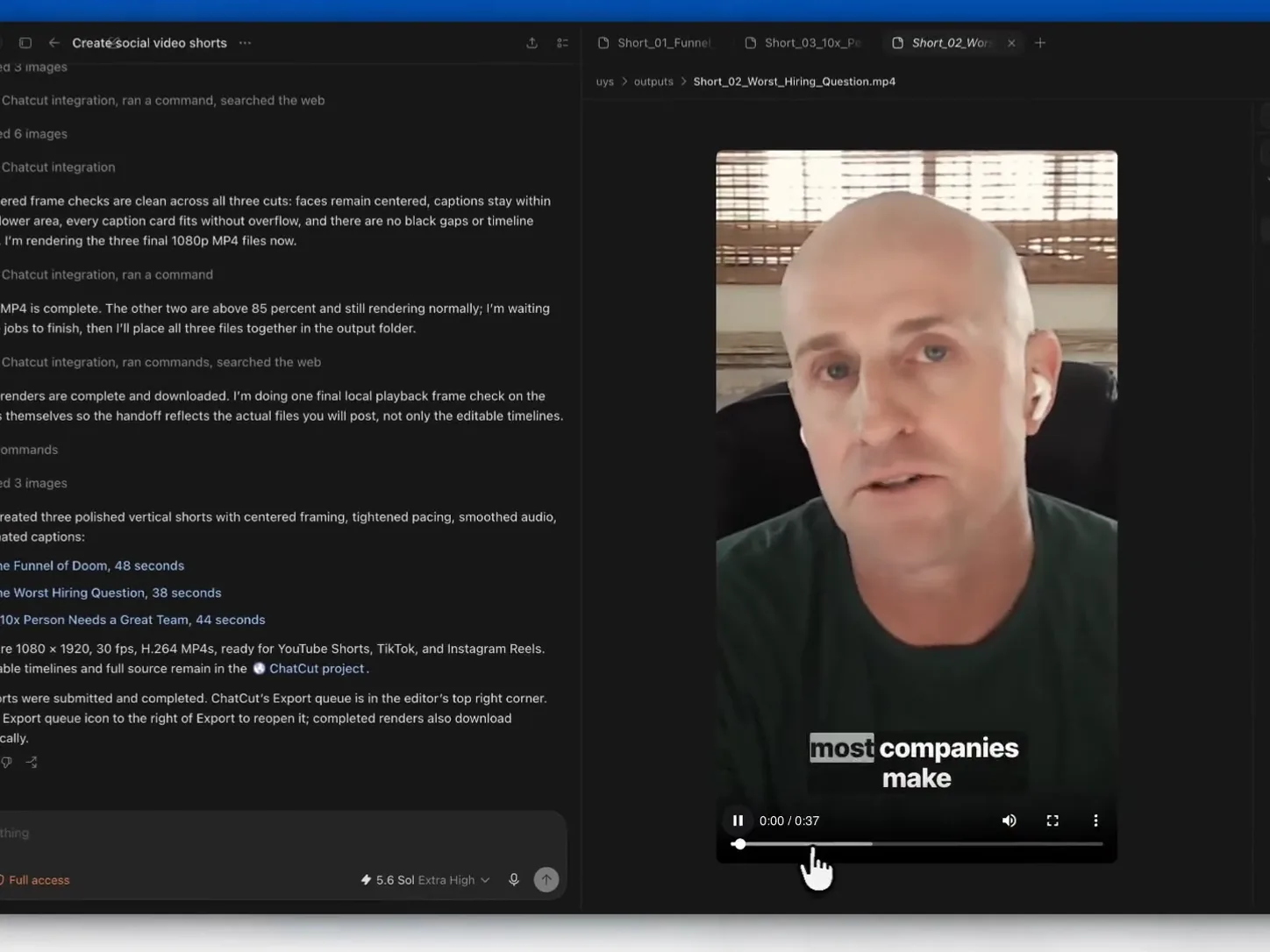
The workflow that makes the math work is text-based editing of the source recording. Upload the day’s footage to a browser editor that runs the transcript alongside the timeline. Pull twelve to fifteen vertical clips by editing text rather than scrubbing through hours of takes. Use the prompt below to build the selects and cuts by transcript.
Each cut gets captions burned in automatically. Each cut renders as a 1080p MP4 that ships to the social platforms without further work.
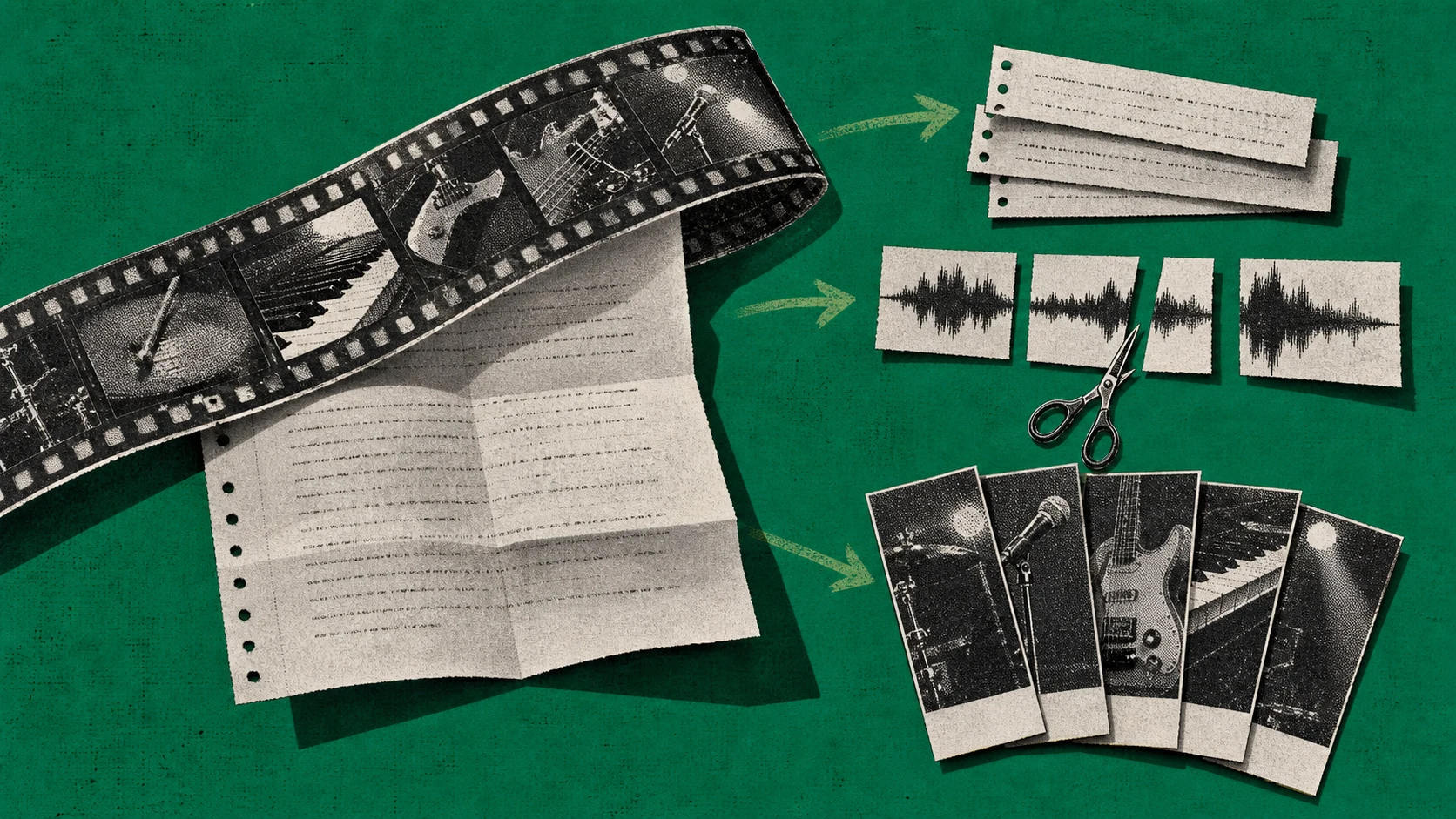
For the visual treatments that indie music videos often want (a stylized lyric card animated to the beat, a custom album-art overlay, a generated hook frame), ChatCut wires up GPT Image 2 for reference-frame generation and Seedance 2.0 for short animated clips inside the same editor. Generate a reference frame with the prompt below, pass it into Seedance for a 5-second animated clip, and drop it on the timeline.
Describe what you want in plain English. ChatCut handles the rest.
The principle and the boundary stay clear. ChatCut handles transcript editing of real performance footage and generative asset chaining for hook frames and B-roll overlays. ChatCut does not run beat-synced music montages where the cut snaps to every drum hit; CapCut and Premiere own that lane. ChatCut does not deliver Ultra HD (3840×2160) finishing; output is 1080p across both plans, suitable for streaming and social but not for cinema mastering at Tier 3.
Five real questions from indie musicians
Can I really make a credible music video with under two hundred dollars in 2026? For streaming-distribution proof and social-platform attachment, yes. For a label-pitchable evergreen brand piece, no. The two productions have different jobs; the under-two-hundred version is the first job, not a discount version of the third.
iPhone or DSLR camera? iPhone through Tier 1. The marginal upgrade from a phone to a DSLR matters at Tier 2, not before. Spend the first $200 on lighting; spend the next $500 on a used A6400 or A7C; only then think about a newer body.
Lyric video first or live performance first? Depends on the song. Hook-heavy radio-friendly singles benefit from a lyric video for Shorts and Reels. Performance-heavy songs benefit from a single-take performance pass on YouTube. Most indie releases need both, on different timelines.
How many shoot days for a clip factory? Two days at Tier 2, one location per day, multi-angle coverage of each performance pass. The math is coverage volume rather than camera spec.
Worst mistake first-time music-video makers make? Skipping the lighting investment in favor of a fancier camera. The lit-subject-on-a-phone outperforms the unlit-subject-on-a-cinema-camera at every tier, and the gap closes only when craft (color grading, sound design, direction) enters the production at Tier 3.
Cutting a Tier-2 shoot day into fifteen vertical clips for the promo calendar? Try ChatCut Free. Twenty one-time credits, transcript-based editing, 1080p output, browser-only.