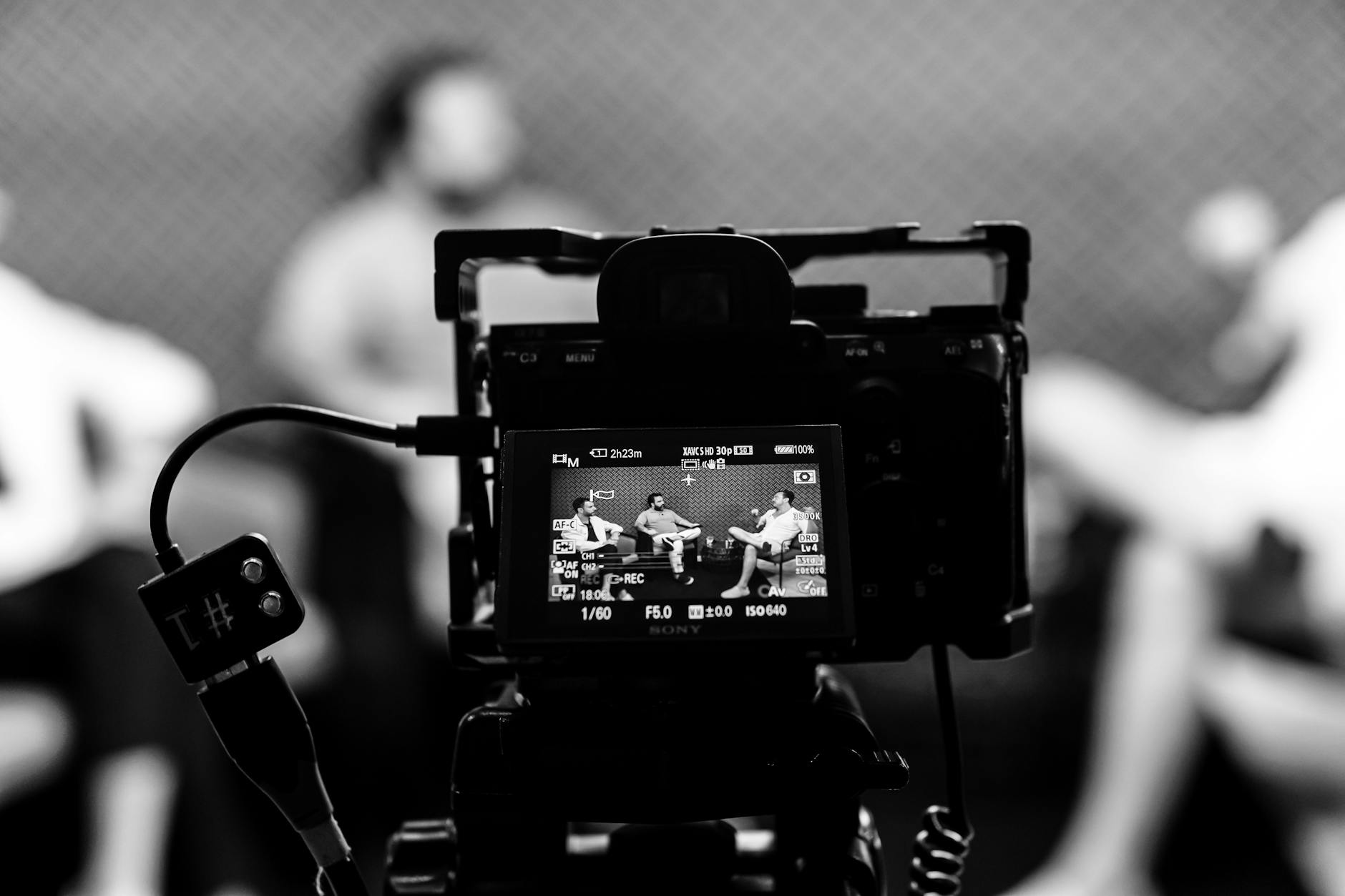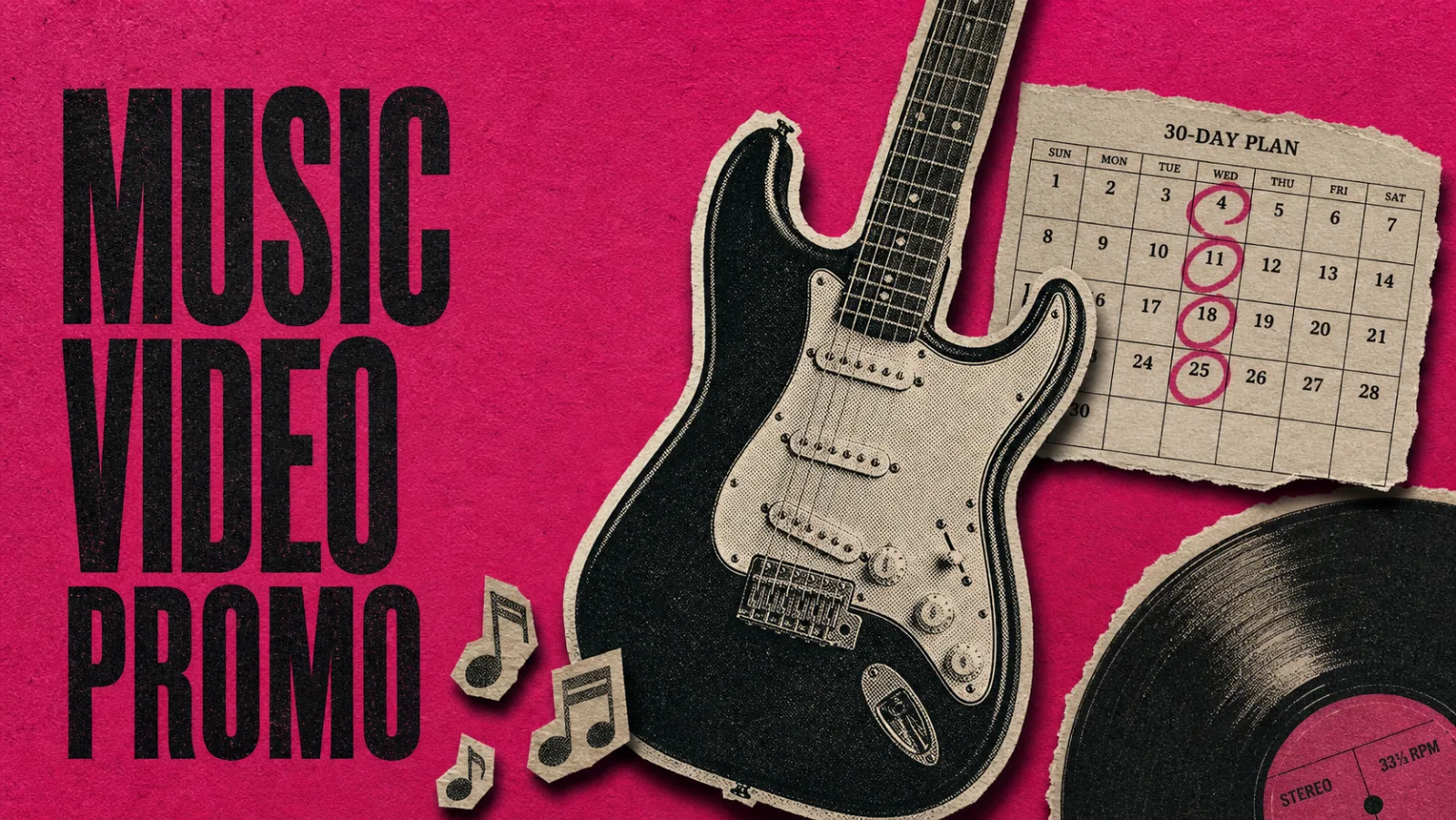
It is a Tuesday in May. There is a bedroom producer in Brighton with one finished single, a Spotify for Artists login she has barely used, and an iPhone 14 with 41 GB of free space. Her release date is 30 days out. She has shot one performance pass against a white wall, lit with a cheap softbox, and a half hour of behind-the-scenes footage from the studio session three weeks ago. No editor. No budget for a label. No PR.
This is the protagonist of music video promo in 2026, and the search results addressed to her are wrong. None of them give her a calendar. None of them tell her what to film on day 1, what to cut on day 14, and what to ship at 9 AM on drop day. None of them reset her expectations for what virality actually does to streams now versus three years ago.
This is that calendar. It assumes you are the artist, the editor, and the marketer. It is built from 2025 streaming data, three real indie breakout trajectories, and the patterns that keep showing up on r/WeAreTheMusicMakers and r/IndieMusicFeedback. The numbers below were verified the week of release.
The math has changed since 2022 (and your plan should too)
The most important piece of context for an indie music video promo plan in 2026 is that one TikTok post is worth roughly 275 Spotify streams, down from 738 in 2020. That’s a 63 percent decline in conversion in five years, according to Chartmetric’s 2025 analysis of TikTok-to-Spotify lift. Songs also hit 100,000 posts in about 48 days now, down from 340 days. Things go viral faster and convert less.
The takeaway isn’t “TikTok is dead.” It’s that the workflow that worked in 2020 (one viral 15-second teaser → millions of streams) doesn’t work in 2026. What does work is volume: more clips, more angles, more anchor points back to the pre-save link, more days in the feed.
A few other shifts worth knowing before you plan:
- Global recorded music hit US$31.7 billion in 2025, up 6.4 percent year over year, with 837 million paid subscribers and 52.4 percent of revenue from paid streaming (IFPI Global Music Report 2026, March 18, 2026). The market is bigger, not smaller. Your problem isn’t demand.
- Independent and non-major share rose to 29.7 percent in 2024, up 8.2 percent to $10.7 billion (MIDiA Research, 2025). Indies are taking share, not losing it.
- The Universal Music Group and TikTok catalog blackout ended May 2, 2024, with around four million UMG-affiliated tracks returning to the platform under a new licensing deal that includes AI protections (Variety, May 2, 2024). If your release shares a sample with a UMG track or borrows from a UMG-licensed reference, that interruption is behind you.
Plan around volume and anchors. The era of one viral clip carrying a release is over. Here is what the next 30 days look like when you do.
T-30 to T-21: setup week
The first week is unglamorous. You are not posting anything yet. You are building the assets the rest of the calendar will burn through.
Confirm distribution. DistroKid Musician is $22.99 a year for unlimited uploads on one artist name; Musician Plus is $39.99 a year for two artists and Spotify lyric uploads (DistroKid pricing). TuneCore charges $24.99 for a single, $44.99 for an album in year one (Aristake’s 2026 distribution comparison). Pick one and lock the upload window today, not at T-3.
Generate a pre-save link. Show.co, Linkfire, and Hypeddit all do this in minutes. The pre-save link is the asset every promo clip will anchor to. If you don’t have it on day one, your T-21 to T-14 clips have nowhere to send their viewers.
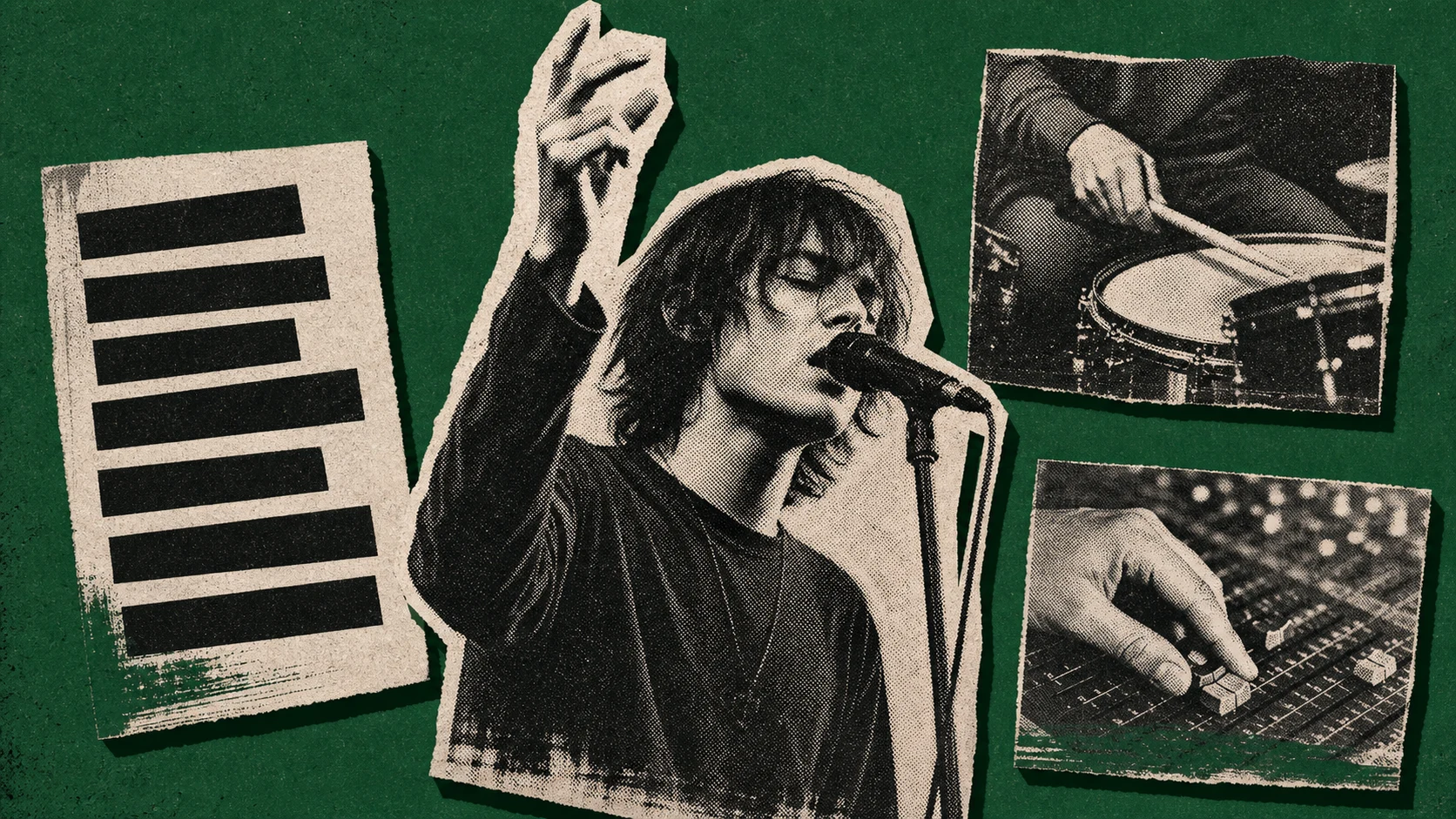
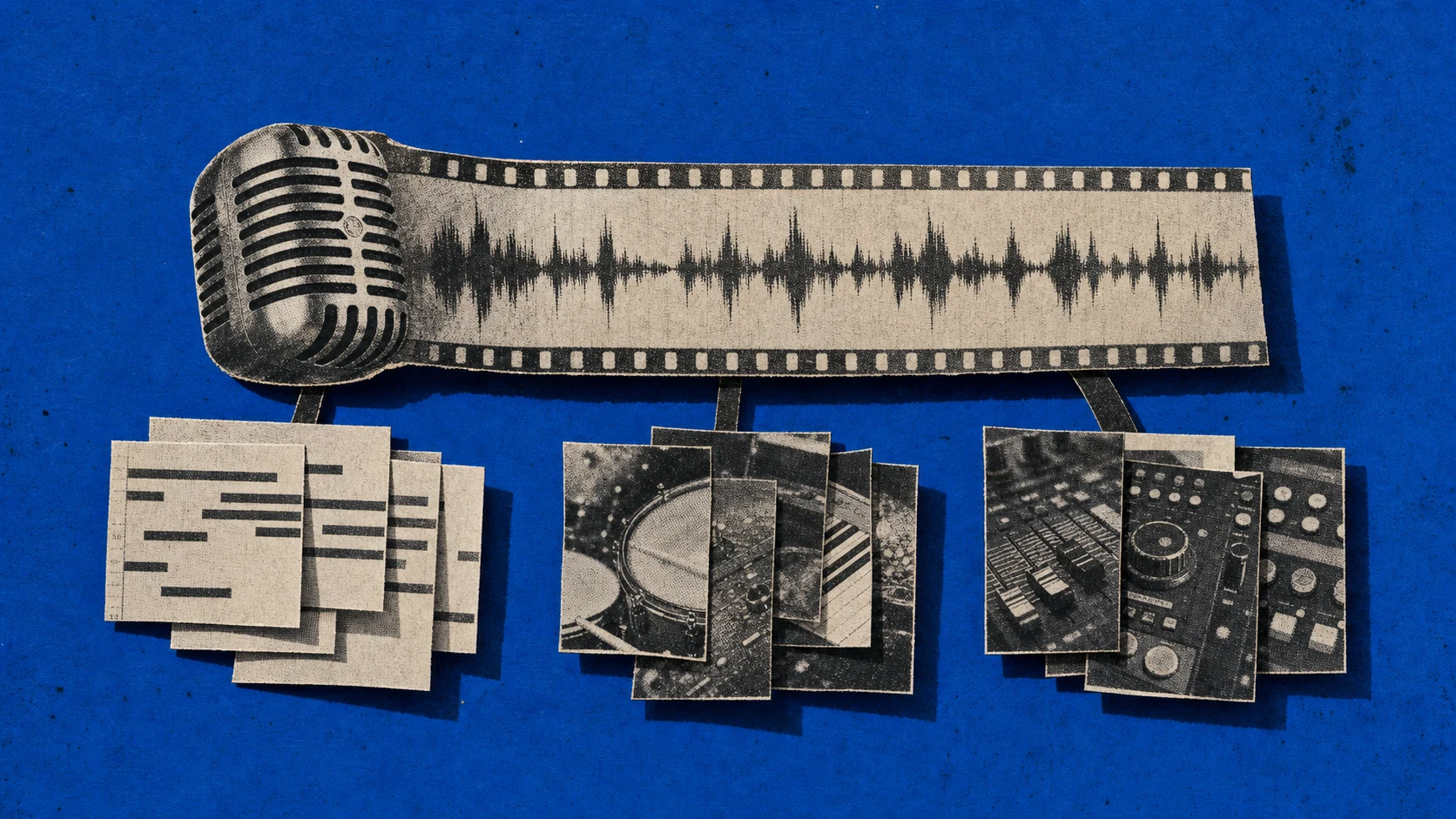
Audit your raw footage. You need three things from your existing material: one clean performance pass at the song, three to five facial expressions or hand gestures usable as silent reaction clips, and three to five “studio process” beats (writing the chorus on guitar, layering a vocal, the producer’s hand on a fader). If you don’t have these, film them this week against the same backdrop you used before. Continuity matters more than production value.
Plan three clip families, not one music video. Lyric video clips, performance clips, and behind-the-scenes clips perform differently on different platforms. Lyric videos out-perform music videos on Shorts for most indie artists in 2025-26 (a pattern that surfaces repeatedly in r/hiphopheads / r/makinghiphop crossover threads). Performance clips work on TikTok. BTS clips anchor Instagram Reels and stories. Plan all three from the same shoot day.
T-21 to T-14: the clip factory
This is the week the math of 2026 actually kicks in. You don’t need a music video; you need a clip factory.
Take your one performance pass and your B-roll, and start cutting 15- to 30-second vertical clips. Aim for 12 to 15 distinct clips from one shoot day. Each one should:
- Start with motion or a lyric hook in the first 0.5 seconds.
- Sit comfortably at 9:16, 1080×1920, 24-30 fps.
- End on a beat or a held expression, not mid-phrase.
- Carry the song title, artist name, and pre-save call-to-action as on-screen text for at least the last three seconds.
For an artist sitting in front of a single performance take, the bottleneck is variation, not source material. A browser-based AI editor like ChatCut can take one 60-90 second upload and cut it into half a dozen vertical variations in a session. Skip the menus. Type what you need. “Pull the strongest 20 seconds, add lyric captions, vertical 9:16, end on the line that hits hardest.” 1080p output is the spec every short-form platform actually serves, so the resolution ceiling isn’t the constraint. The Free Plan covers it for a single release cycle. For text-based editing of performance footage into a clip family, that’s the lane.
A note on CapCut, which is what most indies in this position default to. CapCut’s June 12, 2025 terms of service grant ByteDance a worldwide, perpetual, sub-licensable license over uploaded clips, voice, and likeness (TechRadar, June 2025). For an indie release where the master and the artist’s image are most of what you own, read those terms before you upload. The clips still get made; the question is who else gets to use them. (We compared the two in detail in ChatCut vs CapCut if you want the side-by-side on terms, exports, and workflow.)
T-14 to T-7: pre-save mechanic and audio asset
Two pieces of mechanical work this week.
Lock the audio asset on the platform. When your distributor delivers your song to TikTok and Reels, it shows up in their internal sound libraries. People can attach it to their own videos. This is the asset you want creators (yours and other people’s) reusing.
The “Add to Music App” feature on TikTok has driven over one billion saves to Spotify and Apple Music since its 2024 rollout (industry statistics summary, 2026). That mechanism is the strongest tie back to streams that exists today. Make sure your distribution flow lights up the TikTok song page with cover art, songwriting credits, and the right release date.
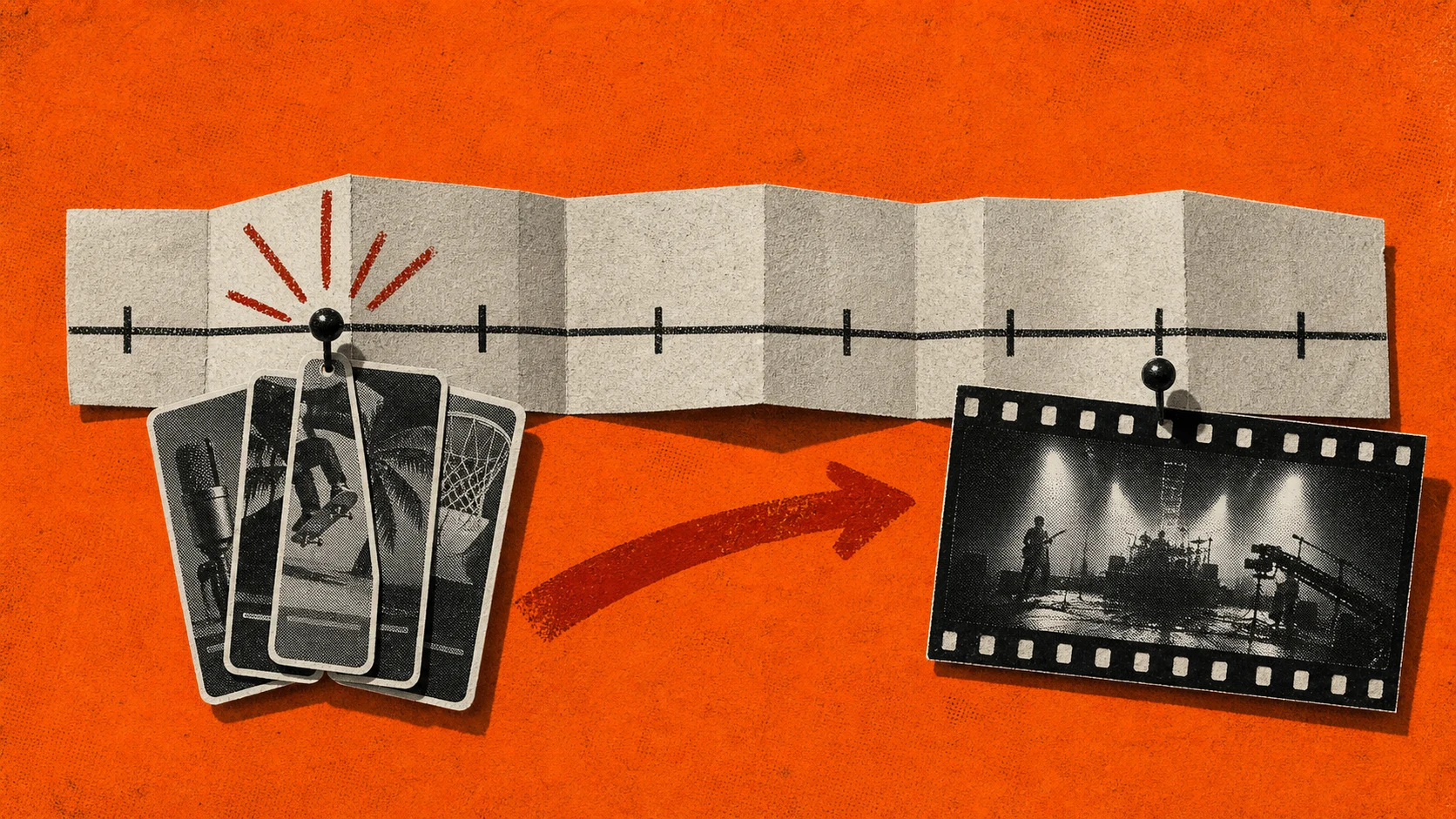
Start posting your clip family, anchored to the pre-save. Three clips a day from the bank you built last week. Each post: vertical clip, one-line caption, pre-save link in bio. Don’t drip the same clip multiple times yet; come back to that pattern after you see which one breaks first.
On expectations. One viral teaser is no longer the goal. You’re priming the algorithm with consistent posts that share the same audio asset, so when the song officially drops, the platform already knows what your music sounds like and who’s engaging with it.
T-7 to T-3: Marquee, Discovery Mode, and other paid levers
This is the week you decide whether to put any money on the table.
Spotify Discovery Mode trades 30 percent of your royalty rate on selected tracks for an algorithmic boost in Spotify Radio, Daily Mixes, and autoplay. Spotify for Artists reports participating tracks see about 50 percent more saves, 44 percent more playlist adds, and 37 percent more new followers in the first month (Spotify for Artists / Marquee page). If you have one specific track from the release you want to push, Discovery Mode is the cheapest serious lever you have, because it doesn’t cost cash up front.
Spotify Marquee is a paid sponsored recommendation in-app. It runs $0.30 to $0.70 per click with a $100 minimum spend (Spotify for Artists). For a release with no other paid push, $100 of Marquee timed to drop day is the simplest paid spend that maps directly to first-week saves.
YouTube TrueView for Action ads on a 15-second cut of your strongest clip will run roughly $0.10-$0.30 per view in most US ad markets, with significant variance by geography and audience targeting. If you go this route, point the destination URL at the pre-save link, not the YouTube channel.
If you’re spending zero dollars: skip this section and trust the clip volume. The Chartmetric stat above tells you that paid placement isn’t worth as much as it was in 2020, and your two unpaid levers (clip cadence and Discovery Mode) carry most of the weight now.
T-3 to drop day: launch sequence
By T-3, every asset is built, every paid lever is queued, and you’re managing energy more than work. The two days before drop day are about confirming the boring stuff: distribution status, lyric metadata on the streaming side, cover art consistency across platforms, and the time zone you’re releasing in (most indies still default to midnight US Eastern; some platforms benefit from a Friday-noon GMT release).
On drop day:
- 9:00 AM local: post a full-length vertical clip to TikTok and Reels with the song officially attached, not a placeholder audio. Use the strongest 30 seconds.
- 9:15 AM: Story drop on Instagram with the cover art, pre-save link converted to a streaming link.
- 9:30 AM: post the same clip to YouTube Shorts. Same caption.
- Through the day: respond to every comment, especially in the first two hours when the algorithm is sampling.
- Evening: a second post on each platform with a different clip from the bank.
You will be tempted to launch a music video on YouTube the same day. Push it to T+3 or T+7. Drop day on long-form YouTube competes for attention with the short-form post that’s actually moving streams.
After drop: what to repeat
The first two weeks after release are where the volume math really pays off. Three cases from the last 18 months sketch the shape.
Sombr’s “back to friends” entered the Spotify Billions Club with over 1.1 billion streams by October 2025 after a March 2025 TikTok-driven breakout. The artist was posting daily across formats for weeks before and after the initial moment (Wikipedia / Sombr).
Doechii’s “Anxiety,” a track first uploaded in 2019 and re-released for streaming on March 5, 2025, hit the largest single-day Spotify listener growth on March 7 and crossed 40 million monthly listeners by March 8, with about 130 million streams in the first month (Sherwood News on the “Anxiety” trajectory).
Mk.gee’s Two Star & the Dream Police (February 2024) is the cleanest “indie made it on the strength of repeated clips” archetype. Monthly Spotify listeners crossed one million in 2024; he became a BBC Sound of 2025 nominee (Wikipedia / Mk.gee).
What the three share: none of them stopped after drop week. Mk.gee in particular kept his short-form presence relatively quiet and let live-performance clips from fans accumulate. None of them paid for an agency.
What to repeat for two weeks post-drop:
- Repost your three best-performing clips, one per day, with a different caption and a different on-screen lyric pull each time.
- Re-cut the next three clips from raw footage you didn’t use yet. Volume matters; you’ll go through more material than you think.
- Engage with anyone who uses your sound in their own video. Comment, repost, message. Sound usage is the leading indicator that your audio asset has crossed over.
- Track save rate, not stream count. Saves convert at roughly 4-7x stream-only listeners in long-term value, and Spotify’s algorithm weighs saves heavily for Discover Weekly placement.
What this calendar is not
This calendar will not turn your single into “back to friends.” None of the three cases above is replicable on demand; what’s replicable is the infrastructure (the clip bank, the pre-save anchor, the consistent posting cadence, and the Discovery Mode decision) that makes a viral moment convertible if it happens.
It’s also not a music video production guide. If you want a 4K cinematic music video, this calendar doesn’t help. Most of the tools an indie artist actually reaches for cap at 1080p, which matches the spec every short-form surface serves but doesn’t pass for a director-led music video. For AI motion graphics like animated title cards or lyric overlays inside a vertical clip, the prompt-driven workflow earlier in the calendar still applies. The longer-form story of how musicians actually use ChatCut sits in our Music Video Production use case. For the cinematic 4K work, you’re hiring a director and budgeting in the thousands.
Five indie-musician questions worth a real answer
These come straight from r/WeAreTheMusicMakers and r/IndieMusicFeedback patterns over the last 18 months, not from a SERP People Also Ask list.
-
What’s the minimum I need to ship a credible music video promo with $0?
One iPhone, one performance take, one well-lit space, and 30 days. Distribution costs $22.99 a year on DistroKid Musician. The pre-save link is free. The clip family costs your time and a browser-based editor. If you’re picking between a $300 video shoot and 30 days of consistent vertical clips, in 2026, the clips win every time on stream conversion.
-
Lyric video on Shorts versus music video on YouTube. Which one first?
Both, on different timelines. The lyric clips (vertical, 15-30 seconds) live on Shorts and TikTok during the T-21 to drop-week window. The music video (horizontal, 2-4 minutes) lives on YouTube and lands at T+3 to T+7. Don’t drop the music video on the same day; it dilutes the short-form push that actually moves streams.
-
Is Spotify Discovery Mode worth giving up 30 percent of royalty?
For indie artists with under 100,000 monthly listeners: usually yes, on one specific track per release. The Spotify-reported lift (+50 percent saves, +44 percent playlist adds, +37 percent followers in month one) compounds beyond the 30-day discount window. The math works if the track you pick is the one you’d push hardest anyway.
-
Should I worry about the CapCut terms of service for indie music releases?
Yes, if your artist image and your performance footage are part of what you’re trying to control. CapCut’s June 2025 terms grant a perpetual sub-licensable license over uploaded clips, including likeness. For a single shoot day’s footage, the practical risk is low. For a long-term artist-image strategy, find a tool that doesn’t claim it. The eight tools indies actually reach for in 2026 (CapCut, ChatCut, VN, InShot, iMovie, DaVinci Resolve free, Splice, and Premiere Pro Mobile) all have different terms; read the one for whichever you pick.
-
How long does this whole 30-day plan take per day?
Setup week: 8-12 hours total. Clip-factory week: 6-8 hours total. Pre-save and posting weeks: 30-45 minutes a day. Drop day: a full day. Post-drop two weeks: 30 minutes a day, mostly engagement. If you have a day job, this works in the evenings. If you don’t, it’s part-time for a month.
The T-30 action checklist
If you take one thing from this article, take this list and pin it to whatever you use as a release calendar.
- T-30: pick distributor, generate pre-save link, audit raw footage.
- T-28: shoot the performance pass and the B-roll if you don’t already have them.
- T-21: cut 12-15 vertical clips, 15-30 seconds each, three families (lyric, performance, BTS).
- T-14: confirm audio asset is live on TikTok and Reels; start posting three clips a day to pre-save anchor.
- T-7: decide on Discovery Mode (yes/no), queue $100 Marquee if budget allows.
- T-3 to drop day: confirm distribution, time zone, lyric metadata. 9 AM drop-day post; second post in the evening.
- T+1 to T+14: repost three best, cut three new, engage with everyone who uses your sound.
- T+15 onward: long-form YouTube music video drops here, not on drop day. Then evaluate.
The release calendar is the work. Most indie artists end up with the wrong calendar, not the wrong song.
Cutting your clip family from one performance take this week? Try ChatCut Free. Prompt-driven editing, no menus to learn, no watermark on the Free Plan.