
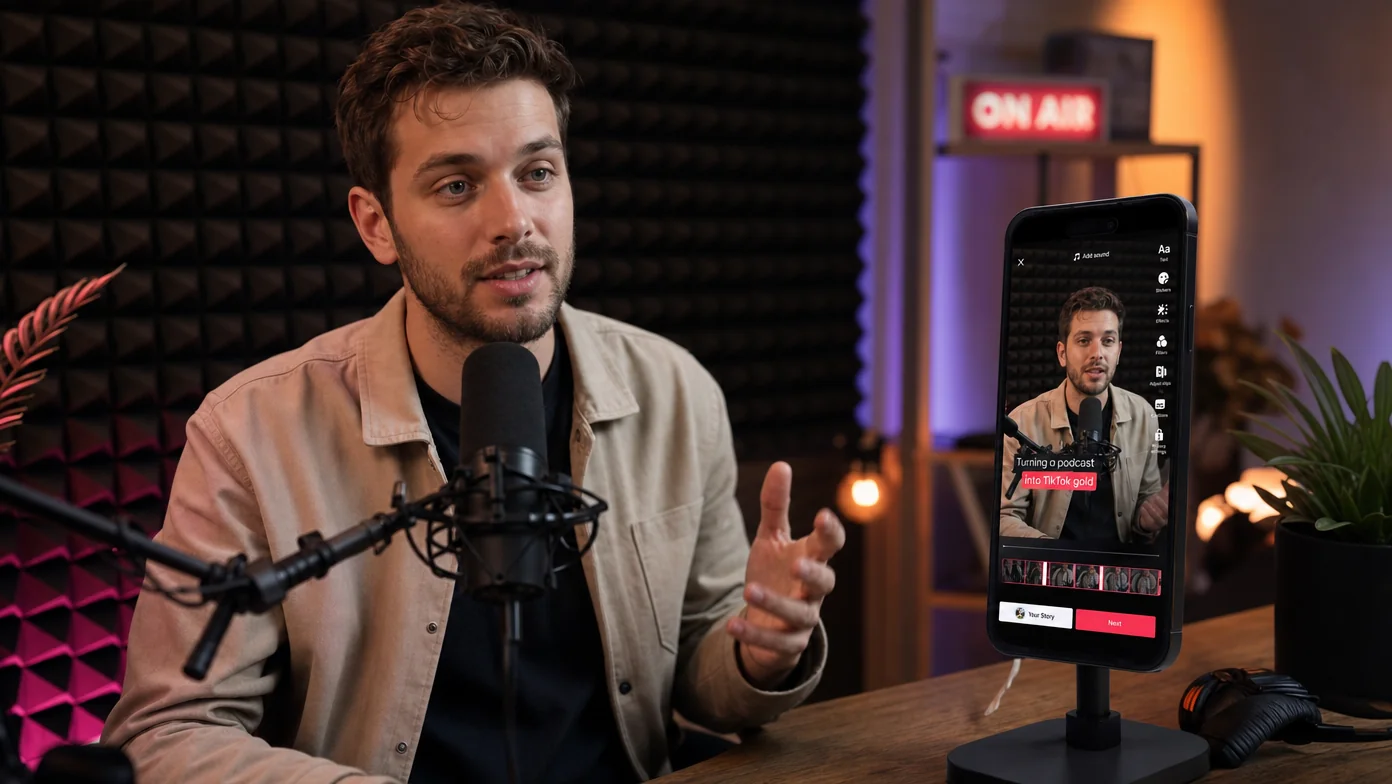
A 60-minute podcast contains roughly 30 quotable moments. A creator who clips and posts those moments builds a second audience on social, recovers half their production cost in social reach, and never has to record extra content. The math is obvious. The bottleneck is everything else.
Most podcasters who try to repurpose episodes end up doing it twice and giving up. The first attempt is “I’ll rewatch the episode and timestamp the good parts,” which takes longer than the original recording. The second attempt is “I’ll hire a clipper,” which works but eats into the margin that made repurposing attractive in the first place.
The 2026 workflow is different. AI does the moment-finding; you do the judgment. Podcasters who’ve adopted the right tools collapsed the workflow from 5-10 hours per episode to under 30 minutes. This guide is how that workflow actually works inside ChatCut, and it ends with a sustainable cadence you can run weekly without burning out.
Why repurpose podcasts into shorts at all?
Three reasons, in increasing order of strategic weight.
The first is reach. Podcast audiences and TikTok audiences overlap less than most podcasters assume. A 50,000-subscriber podcast that posts no shorts is invisible to the 90% of TikTok users who’d potentially love the show. Each clip is a discovery surface; clips that resonate convert a percentage of viewers into podcast listeners.
The second is content economics. A single 60-minute recording, repurposed correctly, supports a week of posting across TikTok, Reels, Shorts, LinkedIn, and Twitter. That’s 5-7 posts from one production session. Compare to the alternative of producing original short-form content from scratch (typically 1-2 hours per finished short), and the math swings hard toward repurposing.
The third is brand build. Each clip is a 25-45 second sample of the host’s voice, perspective, and aesthetic. Over a year of consistent clipping, the brand impression compounds across thousands of viewers who’d never sit through a full hour. The clip-watchers who eventually do sit through a full episode are pre-qualified, which raises retention on the long-form side too.
How do you find the most clippable moments in a podcast?
The old method was rewatching. Don’t do that.
The 2026 method is to scan the transcript, not the audio. Every podcast platform now produces transcripts (auto-generated or human), and a 60-minute episode’s transcript is roughly 8,000 words. You can scan 8,000 words in about 10 minutes, vs the 60 minutes the audio takes. That’s a 6x speed-up before AI even enters the picture.
What you’re looking for in the transcript:
- Counterintuitive claims. Sentences that start with “actually”, “the truth is”, “what people don’t realize” are usually clippable. They package an insight in a single moment.
- Concrete numbers. Specifics outperform generalities on social. “We saw a 40% lift” clips better than “we saw significant growth”.
- Personal anecdotes. Story-shaped beats with a setup and a punchline. These are the most reliably engaging clips.
- Disagreements. Moments where guest and host disagree create tension that holds attention through a 25-second clip.
- One-liners. A single sentence that captures a perspective. The “tweet-shaped” beats.
For each clip-worthy moment, note the rough timestamp range (a 30-second window is usually enough to capture context plus the moment itself).
A useful tightener: after you’ve marked candidates, ask whether each one stands alone without the surrounding 5 minutes of conversation. Moments that need setup (“as we were just discussing…”) rarely work as standalone clips because the viewer doesn’t have the setup. Moments that start mid-thought, with the thought itself being the hook, almost always work.
The faster version: hand the work to an AI Agent. ChatCut’s Agent can scan the transcript and propose clip candidates with one prompt:
Scan this podcast transcript and list the 10 most clippable moments. For each, give me the timestamp range and a one-line description of why it would work as a TikTok.
The Agent returns a ranked list. You pick the 5-7 you want to actually clip.
How do you cut a 25-second clip from a 60-minute podcast?
Once you’ve identified a moment, the cut is mechanical.
Step 1. Open the project in text-based editing mode. The full transcript appears in a side panel, mapped word-by-word to the timeline.
Step 2. Find the moment in the transcript. Scroll to the timestamp range you noted, or paste a phrase from the moment into the find function.
Step 3. Mark the in and out points. Click the first word of the clip and the last word of the clip. The corresponding video range is selected on the timeline.
Step 4. Cut to a new project. Right-click the selection, choose “extract to new clip” (or use the keyboard shortcut). The new clip opens as its own project with the rest of the podcast trimmed away.
Step 5. Tighten with the Agent. Most podcast moments need a small cleanup pass: removing a “uh” before the punch line, trimming dead air at the end. One prompt:
Remove all filler words and silences longer than 0.7 seconds from this clip
The clip is now a tight 22-28 second piece.
Step 6. Reframe to vertical. Switch the project canvas to 9:16. ChatCut auto-reframes the speaker to keep them in frame; for two-speaker podcasts you may need to nudge the framing manually for shots where the speaker switches.
Step 7. Add captions. Apply the TikTok caption preset for word-by-word highlight. For clips that benefit from emphasis, switch the active-word color to a brand color.
Step 8. Add a 0.5-second hook. TikTok’s algorithm rewards content that hooks immediately. Add a one-frame text overlay at the start (“Wait for the part about…” or the most quotable line of the clip itself) so the viewer knows what’s coming.
Step 9. Export. Vertical MP4, captions burned in. Done.
The whole 9-step flow takes about 5 minutes per clip once you’ve done it twice. For 5 clips from one podcast, that’s a 25-minute total session.
How do you make each clip TikTok-native?
A clip that worked as part of a longer podcast often doesn’t work as a standalone TikTok. Three adjustments separate “podcast clip dumped on TikTok” from “TikTok-native short”.
Hook in 0.5 seconds. TikTok’s algorithm reads the opening frame as a quality signal. A clip that opens with the host saying “and then I realized” loses viewers before the realization lands. Either start the clip mid-sentence at the most attention-grabbing word, or add a half-second text overlay that frames what’s about to be said.
Caption every word. Default to captions on, even when the speaker’s diction is clear. Most TikTok playback is muted; captions are how the algorithm and the viewer both decide whether to keep watching. The TikTok caption preset (large bold sans-serif, white-on-black-stroke, word-by-word highlight) is the convention for a reason.
Vary clip styles across a series. If every clip looks identical (same caption color, same crop, same hook style), the third one in someone’s For You feed gets scrolled past. Vary the active-word highlight color across clips, vary which moment you start with, vary whether the clip is host-only or includes a brief guest reaction shot.
Add visual variety to long talking-head moments. A 30-second clip of pure talking-head with captions is functional but flat. For clips that center on a story or stat, drop in a 3-5 second AI-generated B-roll cutaway in the middle to give the viewer’s eye something different. ChatCut’s AI Video Generator can produce this on demand from a one-line prompt; for a podcast about productivity, “close-up of hands typing on a laptop” is the kind of generic supporting shot that costs almost nothing and visibly raises clip quality.
Tools like Choppity and Flowjin automate parts of this; the tradeoff is less editorial control. ChatCut’s approach is more manual but gives you per-clip judgment, which matters more for niche shows where each clip’s framing has to match the show’s brand.
What’s a sustainable repurposing cadence?
The repurposing burnout pattern: try to clip every episode in week 1, give up by week 4. The sustainable pattern looks different.
A workable cadence for a weekly podcast:
- Monday: record episode (1.5 hour session including setup and tear-down)
- Tuesday: scan transcript, mark 5-7 clip candidates (20 minutes)
- Tuesday afternoon: cut and caption the 5-7 clips (40 minutes)
- Wednesday-Sunday: post 1 clip per day across the week, alternating platforms
That’s 3 hours total per week for repurposing on top of the podcast itself. For most shows, the social reach generated by 5-7 clips per week earns more than the time investment costs.
A common scaling mistake: trying to clip 15+ moments per episode. The audience saturates around 5-7 clips before fatigue sets in (the same viewers see multiple clips and the engagement on later clips drops). 5-7 well-chosen clips outperforms 15 mediocre ones.
The other failure mode is uneven posting. Repurposing 7 clips and then dropping all 7 in a single day burns through the audience too fast, and the algorithm reads the burst as spam. Spread the 7 clips across the week, ideally on different days at consistent times, so each clip gets its own fresh distribution test instead of competing with the other 6 for attention.
For social-media content workflows specifically, this is the pattern most podcasters who scale to consistent short-form posting converge on by the third month.
FAQ
Do podcast clips need to feature both host and guest, or just one speaker?
Single-speaker clips perform better on average because they’re tighter and easier to follow. For two-speaker exchanges, the clip works only when the back-and-forth itself is the point (a disagreement, a reveal, a punchline). Otherwise, prefer single-speaker.
**How long should a podcast clip on TikTok be?**21-34 seconds is the engagement sweet spot for most shows. Longer clips work for tutorials and explainers; shorter clips work for one-liners and reactions.
Should I post the same clip to TikTok, Reels, and Shorts, or vary it?
Same content, slightly different captions and hooks per platform. The aspect ratio is identical across the three (9:16), but each platform has slightly different caption conventions and hook patterns. ChatCut lets you export the same source clip with different caption styling for each platform without re-editing.
Can the AI just pick the clips for me?
Partially. The Agent in ChatCut and similar tools in Choppity, Opus Clip, and Flowjin can identify candidate moments based on transcript signals (laughter, emphasis, viral patterns). Final selection still benefits from a human pass; the AI optimizes for engagement signals that don’t always match brand fit.
What’s the credit cost for clipping a 60-minute podcast in ChatCut?
Transcription is free. The Agent calls for clip identification and editing run a few credits per session (well under a single Seedance generation). For 5-7 clips from one podcast, expect a small fraction of the entry Pro plan’s monthly allocation.
Try it on your next episode
Open ChatCut, upload your latest podcast, and try this prompt:
Scan this podcast transcript and list the 7 most clippable moments. For each, give me the timestamp range and a one-line description of why it would work as a TikTok.
Pick 5 of the 7 the Agent returns and run them through the 9-step cut workflow above. Skip the menus. Type what you need.