
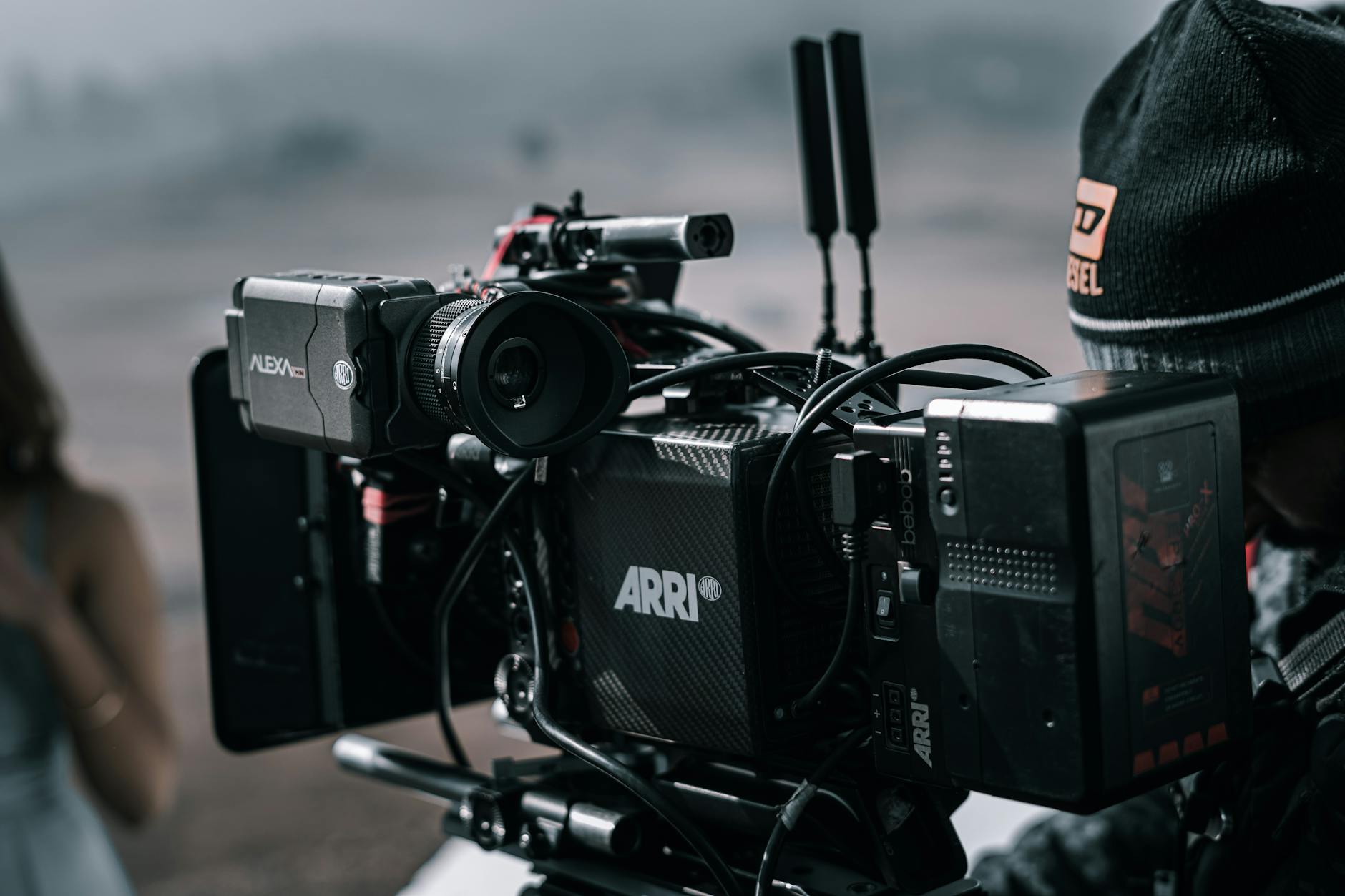
Most people spend more time planning a promo video than actually making one. They worry about cameras, lighting, scripts, editing software, and by the time they’ve sorted all that out, the launch window has passed.
Here’s the truth: you don’t need a production crew, expensive software, or even existing footage to make a promo video that converts.
According to Wyzowl’s 2024 State of Video Marketing report, 89% of consumers say watching a video convinced them to buy a product or service. The opportunity is real. The barrier isn’t.
This guide walks you through the entire process, from scripting to publishing, using ChatCut as the primary tool. Don’t click through menus. Just tell ChatCut what you want, and the AI handles the edit.
Here’s what we’ll cover: writing a tight 3-line script, choosing your visuals (filmed, AI-generated, or stock), editing with AI, and exporting for the right channel. I’ve seen first-time creators go from blank project to finished promo in under 10 minutes using this workflow.
No filler. No prerequisites. Let’s get into it.
What Makes a Promo Video Actually Work?
A promo video works when it has one clear message, one defined audience, and one call to action. That’s it. According to Wyzowl’s 2024 State of Video Marketing report, 89% of consumers say watching a video convinced them to buy a product or service, but that stat only holds when the video is focused. A promo video isn’t the same as a general marketing video. A marketing video might introduce your brand or explain your values. A promo video is specific: it promotes a single product, event, offer, or campaign launch. That specificity is what makes it convert.
One message, one audience, one action
Most promo videos fail because they try to say too much. They cover three features, two audiences, and end with a vague “learn more.” The viewer doesn’t know what to do next, so they don’t do anything. Before you open any editing tool, write down one sentence: who is this for, what do you want them to know, and what should they do after watching? If you can’t answer that in a single sentence, the video isn’t ready to make yet.
The 3-second rule
Viewers decide whether to keep watching in the first 3 seconds. Not 10 seconds. Not after your logo animation finishes. Three seconds. That means your hook, a bold statement, a surprising visual, or a direct question, has to land before anything else. The rest of the video can be polished or rough; if you lose them in the first 3 seconds, it doesn’t matter.
Open with the problem your audience already feels. Everything else follows from there.
How Do I Create a Promo Video? (Step-by-Step)
To create a promo video, write a 3-line script, choose your visuals, edit with an AI tool like ChatCut, and export as MP4. That’s the full process. According to Wyzowl’s 2024 State of Video Marketing report, 73% of consumers prefer short-form video to learn about a product, which means a tight, well-edited promo beats a long polished one every time. The four steps below cover everything from blank page to finished file.
Step 1: Write a 3-Line Script
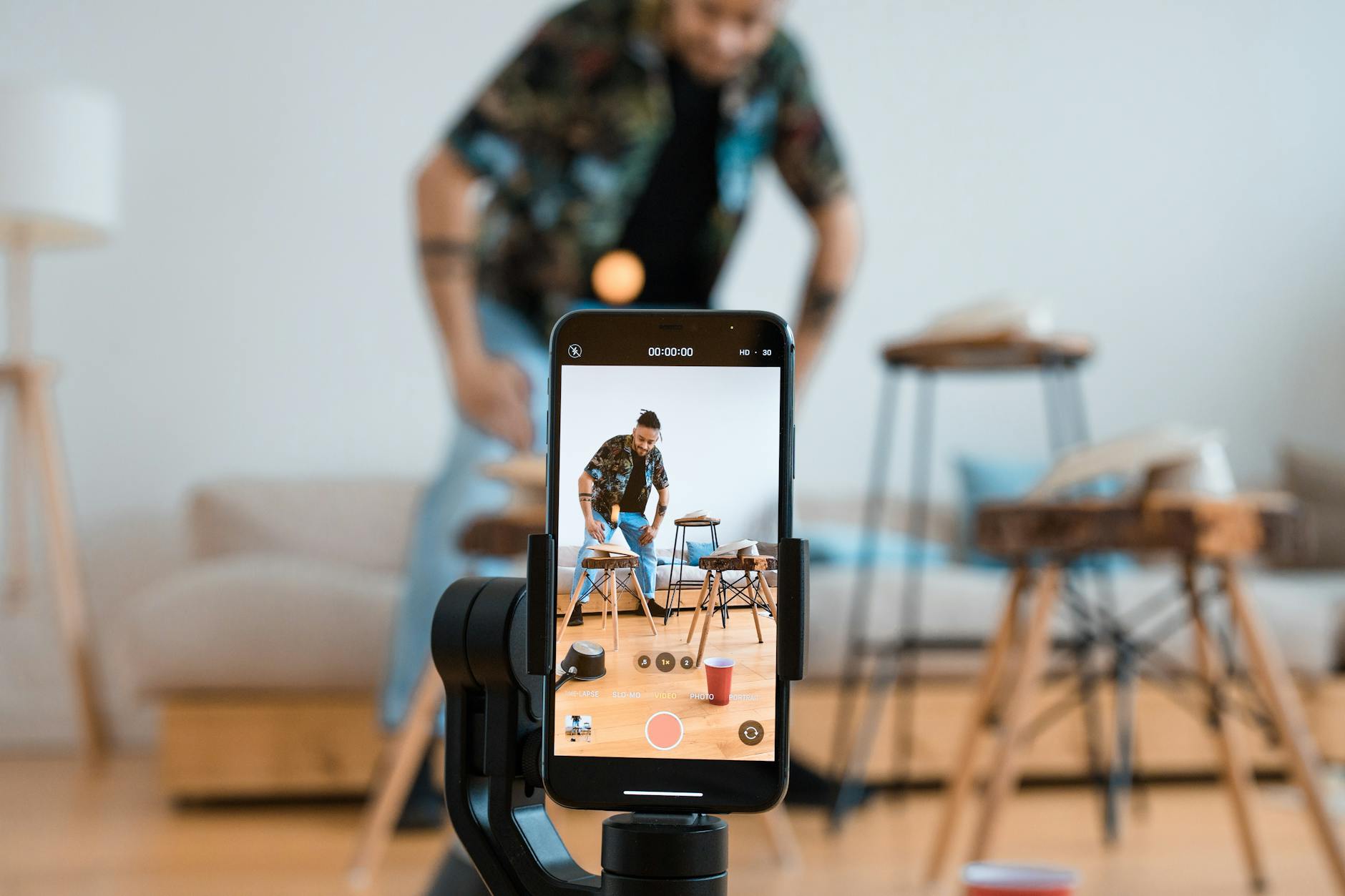
Keep it to three lines: the problem, the solution, and the call to action.
Here’s a real example for a SaaS project management app:
- Problem: “Your team misses deadlines because tasks live in five different tools.”
- Solution: “Taskly brings everything into one place, so nothing gets lost.”
- CTA: “Try it free at Taskly.io.”
That’s your entire script. Resist the urge to add more.
Step 2: Choose Your Visuals
You’ve got three options.
Film yourself talking to camera (a talking head clip works well for founder-led promos and product walkthroughs). Use AI-generated video clips if you don’t have footage; describe the scene and ChatCut generates it. Or pull stock footage if the product is abstract or service-based.
Most creators mix all three.
Step 3: Edit and Add Audio
Upload your footage to ChatCut, or paste a product URL directly into the chat panel. Then type what you want.
For talking head footage, ChatCut’s text-based video editing lets you cut by editing the transcript, not the timeline. Delete a line of text, that clip disappears. Captions get added automatically through the AI caption generator, synced to your transcript with no manual alignment.
Real example: A startup founder pastes their Shopify URL into ChatCut’s URL to Ad Video workflow. Two minutes later, there’s a draft with product visuals, copy pulled from the page, and background music already in place.
Step 4: Export and Publish
Export as MP4 for social platforms or web embedding. ChatCut supports MP4, MP3, and ProRes depending on your plan. Pick your resolution, hit export, and it’s done.
What Equipment Do You Need for a Promo Video?
For most promo videos, a smartphone, decent natural light, and a free editor are enough. According to a 2023 Hootsuite analysis, some of the highest-performing social ads are shot on iPhones. Equipment isn’t the bottleneck. Message clarity and editing speed are. The three tiers below show exactly what each level of setup looks like, so you can start with what you have and upgrade only when it matters.
The Minimum Viable Setup
Here’s what each tier actually looks like:
Beginner: Smartphone + natural light from a window + free browser-based editor. This covers 90% of social ads, product teasers, and event promos. You don’t need anything else to start.
Intermediate: Mirrorless camera, a ring light, and a lavalier mic clipped to your collar. The mic matters more than the camera. Bad audio kills credibility faster than shaky footage ever will.
Pro: Full studio setup with key light, fill light, backdrop, and a dedicated audio interface. Useful if you’re producing at volume or running paid campaigns at scale.
When to Upgrade
Upgrade your mic before you upgrade your camera. Viewers tolerate average visuals; they won’t tolerate echo or background hiss.
If you’re recording in a less-than-ideal environment, a noisy apartment or a busy office, you can fix most of it in post. ChatCut’s AI audio denoiser removes background noise from video automatically, so a slightly imperfect recording doesn’t mean a scrapped take.
The real gap between a promo video that converts and one that doesn’t isn’t a $2,000 camera. It’s whether the edit is tight, the captions are on, and the hook lands in the first three seconds. That’s where AI editing tools close the distance fast.
Can AI Make a Promo Video Automatically?
Yes, AI can make a promo video automatically, but the tool matters. ChatGPT is a text generator; it can draft your script, but it can’t touch a timeline or export an MP4. ChatCut is a video editor with an AI agent built in, and that distinction changes everything. When you type a prompt in ChatCut’s chat panel, the AI executes the edit directly: it selects and trims clips, syncs captions, generates motion graphics, adds music, and renders a finished video from a single message.
What AI Actually Does in ChatCut
According to Wyzowl’s 2024 State of Video Marketing report, 91% of businesses now use video as a marketing tool, and production speed is the number-one barrier for teams without dedicated editors. That’s exactly the gap ChatCut closes.
One prompt can do what used to take an afternoon:
"Make a 30-second Instagram ad for this product. Use upbeat music and add captions."The AI picks the best moments, writes caption text from your transcript, selects a music track, and exports a ready-to-post vertical video. It also handles animated motion graphics and background music without any additional steps.
The URL-to-Ad Video Workflow
This is where it gets genuinely fast. Paste any product URL, whether it’s an Amazon listing, a Shopify page, or a landing page, and ChatCut scrapes the visuals and copy automatically. The AI then assembles a UGC-style short ad using that content.
Here’s the step-by-step:
- Open ChatCut and select the URL to Ad Video workflow.
- Paste your product URL into the input field.
- Type a prompt describing the style, length, and platform.
- ChatCut generates a draft, usually in under two minutes.
- Review in the preview panel, adjust via chat if needed, then export as MP4.
No footage to film. No timeline to scrub. Just a URL and a sentence.
Best Promo Video Tools Compared: ChatCut vs. Canva vs. InVideo vs. CapCut
The best promo video tool depends on whether you need conversational AI editing or template-based design. ChatCut is the only option in this comparison with a chat-based AI agent that executes edits from natural language prompts. Canva leads on design templates, InVideo handles script-to-video generation, and CapCut has a strong mobile effects library but no conversational AI layer and faces ongoing regulatory uncertainty in the US.
What Is Replacing CapCut?
In early 2025, CapCut faced a potential US ban tied to its parent company ByteDance, the same regulatory pressure that temporarily took TikTok offline. According to Reuters, the uncertainty drove millions of creators to search for alternatives almost overnight. That migration is still happening.
The question isn’t just “what looks like CapCut.” It’s what actually does more.

Feature-for-Feature Breakdown
Here’s how the four main contenders stack up for making promo videos:
| Feature | ChatCut | Canva | InVideo | CapCut |
|---|---|---|---|---|
| AI editing interface | Chat-based (natural language) | Button-based | Button-based | Button-based |
| Browser-based, no download | Yes | Yes | Yes | No (mobile app) |
| AI video generation | Yes | Partial | Yes | No |
| Auto-captions | Yes | Partial | Yes | Yes |
| AI background music | Yes | No | Partial | Yes |
| Template library | Yes | Extensive | Extensive | Yes |
| Export quality | MP4, ProRes | MP4 | MP4 | MP4 |
| Free tier | Yes | Yes | Yes (watermark) | Yes |
| Conversational AI agent | Yes | No | No | No |
Canva is excellent for template-heavy work, and its design library is genuinely hard to beat. But there’s no chat interface; you’re still clicking through layers and panels to make edits. InVideo does AI script-to-video well, though editing control after generation is limited. CapCut has a strong effects library and a loyal mobile user base, but it has no conversational AI layer.
That distinction matters most when you’re iterating quickly. Changing a caption style, swapping background music, or trimming a clip mid-sentence shouldn’t require three menu levels. With ChatCut, you type the change and it happens.
For creators who want pre-built AI video editing templates and guided workflows, ChatCut covers that too, alongside the chat-based editing that the others don’t offer.
The honest verdict: if you’re migrating from CapCut and want something that works in a browser without re-learning a new button layout, ChatCut is the most direct replacement. If you need deep design templates and aren’t focused on AI editing, Canva is a solid fallback.
Promo Video Best Practices by Channel
The same promo video concept rarely works across every platform without adjustment. Aspect ratio, length, and pacing all need to match where the video lives. The rules below cover Instagram, TikTok, YouTube, web, and paid ads, so you can adapt a single edit for every channel without rebuilding from scratch.
Instagram and TikTok (Vertical, 15–30s)
Format: 9:16 vertical, 15 to 30 seconds. According to HubSpot’s video marketing statistics, most social video is watched without sound, so captions aren’t optional here. They’re the difference between someone watching and someone scrolling past.
Your hook needs to land in the first 2 seconds. Not the first 5. Two. That means your opening frame should show the product, the problem, or a result, not a logo animation or a slow fade-in. Keep cuts fast, text large, and the CTA visible before the 15-second mark.
YouTube and Web (Horizontal, 60–90s)
Format: 16:9 horizontal, 60 to 90 seconds. YouTube pre-roll ads show a skip button at 5 seconds, so your value proposition has to be clear before the viewer gets that option. Don’t save the hook for after your brand intro.
Web hero videos follow different rules. They autoplay muted, loop continuously, and typically run 30 to 60 seconds. Treat them like a silent billboard: visuals carry the message, text reinforces it, and every second earns its place.
Paid Ads (Hook in 3s, CTA Before 15s)
Format: Flexible, but the timing rules are strict. Meta’s own creative guidance states that ads with a clear value proposition in the first 3 seconds see 2x higher completion rates. That’s not a soft recommendation. It’s the difference between a campaign that scales and one that burns budget.
Get your CTA in before the 15-second mark. Viewers who make it that far are engaged; don’t make them wait for the point.
One thing that saves real time here: ChatCut lets you export the same project in multiple aspect ratios without rebuilding the edit from scratch. Cut once, export for Instagram, YouTube, and your landing page in a few clicks. No re-editing, no duplicate timelines.
FAQ: Making Promo Videos
Can ChatGPT create promo videos?
No. ChatGPT generates text, not video. It can help you draft a script or write ad copy, but it can’t edit footage, sync captions, or export an MP4. For actual video creation, you need a dedicated tool like ChatCut, which has a built-in AI agent that edits video directly from natural language prompts.
What’s the best free app to make promo videos?
ChatCut’s free tier includes AI chat editing, templates, auto-captions, and MP4 export. No download required. If you only need template-based work and don’t care about conversational AI editing, Canva works. But if you want to type what you need and have the editor execute it, ChatCut is the faster path.
How long should a promo video be?
It depends on the channel. According to Wyzowl’s 2024 State of Video Marketing report, shorter videos consistently outperform longer ones on social platforms. Stick to 15 to 30 seconds for Instagram and TikTok, 60 to 90 seconds for YouTube or a website hero, and under 30 seconds for paid ads. When in doubt, cut it shorter.
{
  "@context": "https://schema.org",
  "@type": "FAQPage",
  "mainEntity": [
    {
      "@type": "Question",
      "name": "Can ChatGPT create promo videos?",
      "acceptedAnswer": {
        "@type": "Answer",
        "text": "No. ChatGPT generates text, not video. It can help draft a script or write ad copy, but it can't edit footage, sync captions, or export an MP4. For actual video creation, you need a dedicated tool like ChatCut, which has a built-in AI agent that edits video from natural language prompts."
      }
    },
    {
      "@type": "Question",
      "name": "What is the best free app to make promo videos?",
      "acceptedAnswer": {
        "@type": "Answer",
        "text": "ChatCut's free tier includes AI chat editing, templates, auto-captions, and MP4 export with no download required. For pure template-based work, Canva is an option, but it lacks conversational AI editing. ChatCut is the better fit if you want to type what you need and have the editor execute it."
      }
    },
    {
      "@type": "Question",
      "name": "How long should a promo video be?",
      "acceptedAnswer": {
        "@type": "Answer",
        "text": "It depends on the channel. Use 15 to 30 seconds for Instagram and TikTok, 60 to 90 seconds for YouTube or a website hero video, and under 30 seconds for paid ads. According to Wyzowl's 2024 State of Video Marketing report, shorter videos consistently outperform longer ones on social platforms."
      }
    }
  ]
}
Try It: Make Your First Promo Video in ChatCut
No timeline scrubbing. No menu diving. Just say what you need. According to Meta’s 2024 creative guidance, ads that deliver a clear message in the first three seconds see 2x higher completion rates, so each prompt below is built with that in mind. Paste any of these directly into ChatCut’s chat panel to get a finished, export-ready video without touching a single button.
Here are three prompts you can paste directly into ChatCut’s chat panel right now:
Prompt 1: URL to ad
Turn this product URL into a 30-second Instagram ad with captions and upbeat background music: [URL]Prompt 2: Talking head cleanup
Remove filler words, add captions, and put a lower-third title card with my name at the start.Prompt 3: Explainer video
Create a 60-second explainer video about [topic] with AI voiceover and motion graphics.For Prompt 3, ChatCut uses its built-in AI text-to-speech to generate the narration, so you don’t need to record a single word.
No account needed to start. Open ChatCut, paste your prompt, and your promo video is ready to export.
Conclusion
Making a promo video doesn’t require a production crew, a studio, or a weekend of timeline scrubbing. The process is straightforward: write a 3-line script, pick your visuals (film yourself, generate with AI, or pull from stock), edit with AI, and publish.
That’s genuinely it.
According to Wyzowl’s 2024 State of Video Marketing report, 89% of consumers say a video convinced them to buy a product or service. The barrier isn’t audience interest. It’s execution speed, and that’s exactly where ChatCut closes the gap.
I’ve found that the creators who ship the most content aren’t the ones with the best gear. They’re the ones who’ve removed friction from the editing step. ChatCut handles captions, music, cuts, and motion graphics from a single prompt, so you spend your time on the message, not the mechanics.
Don’t click through menus. Just tell ChatCut what you want.
Try ChatCut free, no account setup required. Paste a URL, describe your edit, and your promo video is ready to export.