
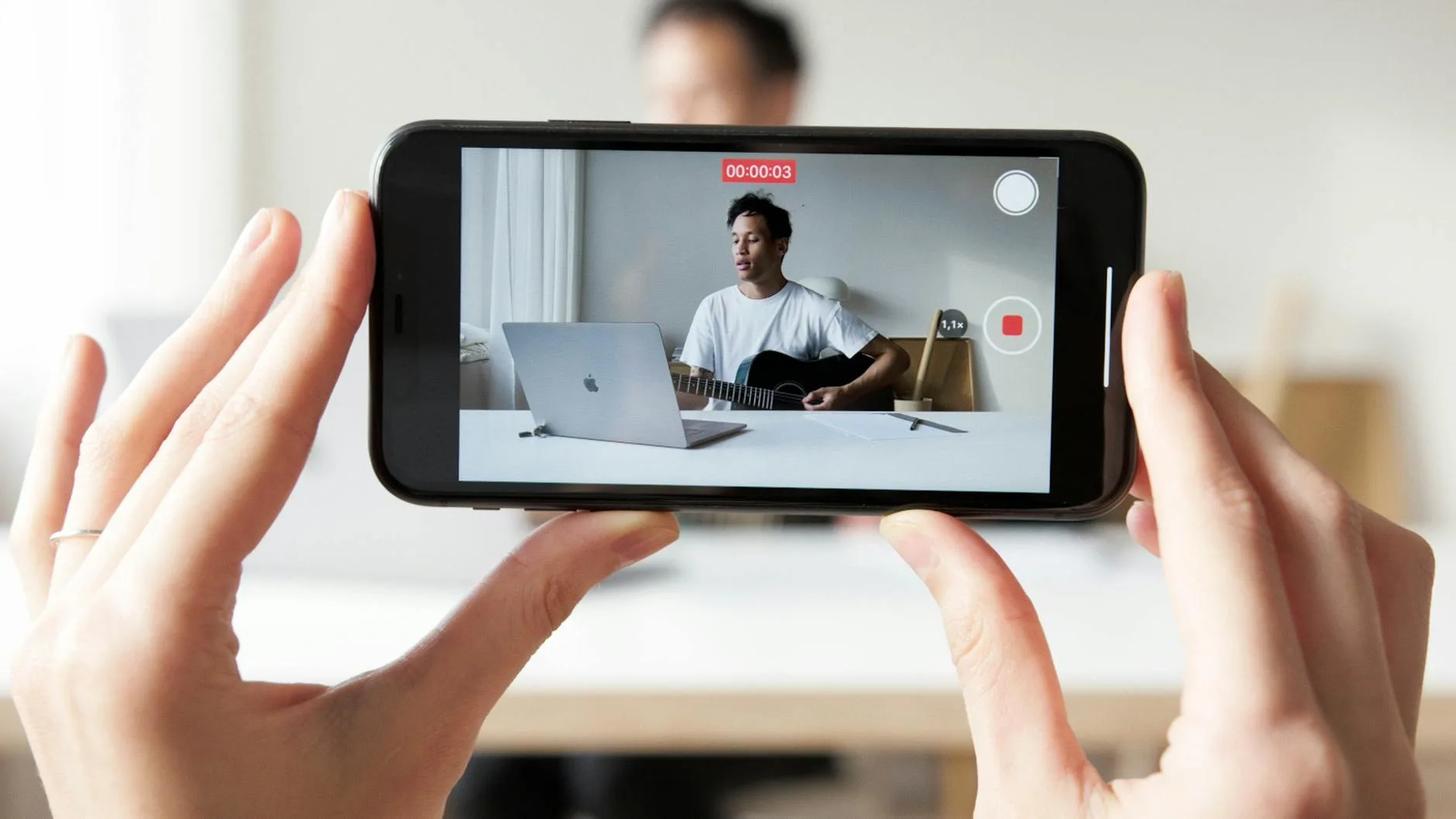
AI Short Video Maker: From Idea to Short in Minutes
A 60-second TikTok or YouTube Short doesn’t have to take three hours. The slow parts of producing a short (hunting for the right clip in a long recording, syncing captions, recording voiceover takes, reframing horizontal footage to vertical) are the parts AI tooling now handles automatically. The actual bottleneck has moved from editing speed to deciding what to make.
This guide covers what current AI short video makers do, the five-minute workflow to get from a prompt or a long-form recording to a finished vertical clip, how the main tools compare on the things that matter, and what the “free plan” line actually means once you start posting daily.
What does an AI short video maker actually do?
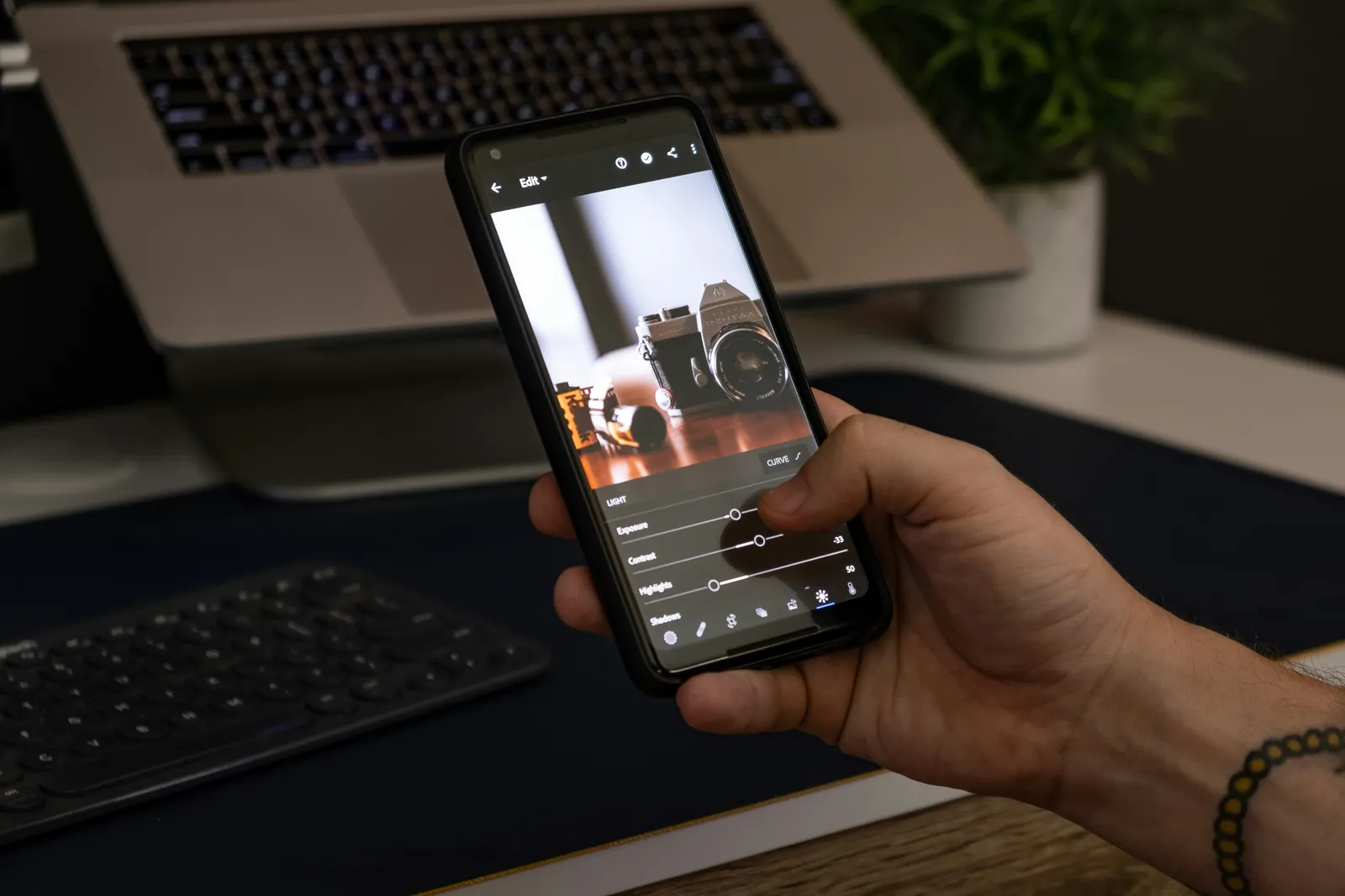
An AI short video maker takes one of two inputs and produces a vertical short clip ready for TikTok, Reels, or YouTube Shorts.
Input type 1: a text prompt. You describe what you want; the tool generates the visuals from scratch (using AI video generation), adds AI voiceover, layers captions, and exports vertical. End-to-end generation. Good for explainer-style shorts, narrator-driven content, faceless videos.
Input type 2: a long-form recording. You upload a podcast episode, interview, webinar, or talk; the tool finds the most clippable moments, cuts them into 25-45 second segments, reframes to 9:16 vertical, adds captions, and exports. Repurposing. Good for podcasters, YouTubers, and creators with existing long-form content.
Most AI short video makers in 2026 specialize in one input type or the other:
- End-to-end generation specialists: InVideo AI, Steve.AI, Pictory (script-to-video)
- Repurposing specialists: Opus Clip, Choppity, quso.ai (long-form to shorts)
- Hybrid tools that handle both: ChatCut, VEED, CapCut
For most creators, the right tool depends on whether you have raw material to start from or whether you’re starting from a sentence.
How do you make an AI short video in 2026?

The five-step workflow inside ChatCut, which handles both input types in the same project.
Step 1. Pick your input. Either upload a long recording you want to clip from, or just open a new project to start from a prompt.
Step 2. Describe the short you want. In the AI chat panel, type the brief. For repurposing:
Find the most quotable 25 seconds of this interview, cut as a 9:16 vertical clip with TikTok-style captions, and add a 0.5-second hookFor end-to-end generation:
Create a 30-second vertical short explaining the difference between AI editors and AI generators. Use the Amelia voiceover, generate B-roll for each section, add captions in the YouTube presetStep 3. Wait briefly. Repurposing runs faster (the source already exists; the AI is just selecting and cutting). End-to-end generation takes longer because it runs voiceover, B-roll, and captions in sequence. Expect 2-5 minutes for repurposing, 5-15 minutes for full generation.
Step 4. Review the output. The clip lands on the timeline. Watch it once. Adjust anything that’s off (caption timing, B-roll choice, narration cadence). Most outputs need light touch-ups, not a full re-do.
Step 5. Export and post. Vertical 9:16, captions burned in. Direct upload to TikTok, Reels, or Shorts.
The total time from “I want to make this” to “it’s posted”: 8-15 minutes for repurposing, 15-25 minutes for end-to-end generation. The same task in 2022 took 2-3 hours.
Which AI short video maker should you use in 2026?
Six tools that actually matter, ranked by where each currently leads.
ChatCut. The hybrid pick. Combines text-based editing for repurposing with AI video generation for end-to-end shorts. The ChatCut Agent drives the multi-step workflow. Best fit for creators who do both repurposing and generation in the same project. Browser-based, no install.
Opus Clip. The repurposing specialist. Strong on viral-score prediction and automatic clip selection from long-form. Limited beyond the long-to-short job; it’s not a general-purpose editor. Per-source-minute billing scales fast on long recordings.
InVideo AI. The end-to-end generation specialist. Strong template library, lots of pre-built scripts. Tradeoff: highly templated output that’s recognizable to audiences who’ve seen InVideo work before. AI generation engines bundled in.
VEED. Browser-based with strong team collaboration features. Multilingual subtitle translation in 125+ languages. AI features for both repurposing and generation but less conversational than ChatCut. Per-seat pricing scales fast for teams.
CapCut. The mobile-first short video maker. Strong free tier, daily-updated trending effects, project sync between phone and desktop. AI captions are the consistent weak point in 2026. ByteDance ownership creates regulatory uncertainty for some teams.
Pictory. The “article to video” specialist. Paste a blog post URL, get a vertical short. Useful for content marketers who want to repurpose written content into video format. Limited beyond that specific use case.
For deeper testing of the major AI tools across short video generation, our best AI video generator round-up covers the head-to-head model comparisons.
What are the practical limits of AI short video makers?
The honest read on what AI short video makers can’t do well in 2026.
Recognizable real people. AI generation models block uploads with real human faces (IP and safety reasons), and generated humans vary in fidelity. For shorts featuring a specific person, you need to film them; the AI handles supplementary B-roll.
Brand-specific products and locations. AI doesn’t know what your specific app’s UI looks like, what your packaging design is, or what your office looks like. Brand-specific shots have to come from your camera or your existing assets.
Complex narratives. A 30-second short with a setup, a turn, and a payoff is hard for end-to-end generation. The AI handles continuous shots and atmospheric moods well; it struggles with story structure across multiple shots.
Consistent characters across multiple shorts. If you’re trying to build a series with the same fictional persona, character consistency across generations is still uneven. Reference-image conditioning helps but doesn’t fully solve the problem.
Cultural and regional specificity. AI shorts about specific cities, events, or local culture often produce generic output. The model has seen a lot of generic city skyline footage but doesn’t know what makes Brooklyn different from Chicago.
The practical implication: most production teams in 2026 use AI short video makers for the bulk of routine shorts (repurposing existing content, generating supplementary clips, creating template-driven series) and reserve hand-shot and hand-edited work for specific, branded, or hero pieces.
What does “free plan” actually mean for AI short video makers?
Most AI short video makers advertise free plans. The free tier almost always means one of these constraints:
- Watermark on output. Free clips have a logo overlay you can’t remove.
- Limited credits or generations. A small monthly allowance, often 2-5 shorts before the meter runs out.
- Output resolution cap. Free output is often capped at 720p or lower; HD requires paid.
- No commercial license. Free output is personal-use only.
- Slower processing queues. Paid users get priority generation; free users wait.
For sustained posting (3-7 shorts a week), the free tier of any major tool runs out within the first week. Plan for the paid tier from the start if you’re serious about cadence.
ChatCut’s free plan covers initial testing of the AI workflow. Sustained production moves to the Pro plan, which starts at $25/month for 100 credits. For a creator producing 5 shorts a week, this works out to comfortably within budget for most of the month.
FAQ
How long does an AI short video take to make in 2026? Repurposing from long-form: 5-10 minutes per short. End-to-end generation from prompt: 15-25 minutes per short. Both are dramatically faster than the manual workflows they replaced.
Can I make AI shorts that don’t have me on camera? Yes. End-to-end generation produces narrator-led shorts using AI voiceover plus AI-generated B-roll. The visual layer is generated; you only provide the script. This is the format most fast-growing channels use in 2026 for faceless content.
Is the output quality good enough for serious posting? For most use cases, yes. The 2026 quality bar across mainstream AI short video makers clears what audiences expect on TikTok, Reels, and Shorts. The exception is hero brand pieces where the production value is itself part of the message; for those, hand-shot still wins.
Can I edit an AI short after the tool generates it? ChatCut and CapCut both let you edit the output as a normal video project after generation. End-to-end specialists (InVideo, Pictory) often lock the output more tightly. If post-generation control matters, pick a tool with a full editor underneath.
Do AI shorts get demonetized on YouTube or flagged on TikTok? YouTube tightened its policy on low-effort AI content in late 2024, but the policy targets fully-AI-generated low-quality channels. Shorts with original scripts, original voice (or a consistent AI voice as a brand), and human direction monetize normally. TikTok hasn’t been as explicit but follows similar principles.
Try the workflow
Open ChatCut, drop in a long-form recording you’ve been meaning to repurpose, and try:
Find the 5 most quotable 25-second moments in this recording and cut each as a 9:16 vertical short with TikTok-style captionsYou’ll have a week’s worth of shorts in your timeline in under 15 minutes. You describe the edit. ChatCut executes it.